

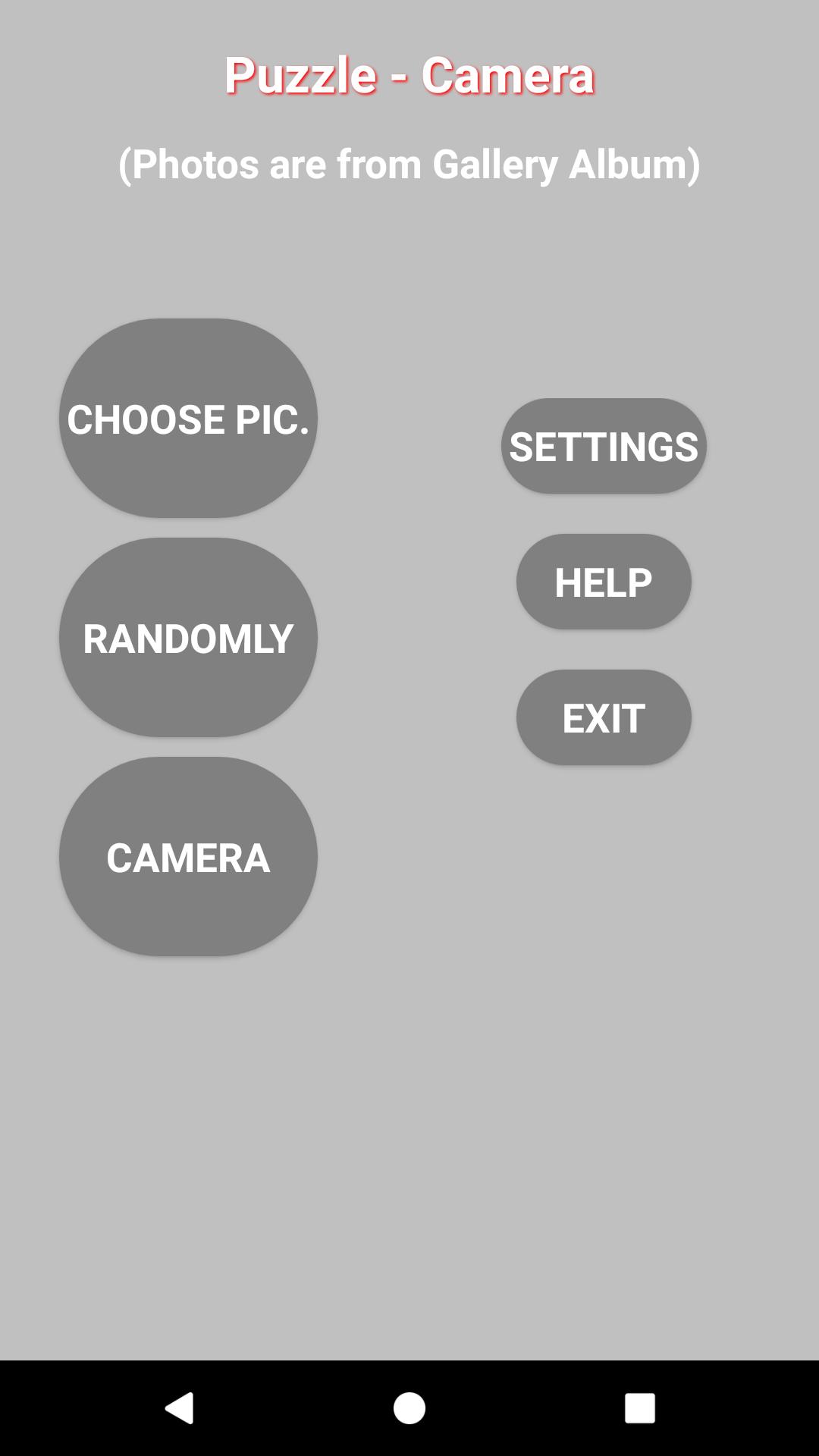
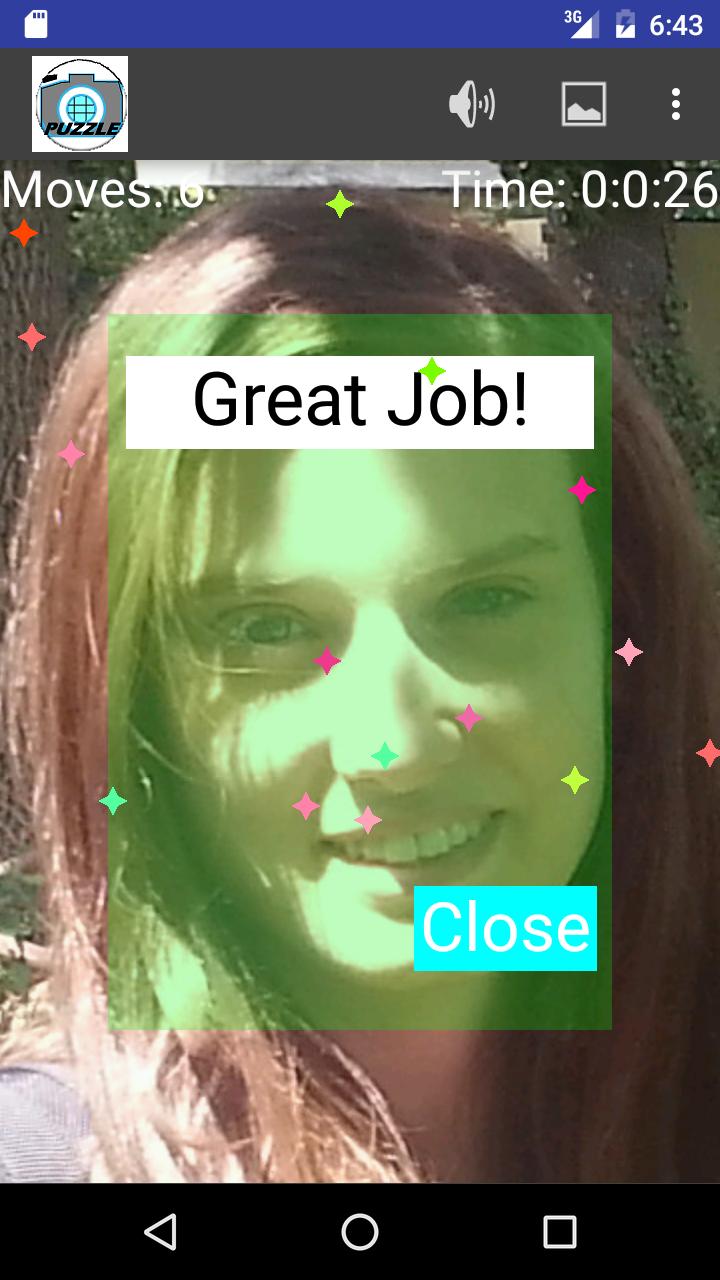
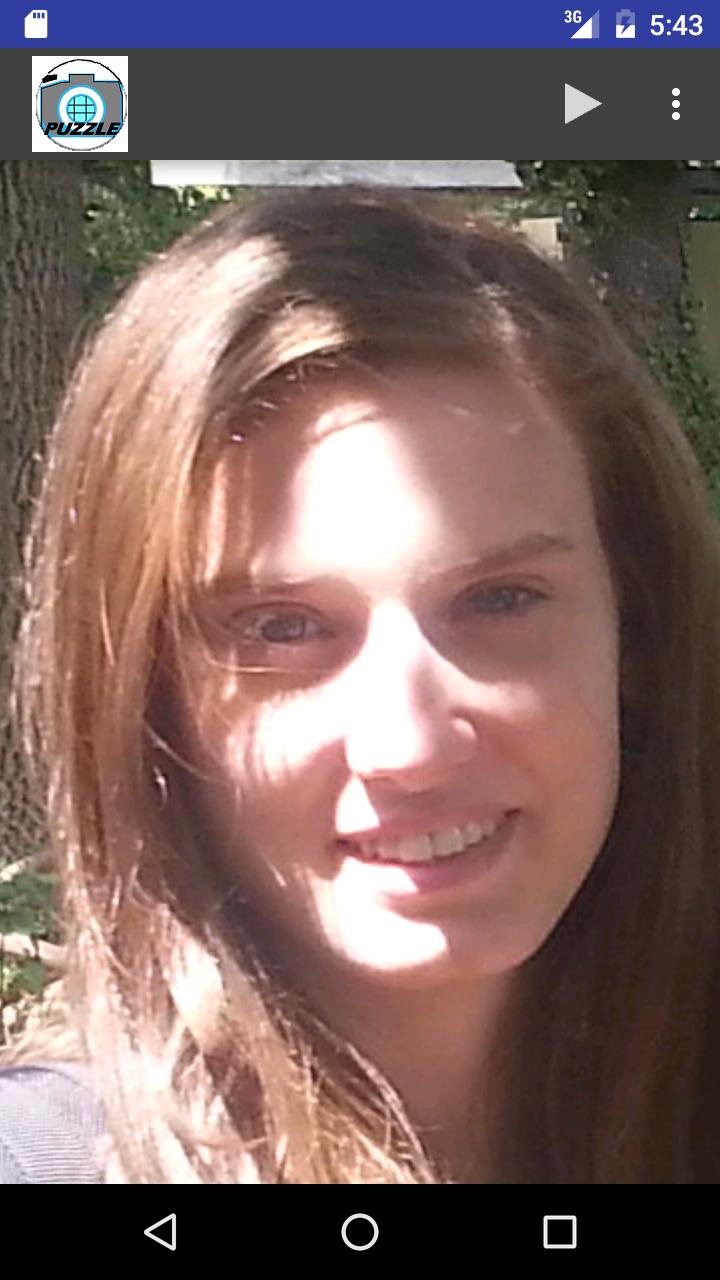
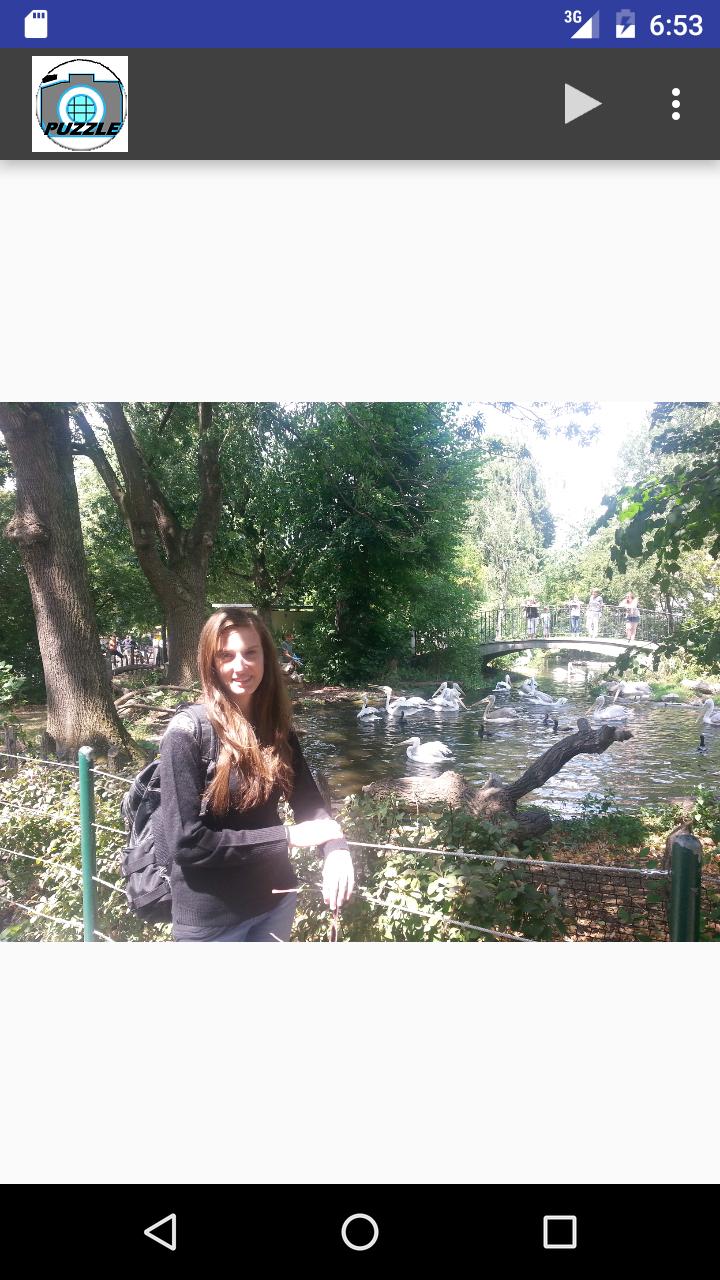
Camera Puzzle is swapping Puzzle game from Camera/ Photo album.
PuzCam (Puzzle Camera)
PuzCam (Camera Puzzle) is a swapping puzzle game that uses the pictures(photos) that were created by your own device (Phone/Tablet)
and stored in the Gallery Photo Album.
The object of the game is to arrange all the mess of the picture by swapping any part (tile) of the
picture with another until the picture is completely detected.
Take the advantage of unlimited resources of pictures and use a relative-small size of a game.
you can change the size of the picture to make it bigger to cover the entire screen or make it smaller with two fingers (zoom In/out).
And to move the picture around the screen and choosing (focus) a specific area of the picture for the game.
Thus you can play with a picture as you have many pictures by changing the zoom of the picture and choosing different area from the picture each time.
Play the puzzle with your own pictures. Be the master in puzzle game.
Improve your memory (recall the picture details)
and capability to distinguish to details, Learn by yourself the tricks to
resolve the puzzle, and challenge with 25 pieces of the picture in a short time.
Most of all, Enjoy the game.
Features
---------
1) Support portrait and landscape orientation
Play the game in portrait or landscape orientation mode according to photo orientation.
As a rule of finger, if the photo does not fill the majority of the screen it means that the screen and the photo are in different orientation. In those cases, you may focus on specific area of the photo (as face and etc.) and you may get more zooming effect. Once you have started the game in specific orientation you should end in this orientation mode.
Note:
Be aware that the Auto screen orientation item is not locked and its state is in "Auto-Rotating-Screen",
otherwise you can't exploit the full capabilities of the game and to play with each of the screen orientation state.
It's specific for each device and on some devices tap settings --- > Display ----> mark checked [] Auto-rotate screen
or on some other Tap Settings --> Accessibility ---> mark the checked box regarding to Auto-Rotating-Screen.
2) you may choose a picture or let the Game chooses the picture for you in no particular order
3) Set the size of the picture to the game each time.
3) Choose a specific area from the picture for the game.
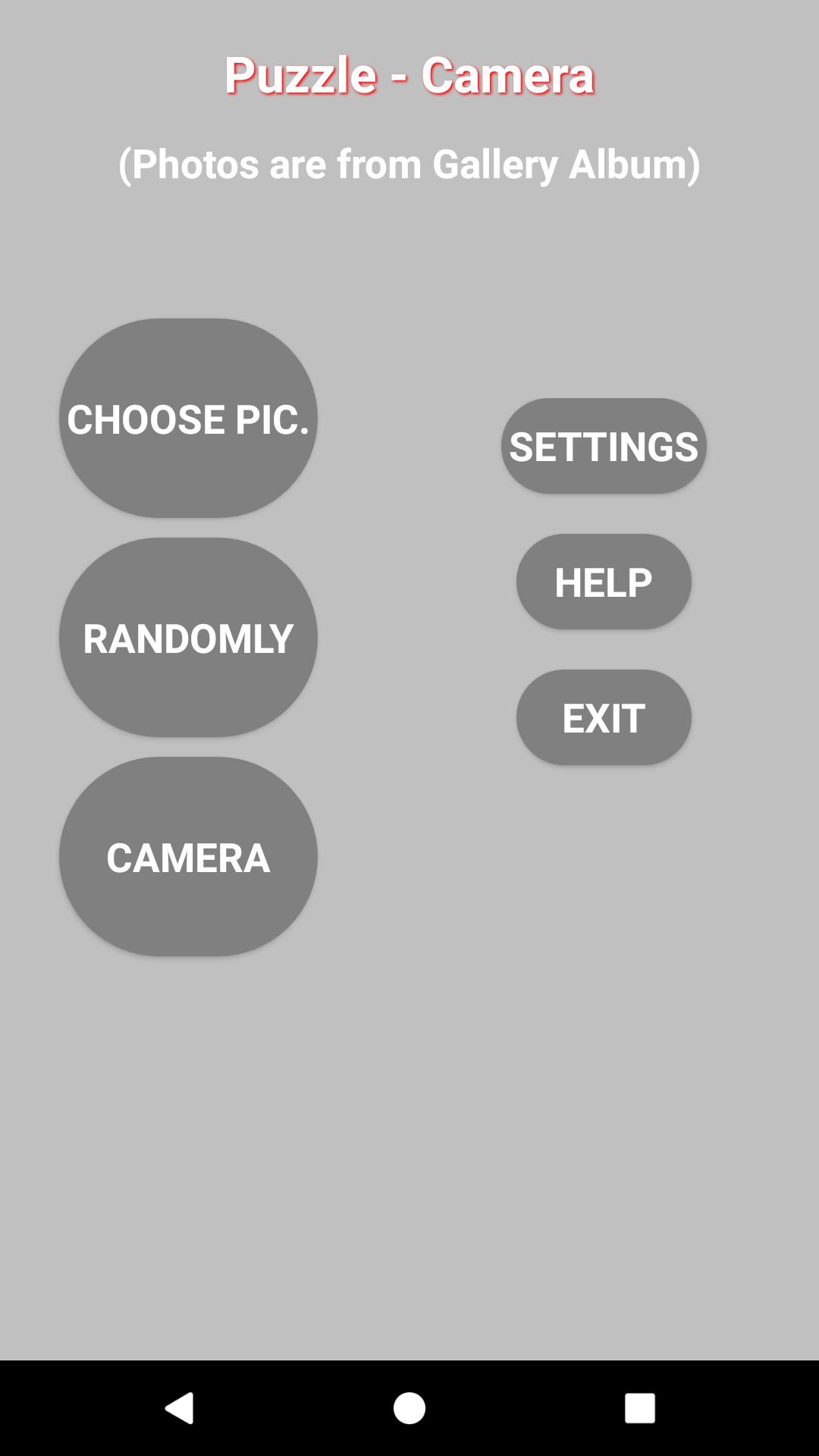
5) Settings Menu in the main screen
-----------------------------------
5.1) Setting Sound ON/OFF
- Game Over
- Swapping two tiles of pictures
5.2) Swapping two tiles of Picture Vibration - On/Off
5.3) Set the puzzle board layout by dividing the original picture with rows and columns as follows:
9 pieces 3x3
16 pieces 4x4
25 pieces 5x5
24 pieces 4x6
30 pieces 5x6
35 pieces 5x7
6) Menu - in the game screen
On the right top corner of the game screen there are three icons:
6.1) Menu (sign of the three points )
Tap that icon at any time to choose one of the following options:
- Restart - Always applicable.
- Quit - Abort the game and return to main menu.
6.2) Picture Icon - Hint how to resolve the puzzle by showing the picture.
This icon (Picture) toggles to left arrow icon to switch back to puzzle game.
6.3) Speaker Icon - Sound on/off only for the current game




 Download