

Xerox PrintBack enables printing Microsoft Office documents, PDFs, photos and more from your Android-based tablet or smartphone to the default printer on your computer. PrintBack extends the printing capabilities of your Mac or Windows PC. PrintBack uses an online service (Dropbox, for example) to transmit the print job from your device to your computer, where it is printed to the default printer.
By using your computer, PrintBack delivers prints with uncompromised color and output quality – you will see no difference between prints from your computer and from your mobile device. PrintBack supports the types of office documents you most often print from your computer – PDFs, Microsoft Office files, photos and more, and it supports printing email and web content using cut and paste to the clipboard. And, any default printer is supported – regardless of manufacturer, technology, or connection type.
HOW TO SETUP PRINTBACK
1) Download the Xerox PrintBack agent from Xerox.com and install it on your Mac or Windows PC
2) Select an online service:
• Cloud-based storage – if you already use Dropbox on your computer, PrintBack installation will automatically complete. If you already use Box, simply input your log-in information during PrintBack agent setup. If you are not already a user, visit www.dropbox.com or www.box.com to sign up and then resume the PrintBack agent installation (if using Dropbox, be sure to install the Dropbox client on your computer before continuing).
• Web-based email – Xerox recommends using a dedicated email account with PrintBack, so first setup a new email account at Hotmail, MSN, Live, Gmail, Yahoo Plus, or AOL and then enter your log-in details in the PrintBack agent
3) Install the PrintBack app on your Android-based tablet or smartphone and follow the setup instructions
HOW TO USE
In the PrintBack app:
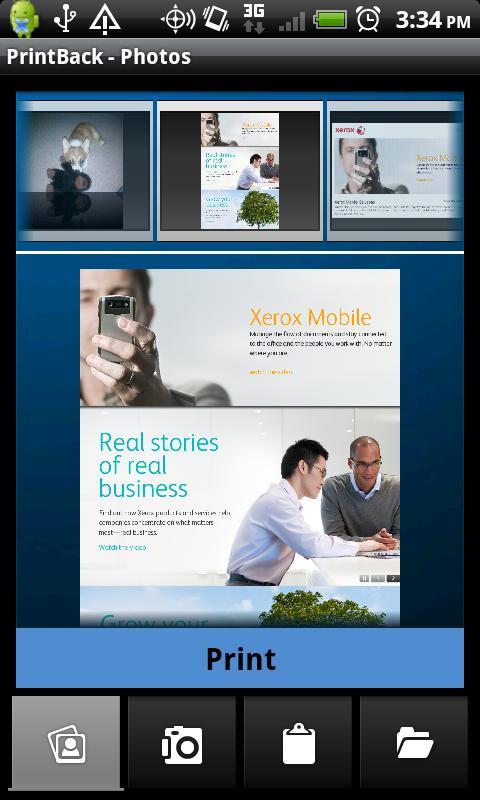
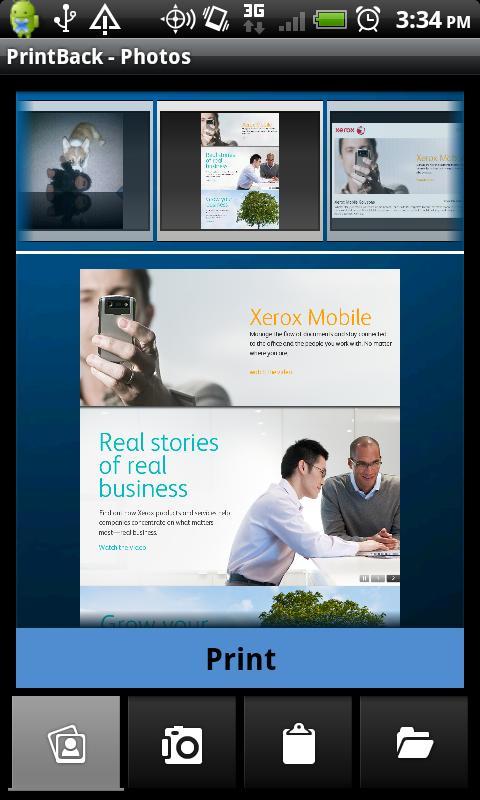
• Photos – print from the photo library on your device
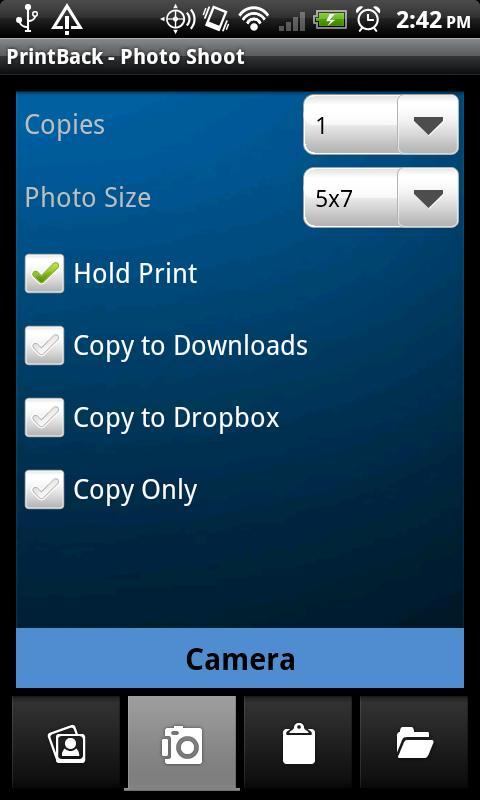
• Photoshoot – automatically print photos as you take them (camera-enabled devices only)
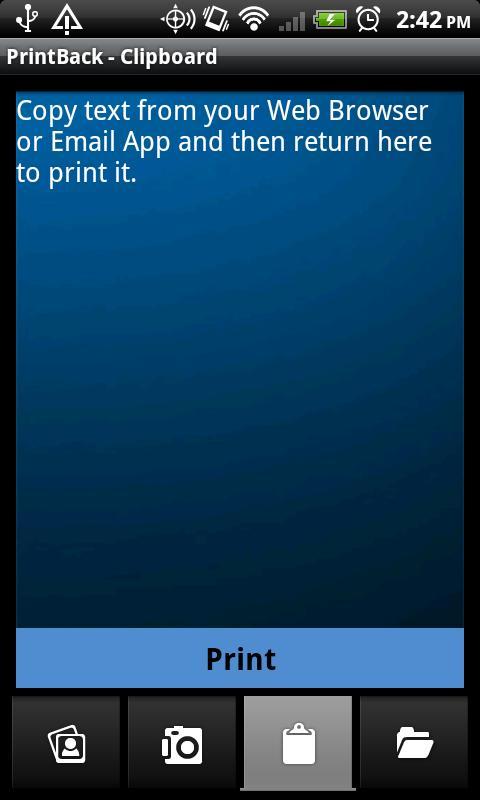
• Clipboard – prints the content most recently copied to the clipboard
When viewing on your device:
• Choose “Send…” or “Share…” and select “Xerox PrintBack”, confirm print job settings and press “Print.:”
o If “Send…” or “Share…” is not available, simply copy the text to you want to print, open the PrintBack application, and choose the Clipboard tab to print the selected content
Print Settings include:
• Number of copies
• Photo Size (photos only)
• Hold Print – holds the job at your computer until you return to release it, keeping sensitive documents from sitting in your printer output tray
• Save a Copy – Downloads – saves the printed file to your computer’s downloads folder
• Save a Copy – Dropbox or Box – saves the printed file to your account
• Save a Copy – Save Only – does not print the job, only saves to the selected location
SYSTEM REQUIREMENTS FOR Xerox PrintBack AGENT:
Windows PCs:
• Windows XP, Vista, 7
• Microsoft Office 2003, 2007, 2010 required to print Word, PowerPoint and Excel files
Macs:
• Mac OS X 10.6 and above
• Microsoft Office 2008 or 2011 required to print Word, PowerPoint and Excel files
• Apple iWork ’09 required to print Pages, Keynote and Numbers files
To learn about other mobile solutions from Xerox, visit www.xerox.com/mobile.
For troubleshooting/support, please visit www.support.xerox.com/support/xerox-printback/
If you have feedback regarding Xerox PrintBack, please email us at [email protected]















 Download