• Home
  • Games
    Action-adventure Simulation Business Role Playing Sports Competition Casual Intelligence Card Strategy Music Rhythm Text Puzzle Flying Shooting Love Development
  • Apps
    Business Office Newsletter Social Life Entertainment Online Shopping Practical Tools Travel Financial Management Educational Learning Information Reading Sports and Health
  • Articles

English 中文(简体) 中文(繁体) 한국어 日本語 Português Español Русский العربية Indonesia Deutsch Français ภาษาไทย
Home Apps Practical Tools XBMCNotify
XBMCNotify

XBMCNotify

1
2
3
4
5
Download
  • Version 1.2.9
  • Category Practical Tools
  • Package Name de.linuxwhatelse.android.xbmcnotify
  • Update Time April 5, 2025
  • Size 800.83KB
About this app

Enjoy millions of the latest Android apps, games, music, movies, TV, books, magazines & more. Anytime, anywhere, across your devices.

*** If you like my work and want to support me a bit, make sure to give a small donation ;P (Settings -> Donation) ***

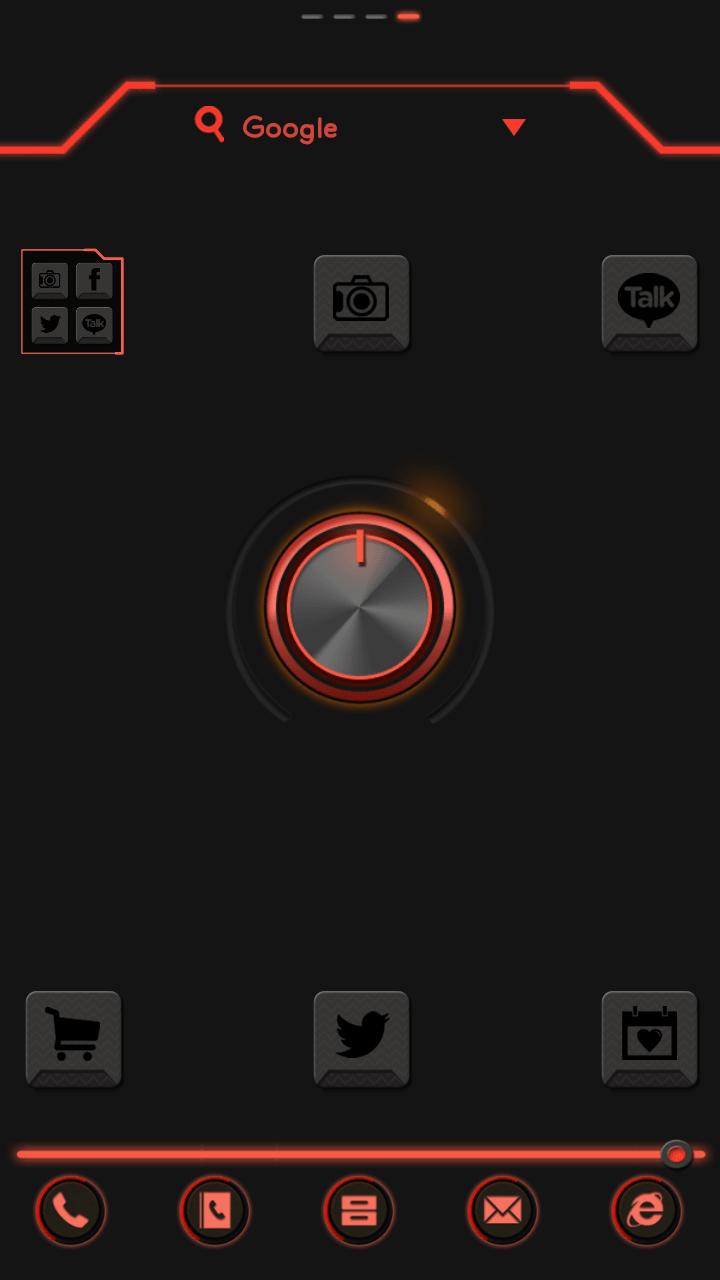
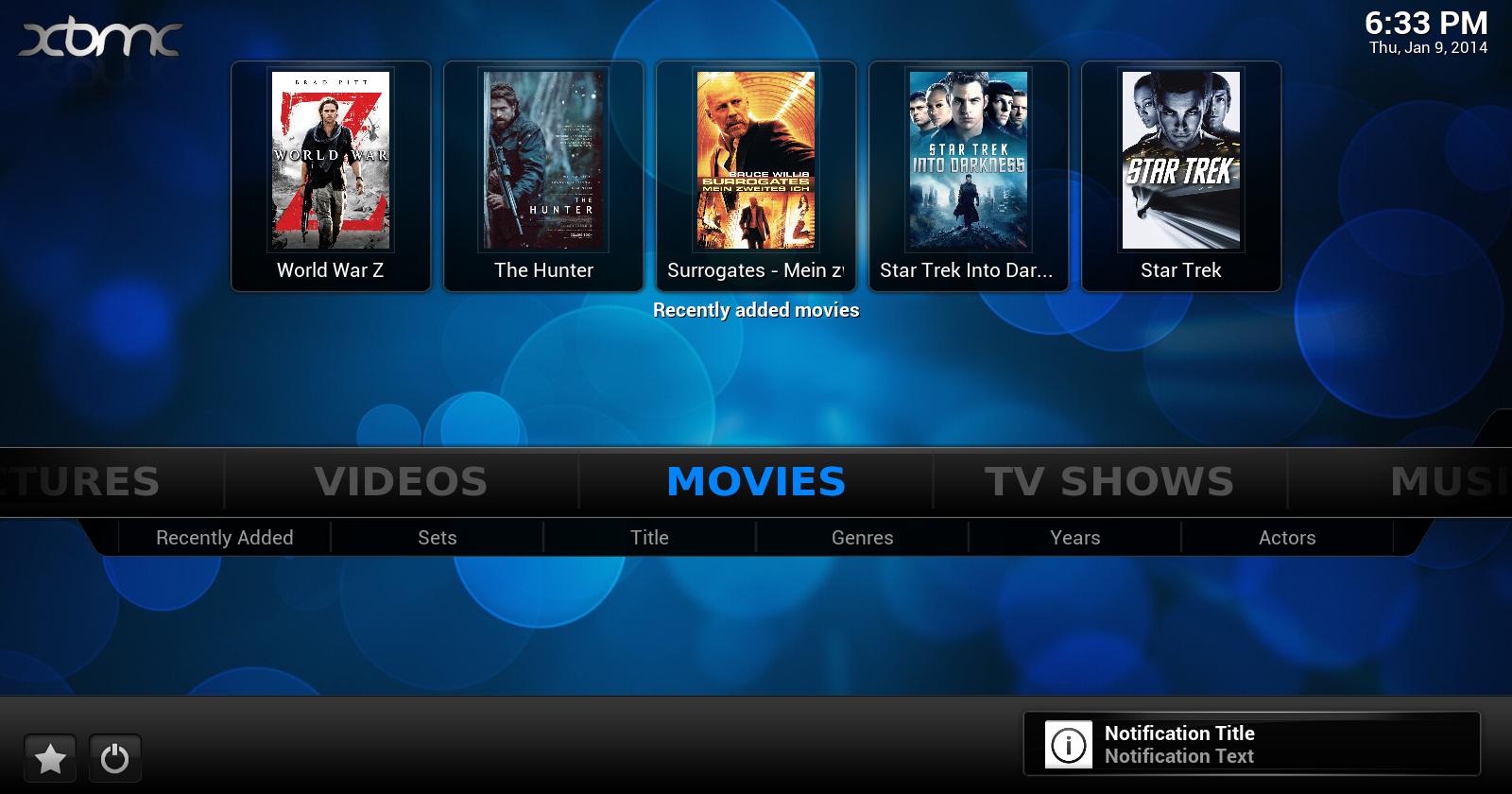
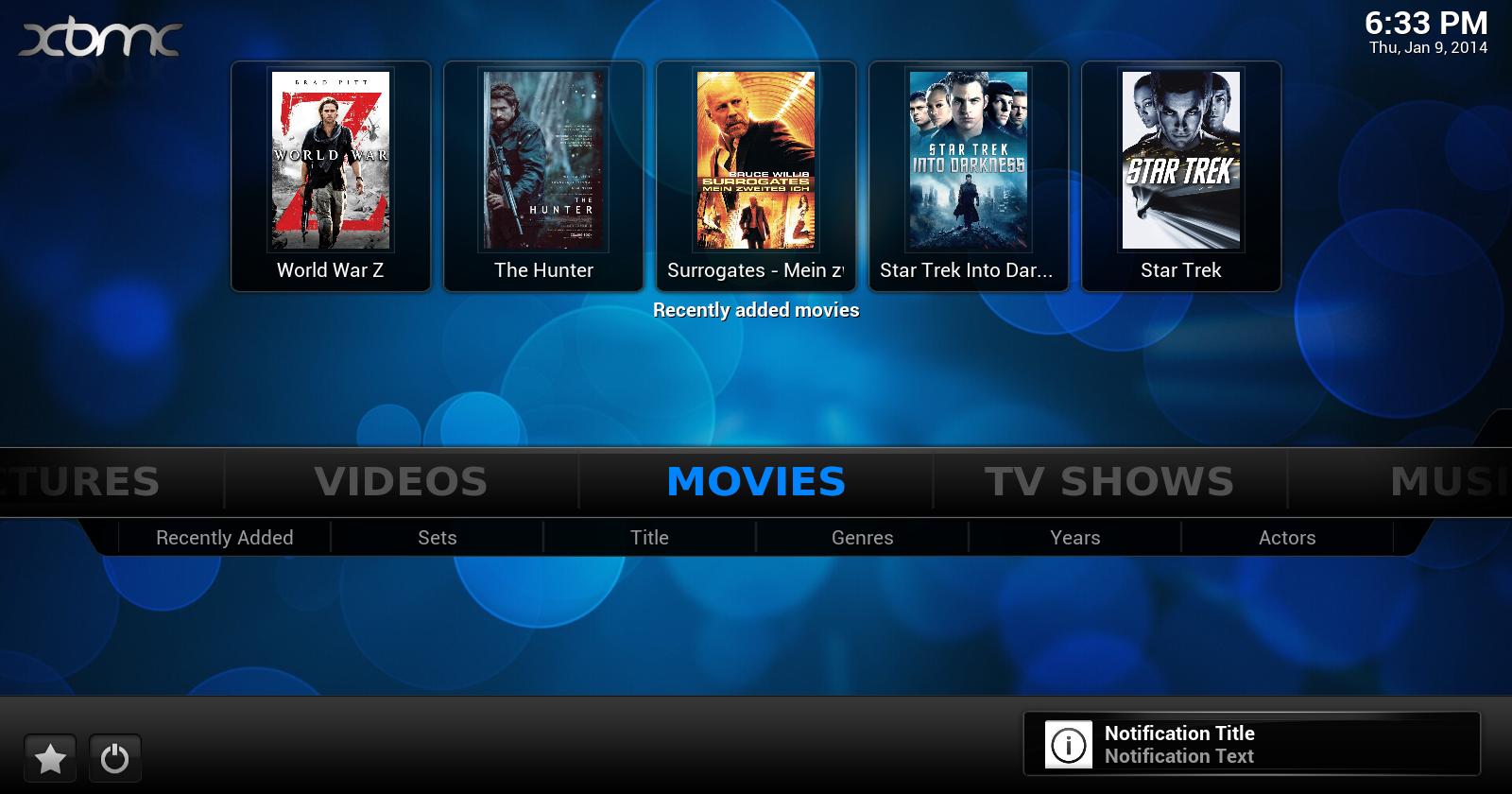
With XBMCNotify you can easily transfer your android-notifications to one of your

XBMC mediacenters and see whats going on without having to look at your smartphone.

Features:

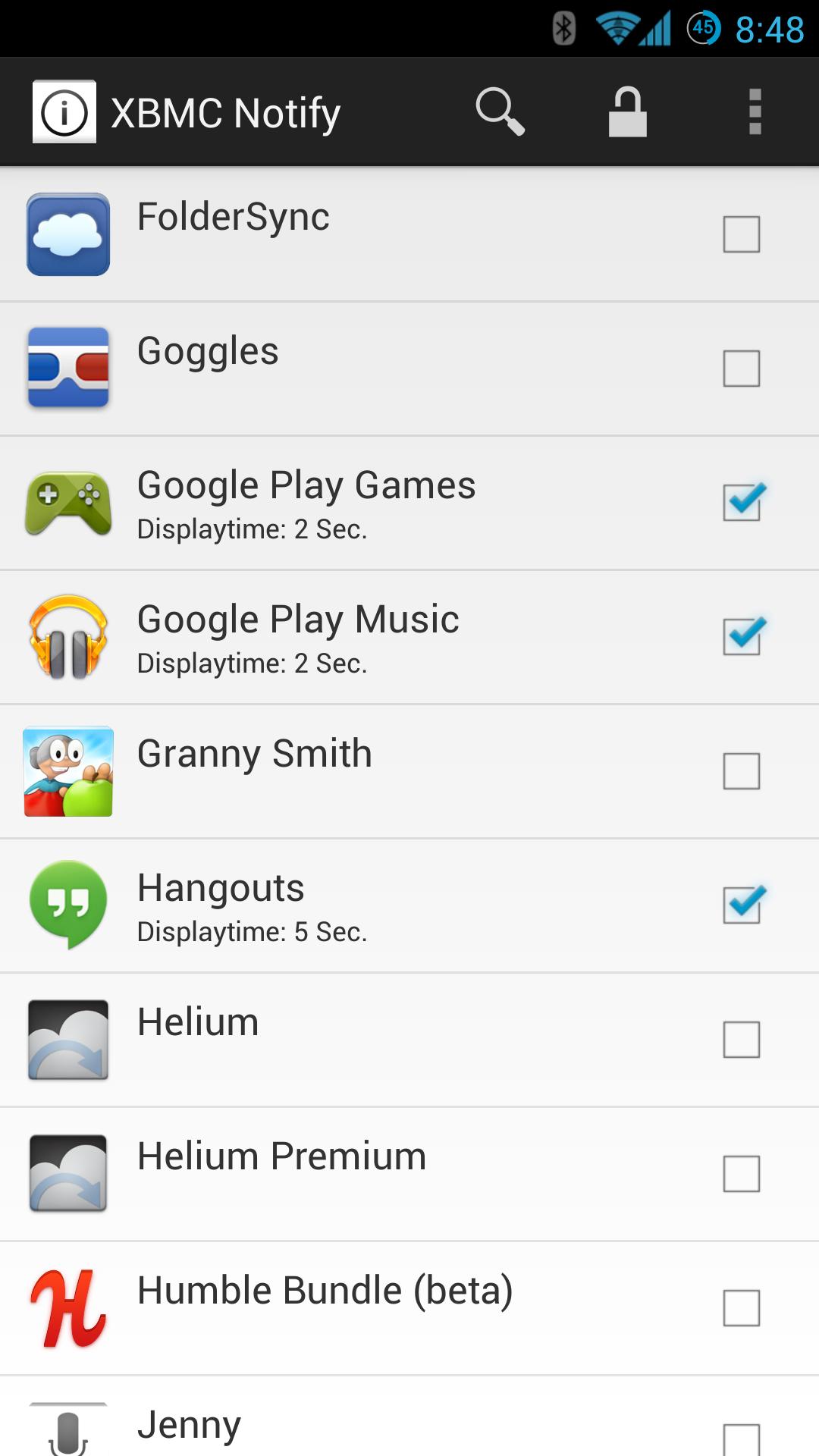
- Select individual apps whose notifications should be shown on your mediacenter

- Appicons will be shown on XBMC

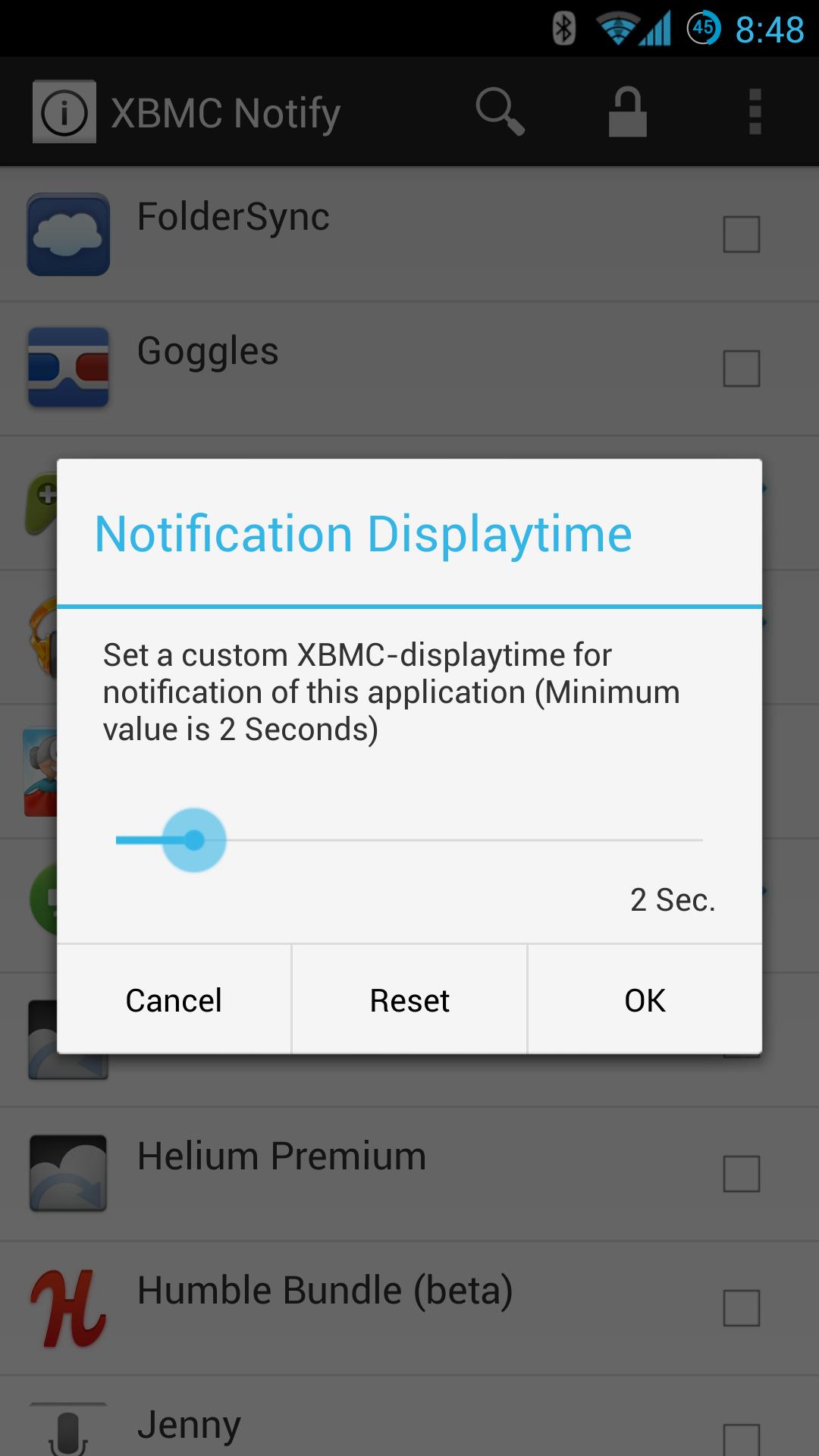
- Define a custom displaytime for each individual app

- Pause / Mute playback if you make or receive a call

- Quickly switch between privacy on/off (If on, the notifications woun't be shown in XBMC. Maybe you have

some visitors and don't want them to see whats going on )

- Define a network where notifications are allowed to be sent

- Backup & Restore your configured apps

For featurerequests just send me a mail or write them into the comments

Keywords:

xbmc, notification, transfer, message

What's New in the Latest Version 1.2.9

Last updated on Feb 19, 2016 Version 1.2.9
- Fixed bug where App does not start / start correctly on some custom-roms

Version 1.2.8
- Fixed "Google Now - Hotword Detection" not working if XBMCNotify is enabled in the Accessibility-Settings

Version 1.2.7
- You can now set a global default notification-displaytime in the settings
- Replaced the progressbar with a Numberpicker (Looks better)
- Increased the max displaytime from 15 sec. to 60 sec.
- Some bugfixes
Download(800.83KB)
Users also viewed
  • PureSense Irrigation Manager

    PureSense Irrigation Manager

    1.4.0 December 2, 2025
  • GLview

    GLview

    6.4.101 November 30, 2025
  • DevelopQuickSetting

    DevelopQuickSetting

    1.1 November 30, 2025
  • Signal Care Free

    Signal Care Free

    3.0.6 November 30, 2025
  • Sensor Check

    Sensor Check

    1.2 November 30, 2025
  • Gallery Pro

    Gallery Pro

    1.1 November 30, 2025
  • Japanese for GO Keyboard-Emoji

    Japanese for GO Keyboard-Emoji

    3.0 November 29, 2025
  • One tap boost

    One tap boost

    1.0.1 November 28, 2025
  • Beautiful Cloud WatchFace Free

    Beautiful Cloud WatchFace Free

    1.0 November 28, 2025
  • Floating Info

    Floating Info

    2.1 November 28, 2025
  • AMemoryTool Swap Enabler Root

    AMemoryTool Swap Enabler Root

    Dauis v6.8 November 28, 2025
  • RealTime Utilities - Sidebar

    RealTime Utilities - Sidebar

    1.1 November 28, 2025
  • 14 days Transparent Weather

    14 days Transparent Weather

    2.1.0 November 27, 2025
  • Ultimate Mandolin Tuner

    Ultimate Mandolin Tuner

    1.11.4 November 27, 2025
  • Photo Shine

    Photo Shine

    1.0.2 November 27, 2025
About Privacy Policy Terms of Service Cooking Policy

© Copyright 2017-2025 downzr.com