• Home
  • Games
    Action-adventure Simulation Business Role Playing Sports Competition Casual Intelligence Card Strategy Music Rhythm Text Puzzle Flying Shooting Love Development
  • Apps
    Business Office Newsletter Social Life Entertainment Online Shopping Practical Tools Travel Financial Management Educational Learning Information Reading Sports and Health
  • Articles

English 中文(简体) 中文(繁体) 한국어 日本語 Português Español Русский العربية Indonesia Deutsch Français ภาษาไทย
Home Apps Business Office X-pointer Touch
X-pointer Touch

X-pointer Touch

1
2
3
4
5
Download
  • Version 1.5.5
  • Category Business Office
  • Package Name chois.xpointer.touchpad
  • Update Time April 8, 2026
  • Size 5.5MB
About this app

“X-pointer Touch” is Mobile touch pad app

Description

“X-pointer Touch” is Mobile touch pad app which can control PC OS such as Horizontal/Vertical scrolling, Switch desktop and Quick search by basic touch mouse function and various touch gestures.

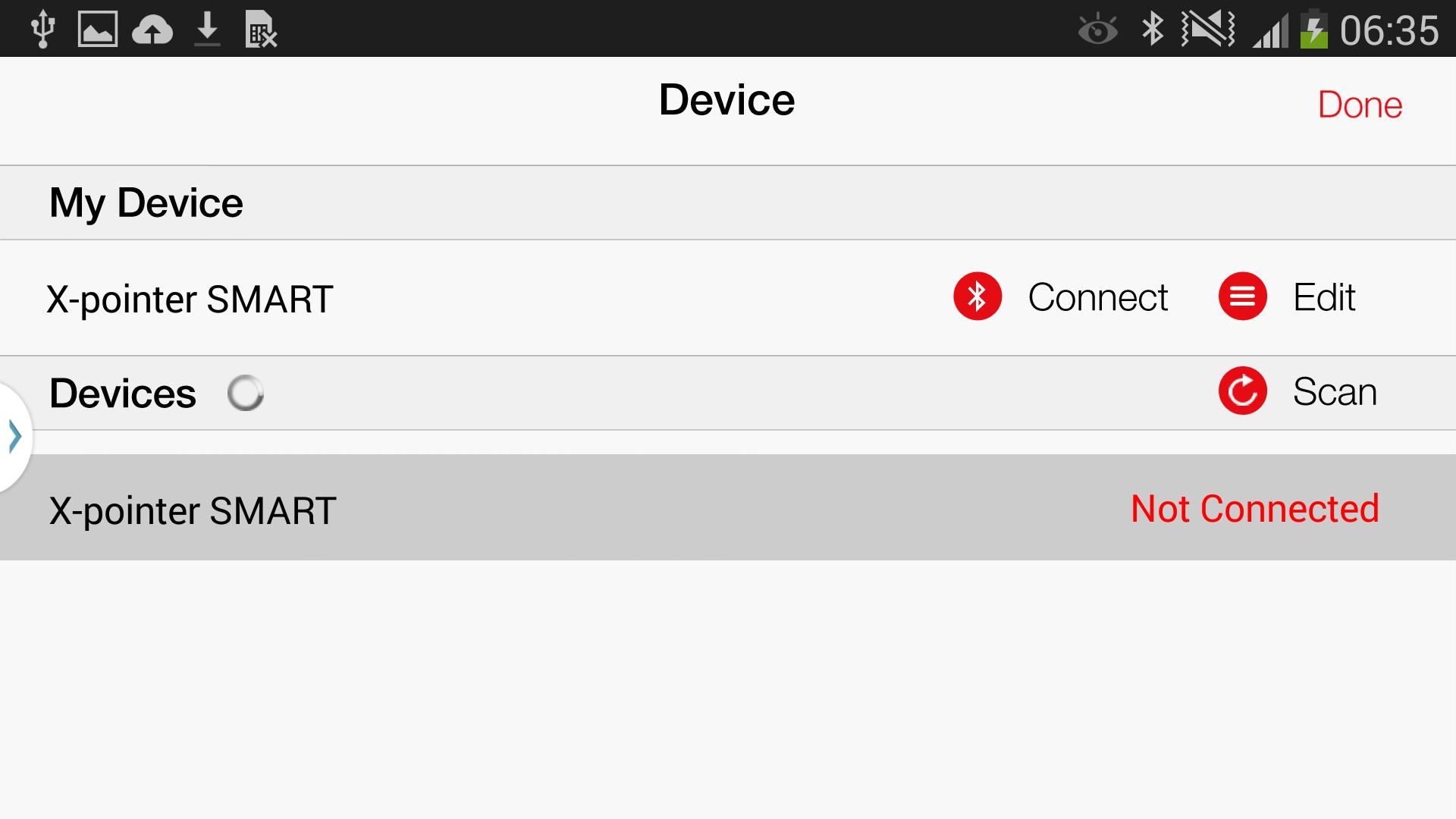
In case of using with X-pointer SMART(XPR200) of ChoisTechnology Co., Ltd., it can easy and fast control without installing separate program on PC.

- It is available on Windows 7, Windows 8 and Mac OS X etc.

*Support function as per OS*

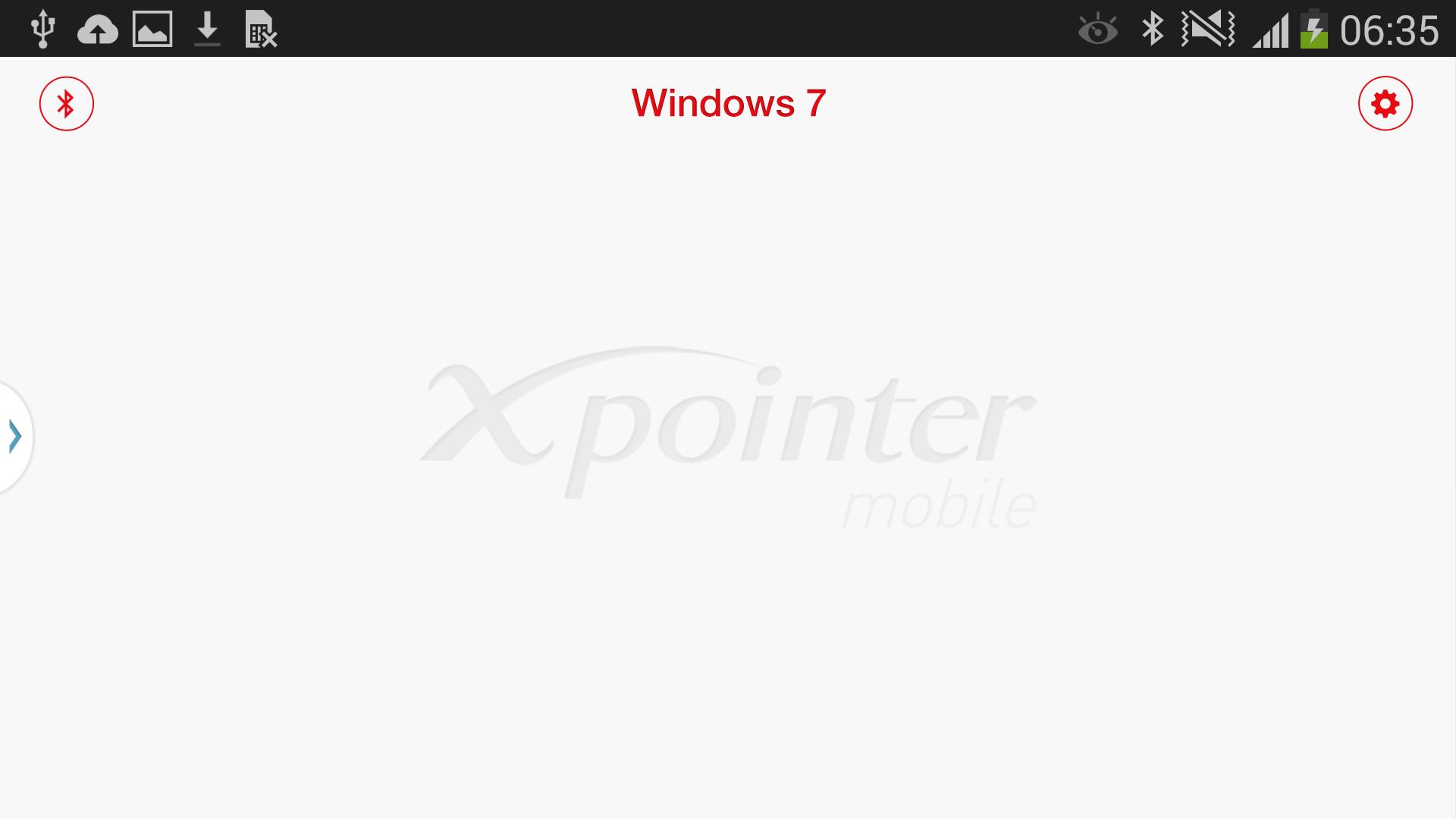
-Windows 7 : Touch Mouse, Horizontal/Vertical scrolling, Start Screen, Switch desktop, Maximize/Minimize windows, Snap windows left/right, Webpage Zoom in/out, Page forward/back, Refresh, Quick search, Switch Application Program

-Windows 8 : Touch Mouse, Horizontal/Vertical scrolling, Start Screen, Switch desktop, Maximize/Minimize windows, Snap windows left/right, Webpage Zoom in/out, Page forward/back, Refresh, Switch Application Program, Application Program Menu, Charms

-Mac OS X : Touch Mouse, Horizontal/Vertical scrolling, Webpage Zoom in/out, Page forward/back, Refresh, Mission Control, Expose, Launchpad, Notifications, Switch desktop,

Swipe left/right between full-screen apps, Find dictionary

*Setting before using gesture of Mac OS X

You should set up a keyboard shortcut surely for using a gesture since basic setting key value of Mac OS X differs according to OS Version.

-The basic setting value is 10.9 Mavericks.

-In case of Announcement center, it can be used on Mac OS X later than 10.8 version.

* Available Devices

-GALAXY S4, GALAXY Note 3 (Android 4.3 )
What's New in the Latest Version 1.5.5

Last updated on Feb 27, 2017 [Version 1.5.2]
-Support the GALAXY S5
Download(5.5MB)
Users also viewed
  • DImonex

    DImonex

    4.5 July 16, 2026
  • AndroCharts

    AndroCharts

    1.3 July 15, 2026
  • BioID

    BioID

    2.2.7 July 14, 2026
  • AVK Tech

    AVK Tech

    1.0 July 14, 2026
  • Appsus Admin

    Appsus Admin

    1.0.1 July 13, 2026
  • Visual Reminder

    Visual Reminder

    3.0 July 12, 2026
  • WHMCS Pro

    WHMCS Pro

    1.7 July 10, 2026
  • Universal Tween Engine

    Universal Tween Engine

    1.0 July 9, 2026
  • Wifi Analyzer Lite Tools App

    Wifi Analyzer Lite Tools App

    1.0 July 9, 2026
  • iMedia Remote Control Setup

    iMedia Remote Control Setup

    1.1.8 July 9, 2026
  • RS Camera

    RS Camera

    2.50.0.3697 July 9, 2026
  • ALSB VAPE 24 TOOLS

    ALSB VAPE 24 TOOLS

    1.0.4.0 July 8, 2026
  • SpiCpiCgpaPer (GTU students)

    SpiCpiCgpaPer (GTU students)

    1.6 July 7, 2026
  • Emoticon pack, Pink pig

    Emoticon pack, Pink pig

    1.0.0 July 6, 2026
  • VoiceClock -GACKPO-

    VoiceClock -GACKPO-

    1.7.0 July 6, 2026
About Privacy Policy Terms of Service Cooking Policy

© Copyright 2017-2026 downzr.com