

Enjoy millions of the latest Android apps, games, music, movies, TV, books, magazines & more. Anytime, anywhere, across your devices.
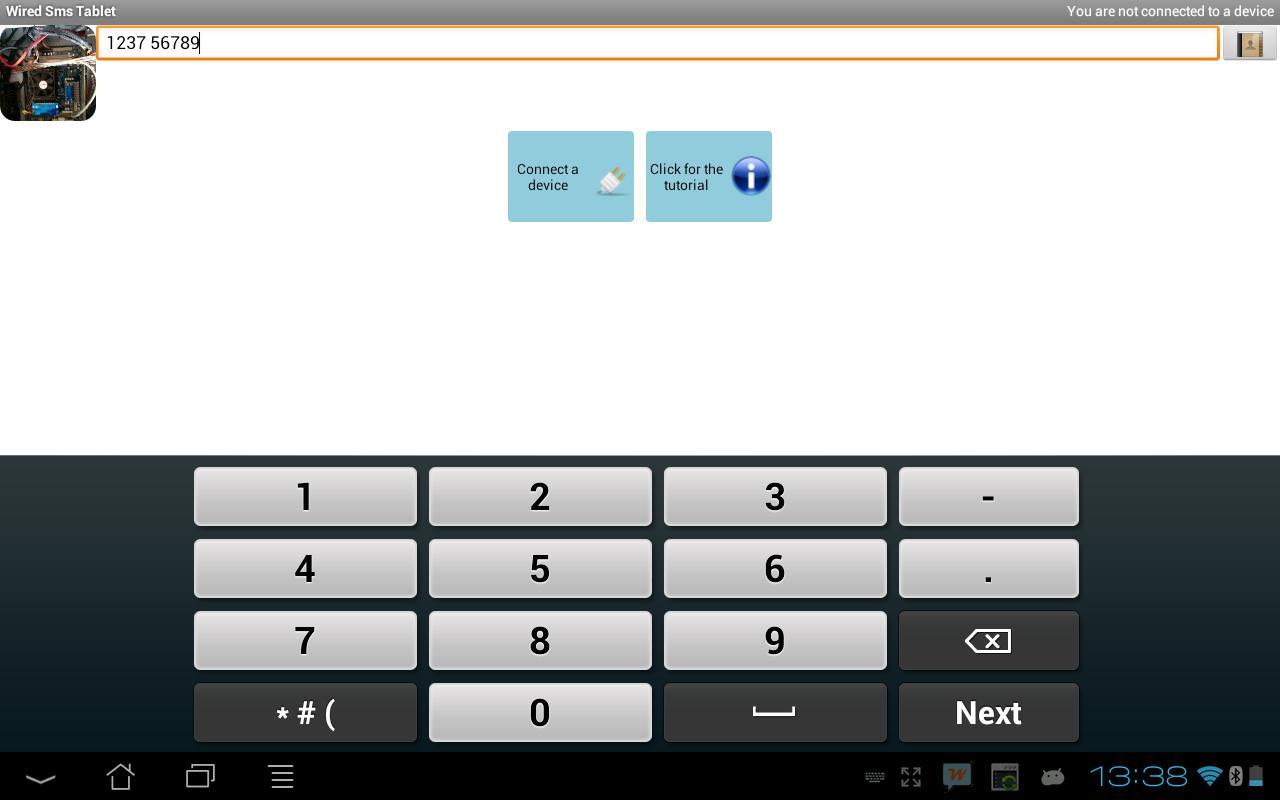
Wired Sms Tablet is the SMS app for your tablet. You can easily send and receive SMS text messages from your tablet anywhere and anytime. The app uses your existing mobile number, contacts and SMS text messages from your Android phone.
This Lite version is basically the same of the full Wired Sms Tablet, but it has ADV and limited features. There is the alert for missed calls and SMS and one touch widget with useful features, but is not customizable.
Wired Sms Tablet lite version allows you to try the app and make sure that everything works before buying. Wired Sms Tablet is born to empower your tablet and to respond at your needs. If you like it, please purchase the full version with unlimited features and extras! Thank you for your support.
How to get started:
1. Start the app through our website or Google Play Store. Here the links: https://play.google.com/store/apps/details?id=com.HighTouch.WiredSmsTabletLite
2. Install Wired SMS Tablet on both devices
3. Connect your devices, through Bluetooth. You can also follow the tutorial that takes you step by step in the installation
4. Write and send your first SMS text message
Features:
- Send and receive SMS text messages from your tablet
- Optimized interface for both phone and tablet
- Widget to enable/disable Wired SMS Tablet.
- Widget also displays useful information (connection status, incoming calling)
- Notifications and incoming messages on your tablet
- Many languages support
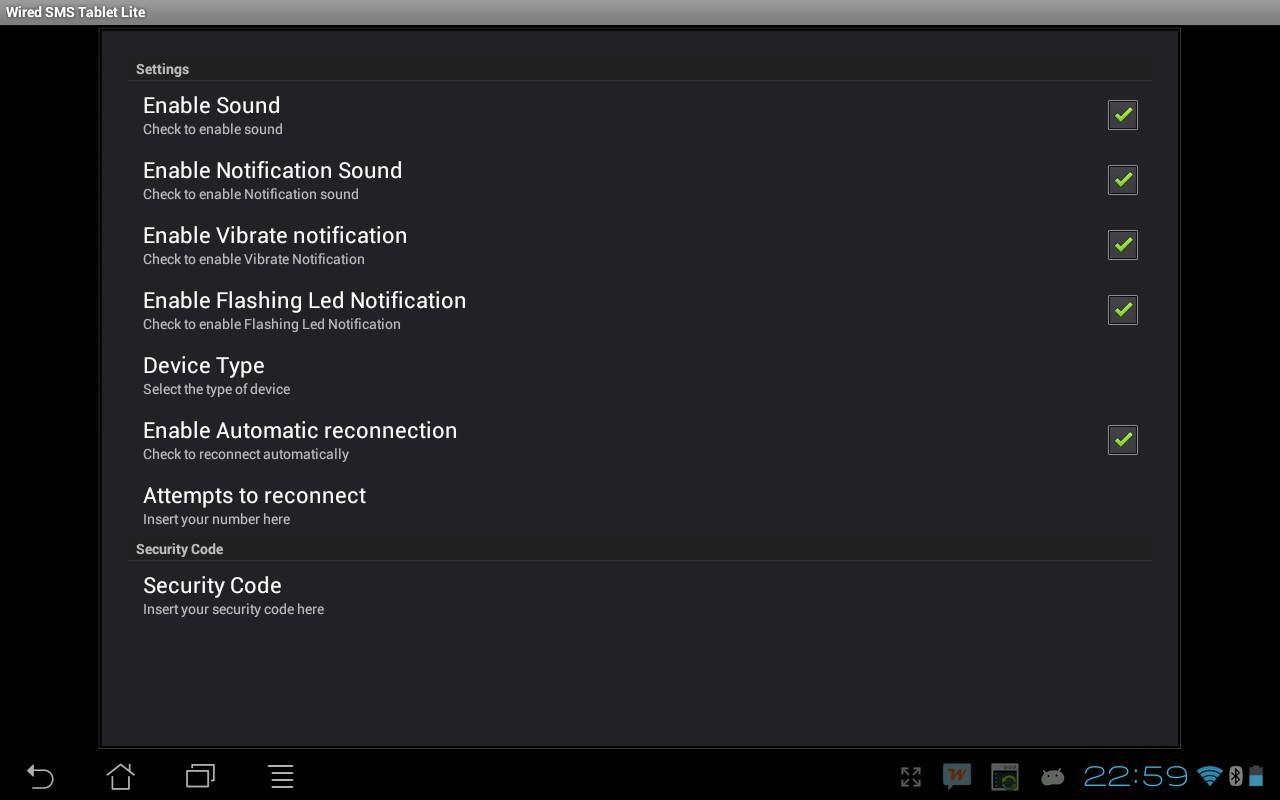
- Setting options
- Full access to the phonebook(only in Full version)
- Import contact from phone
- Save as draft
- Support short messages
- Support long messages (only in Full version)
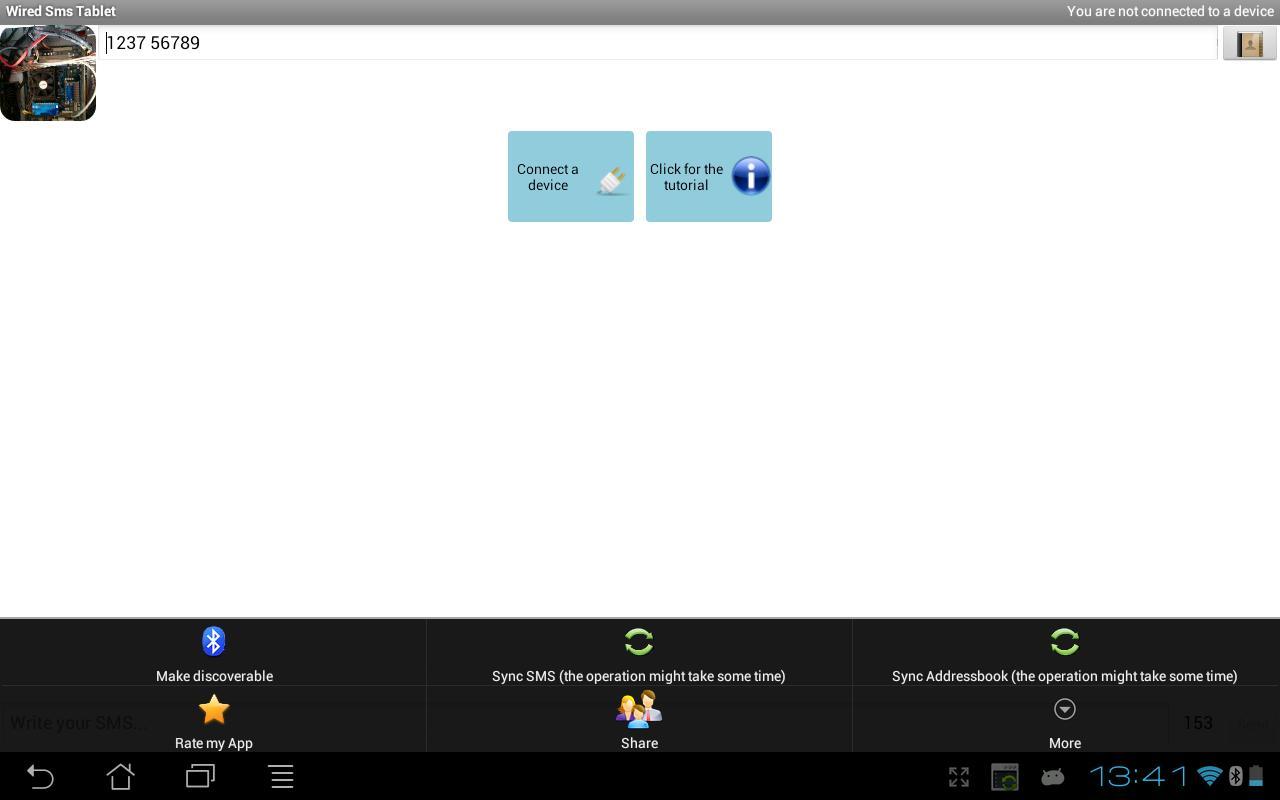
- Sync all messages from phone or SMS message between smartphone and tablet (only in Full version)
- Send SMS on tablet via your mobile carrier without additional cost
- Contact pictures
- Small app size
- Auto-update
- Password protection
- Delete messages
- Delete conversations
- Signature customization (only in Full version)
Note
Purchase the app only once to install it on both smartphone and tablet. SMS Text messages on tablet are sent via your phone (respecting the same applies charges from your carrier).
For the correct functioning of the app make sure that the option “Device type” is set to tablet on your tablet and the same is set to Smartphone on your phone. If the app does not work correctly change the setting “Device type”.
Wired SMS Tablet is exclusively for Android.
SUPPORT: Within the app there is a detailed help which includes instructions and settings and more. The tutorial which shows step by step the instructions to install and manage the app is available on the website http://www.hightouch.it/wiredsmstablet.html
Additional assistance is available through email at [email protected].
For help and additional instructions visit http://www.hightouch.it/wiredsmstablet.php or send an email at [email protected]
Please follow us on Twitter, Facebook and Google+ (often we give free codes for our applications)
https://twitter.com/HighTouch_it
https://www.facebook.com/HighTouchIT
https://plus.google.com/b/103354478635327690595/
v 1.3.2
- Correct a bug with bluetooth of some devices
v 1.3.1
- Minor BugFixes
v 1.3
- Increased the speed of synchronization
- Added real-time information for the status of the synchronization















 Download