• Home
  • Games
    Action-adventure Simulation Business Role Playing Sports Competition Casual Intelligence Card Strategy Music Rhythm Text Puzzle Flying Shooting Love Development
  • Apps
    Business Office Newsletter Social Life Entertainment Online Shopping Practical Tools Travel Financial Management Educational Learning Information Reading Sports and Health
  • Articles

English 中文(简体) 中文(繁体) 한국어 日本語 Português Español Русский العربية Indonesia Deutsch Français ภาษาไทย
Home Apps Practical Tools USB Detect
USB Detect

USB Detect

1
2
3
4
5
Download
  • Version 1.8.4
  • Category Practical Tools
  • Package Name com.nicholas_lindgren.usbdetect
  • Update Time December 7, 2025
  • Size 6.57MB
About this app

Share internet to other devices.Automatic shortcut to settings.

"USB Detect" is only an automatic shortcut to your phone's settings and does not provide any additional features to your phone.

Most * Android phones can be used as a modem. It's called tethering and hotspot. When you use these features you can share internet ** to your PC and other Android phones and tablets.

In the phone's settings there is a menu that lets you do that either by using USB, Wi-Fi or Bluetooth or multiple at the same time.

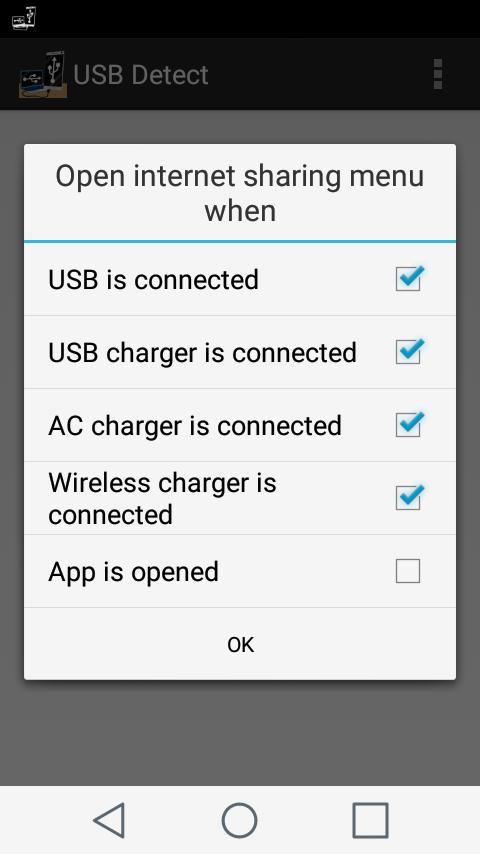
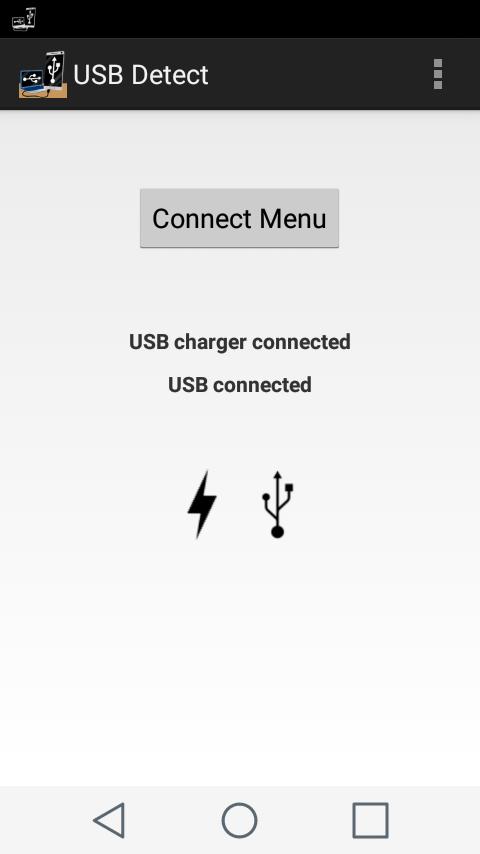
If the internet sharing menu is available on your phone "USB Detect" will open it for you when you connect your phone to a PC *** or a charger depending on "USB Detect" settings.

* Some mobile carriers limit or block devices from being used as a modem unless you pay extra.

** Keep in mind that it is very easy to use lots of data when sharing internet to other devices and that it is up to you to find out how much it costs with your mobile carrier.

*** If a USB sensor is available on your phone it is available in "USB Detect".

Charger sensors are always available.

IMPORTANT!

Sharing internet to other devices might be in violation of your cellular service contract so check with your mobile carrier before you start sharing internet to other devices!

Many newer devices has some sort of battery saver feature. "USB Detect" must be excepted from this feature and be able to run in the background while the screen is off to work correct.

If the USB tethering option is greyed out even when the phone is connected to a PC the USB cable you're using does not support USB tethering. "USB Detect" can not work if the cable does not support USB tethering.

Official Android details about sharing a mobile connection by using tethering or hotspot on Android... http://goo.gl/zg4tv
What's New in the Latest Version 1.8.4

Last updated on Mar 12, 2024 Update for new Android versions
Download(6.57MB)
Users also viewed
  • EasyGUI - Android XML IDE

    EasyGUI - Android XML IDE

    2.0.7 December 11, 2025
  • photo stickers

    photo stickers

    1.0 December 11, 2025
  • Daily Weather Live Forecast App Hourly,Weekly 2019

    Daily Weather Live Forecast App Hourly,Weekly 2019

    1.3 December 11, 2025
  • BTMobile

    BTMobile

    2.80.001 December 11, 2025
  • Quadrobit

    Quadrobit

    0.7.8 December 11, 2025
  • Hisense Weather Widget

    Hisense Weather Widget

    1.06 December 11, 2025
  • Sunshine - Icon Pack

    Sunshine - Icon Pack

    5.6 December 11, 2025
  • Moteur AntiGel

    Moteur AntiGel

    3.0.0.0 December 10, 2025
  • Graphic

    Graphic

    1.0.8 December 10, 2025
  • best PVC ceiling design

    best PVC ceiling design

    5.0 December 10, 2025
  • PerApp

    PerApp

    1.03 December 9, 2025
  • Love wallpapers 4k

    Love wallpapers 4k

    2.0.4 December 9, 2025
  • 3D Anatomy for the Artist

    3D Anatomy for the Artist

    6.6.0 December 9, 2025
  • GO SMS Angel Vs Devil Theme

    GO SMS Angel Vs Devil Theme

    1.0 December 7, 2025
  • CPU CruiseControl

    CPU CruiseControl

    1.5 December 6, 2025
About Privacy Policy Terms of Service Cooking Policy

© Copyright 2017-2025 downzr.com