

Enhance your status bar clock with almost unlimited colors, fonts, and formats
MARCH 2019 UPDATE: Unfortunately Weather Underground raised their prices which no longer makes this affordable for the developer. Due to this unfortunate decision we will be removing weather functionality from the app until we have the time to locate an alternative source. We apologize for the inconvenience and hope you enjoy the remaining features of the app.
• TimeBar is the ultimate status bar time and date app *
"Ridiculous amount of customization. Works awesomely! I have a transparent status bar and I love being able to customize completely how the date looks."
"Clever Dev, no doubt. I have a custom time and date on my status bar, always visible, in the position where the stock time would be. Common sense to me :)"
Display the time and date in any format. Show the current battery, cellular, or WiFi numeric percentages near the time or anywhere on your screen. Unlike similar apps, nothing is required in the slide down notification menu, which keeps things looking clean and great. TimeBar is not a status bar replacement, yet rich customization options allow it to blend in seamlessly while using stock status bar icons.
Android™ enforces a few limits on this revolutionary floating window app:
1.) TimeBar can not move out of the way automatically to make room for icons in your status bar.
2.) In some cases, TimeBar can not cover the existing status bar clock.
3.) On most devices, TimeBar will not hide automatically in a full screen app, however there are many options to hide it manually. Or display the time and date on top of full screen apps.
━━━━━━━
Crazy amount of features
━━━━━━━
✔ 100% ad-free and unlocked, no root required
✔ Support for tablets
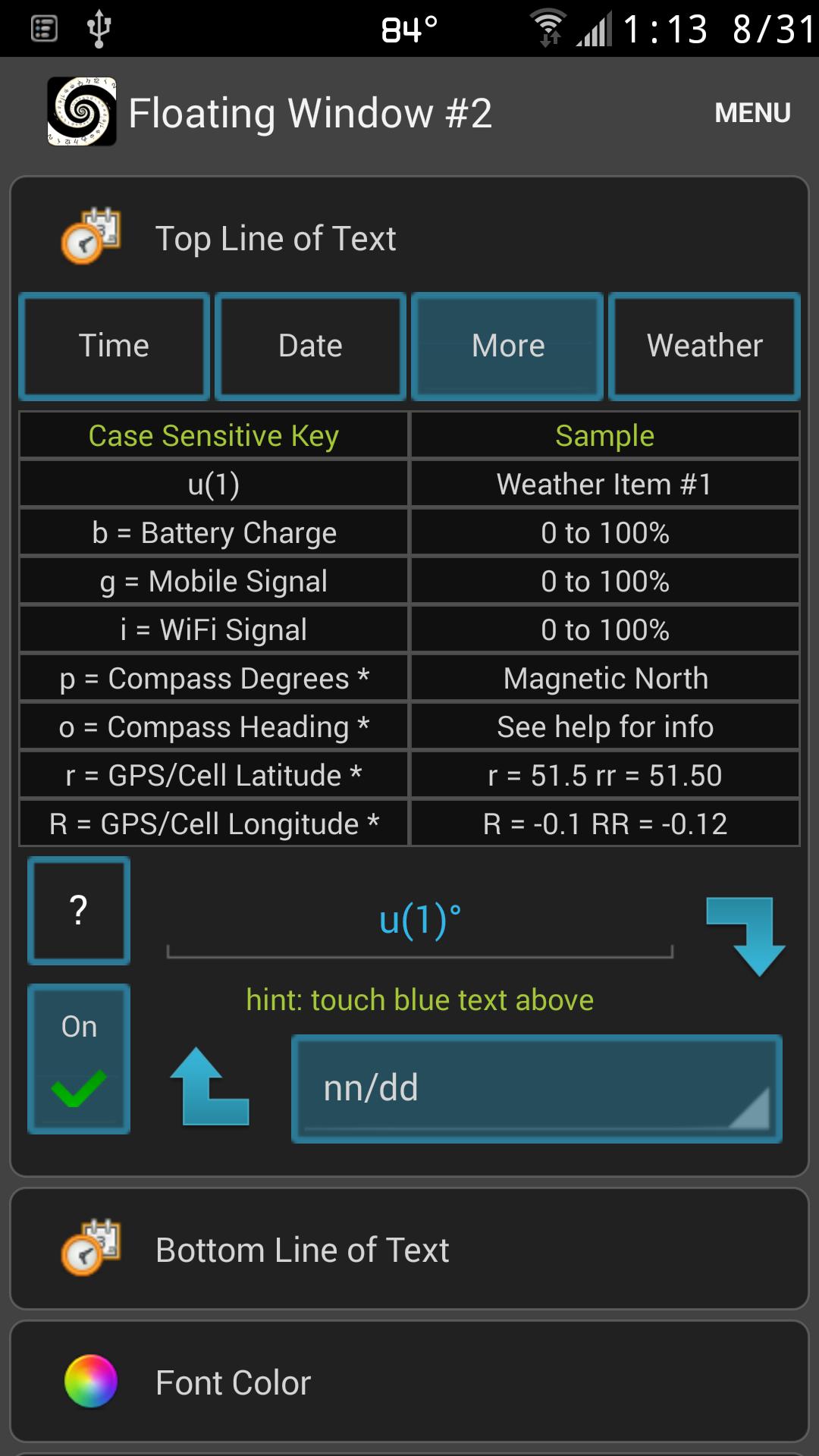
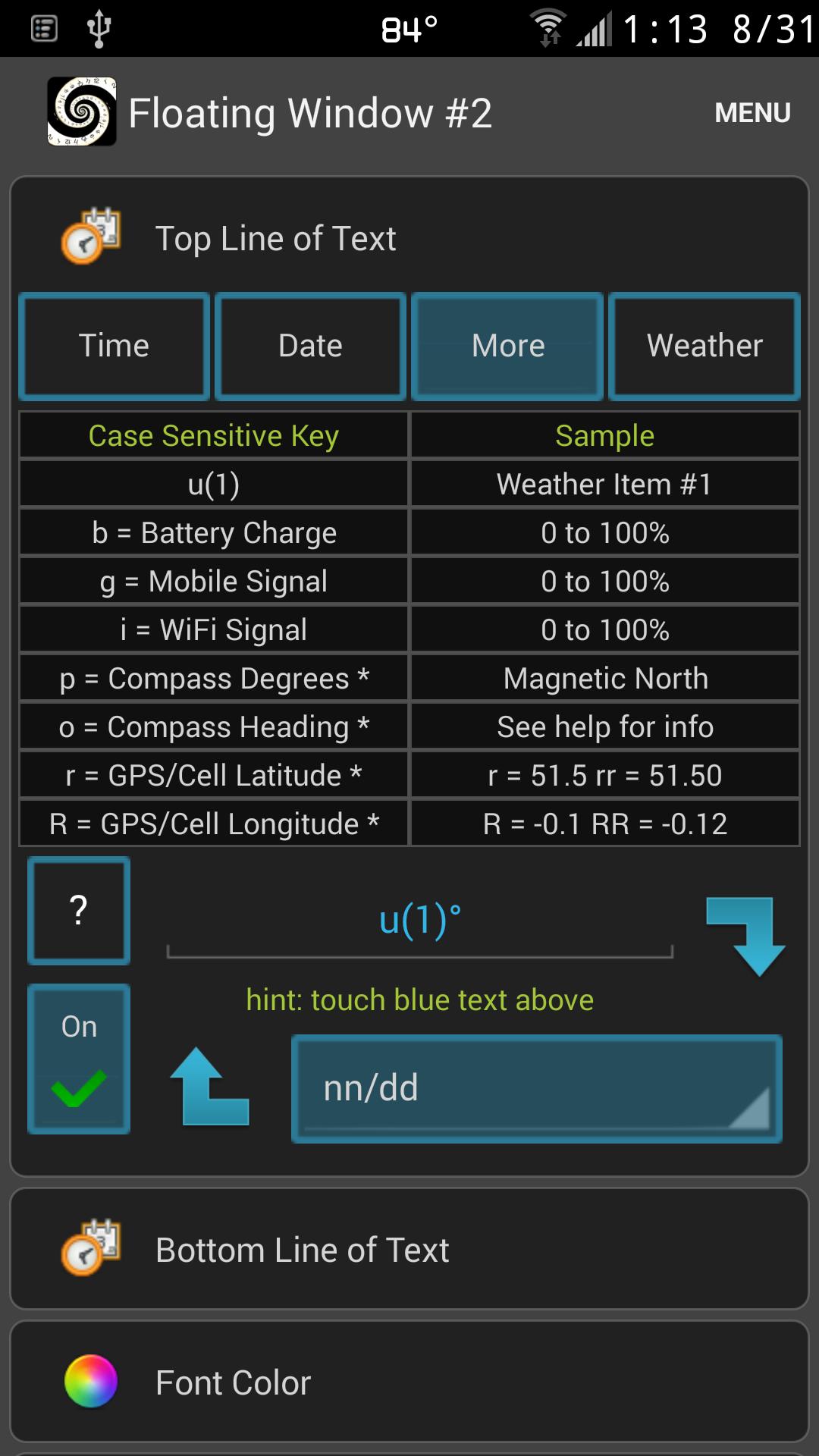
✔ Display the following in your status bar or anywhere on the screen:
• 25 date and time elements
• Battery charge % (a.k.a. percent hack)
• WiFi signal %
• Mobile signal %
• GPS/cell/wifi latitude/longitude
• UTC time offset
• Magnetic compass*
✔ Virtually unlimited font colors plus access two popular colors
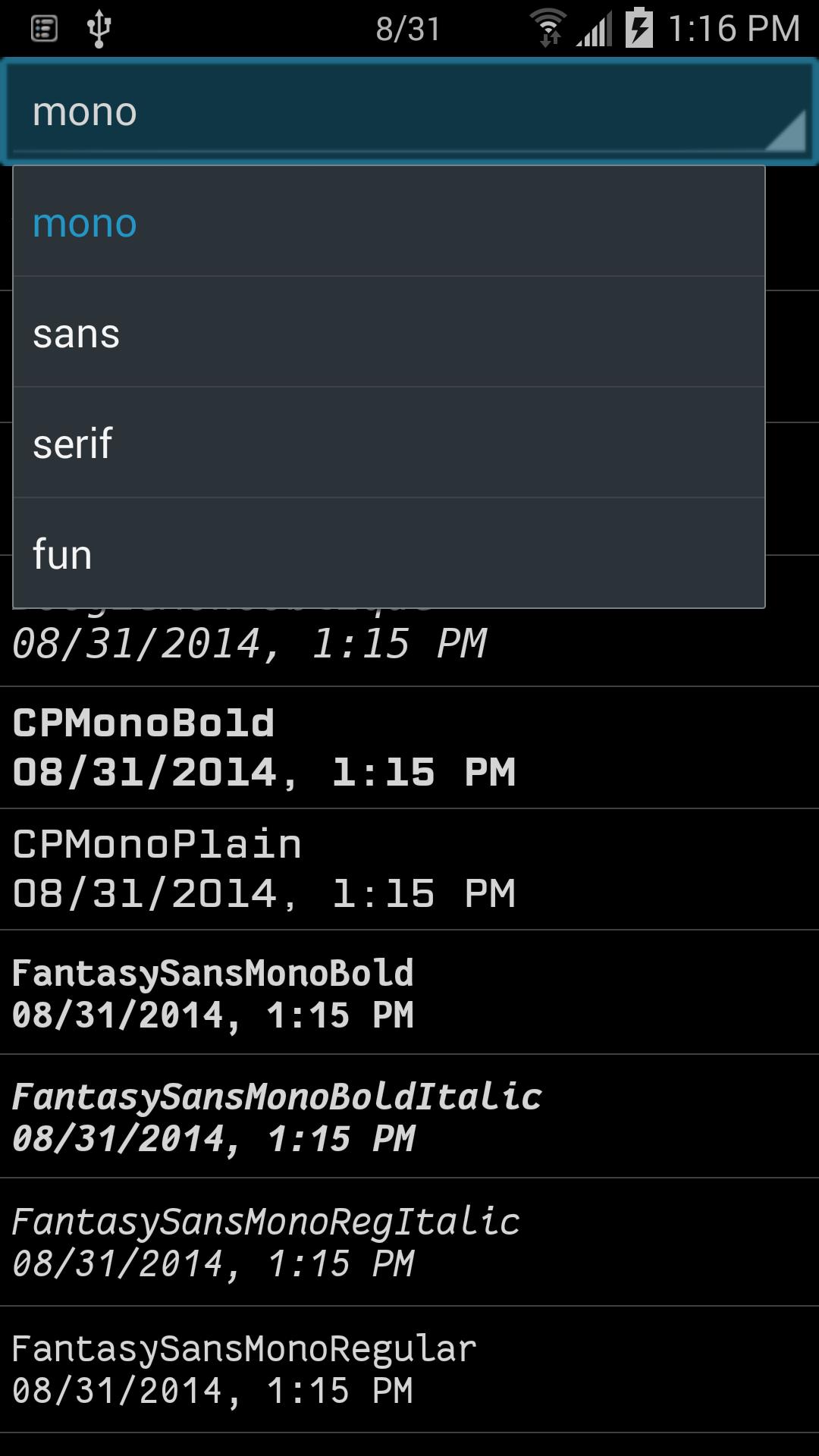
✔ >70 fonts included, access fonts on device, or select any TTF / OTF file
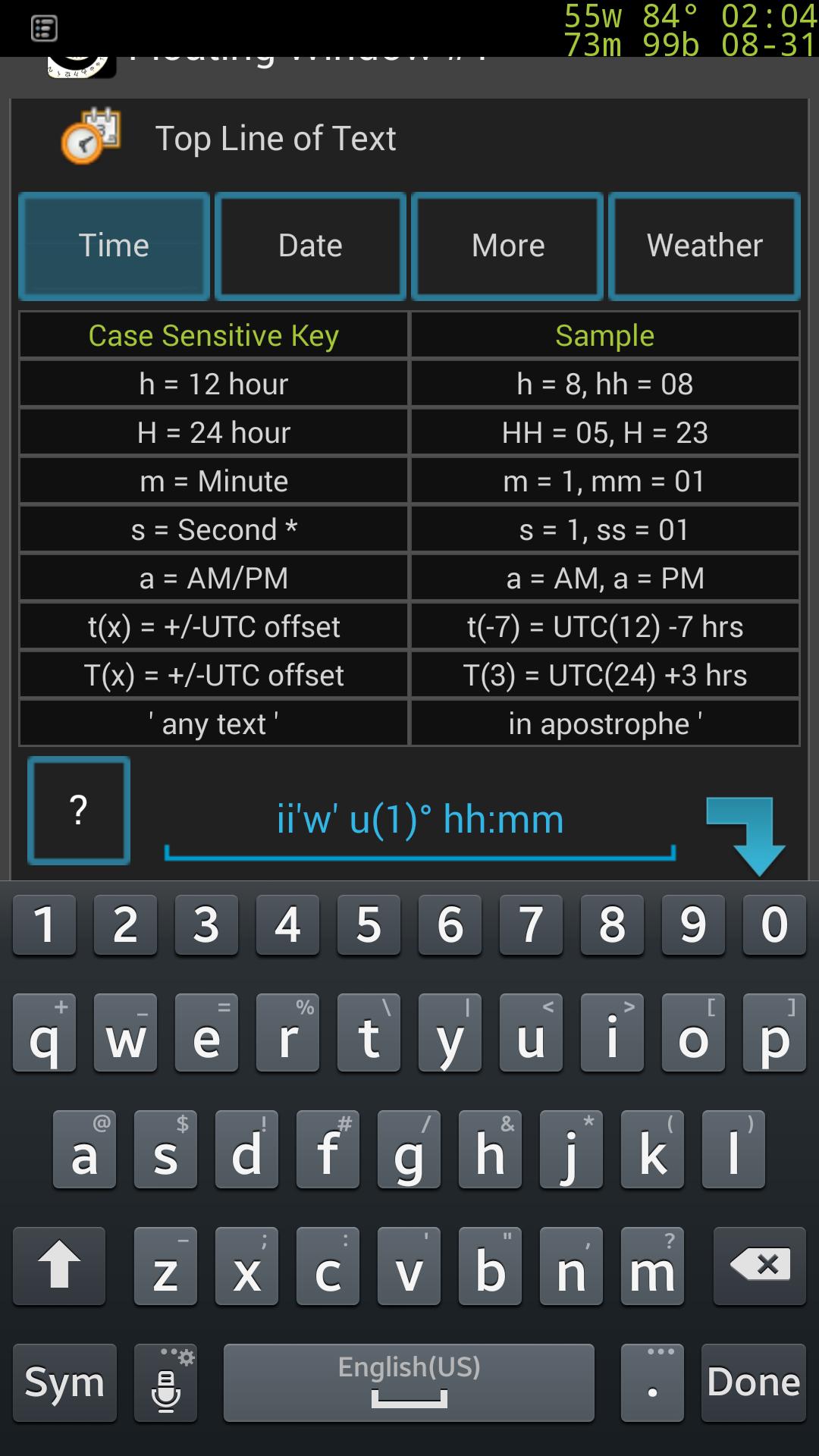
✔ Write a custom time and date string using the keyboard
✔ Place 4 floating windows anywhere on your screen, and in some cases lock screen
✔ Over 25 time and date elements:
12 hour clock, 24 hour clock, minutes, seconds*, AM / PM, calendar day name or number in month, month name or number in year, week in year, year, day in year, day of week, day of week in month, era, week in month, time zone, or any text within 'single quotes'
✔ Use any color, gradient, or image from file for the background
✔ Backup / restore preferences
✔ Adjust window size and gravity
━━━━━━━
Important Info
━━━━━━━
* Displaying seconds, compass, and GPS use more battery
• Android™ Robot licensed by Creative Commons Attribution 2.0 http://creativecommons.org/licenses/by/2.0
• Google Play / Android are trademarks of Google Incorporated



 Download