
• Home
  • Games
    Action-adventure Simulation Business Role Playing Sports Competition Casual Intelligence Card Strategy Music Rhythm Text Puzzle Flying Shooting Love Development
  • Apps
    Business Office Newsletter Social Life Entertainment Online Shopping Practical Tools Travel Financial Management Educational Learning Information Reading Sports and Health
  • Articles

English 中文(简体) 中文(繁体) 한국어 日本語 Português Español Русский العربية Indonesia Deutsch Français ภาษาไทย
Home Apps Practical Tools The Sun, moon and weather
The Sun, moon and weather

The Sun, moon and weather

1
2
3
4
5
Download
  • Version 2.14
  • Category Practical Tools
  • Package Name com.thinkicy.testpro
  • Update Time May 2, 2025
  • Size 21.66MB
About this app

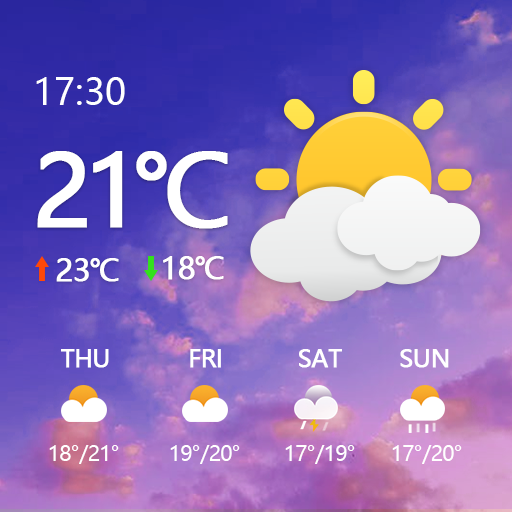
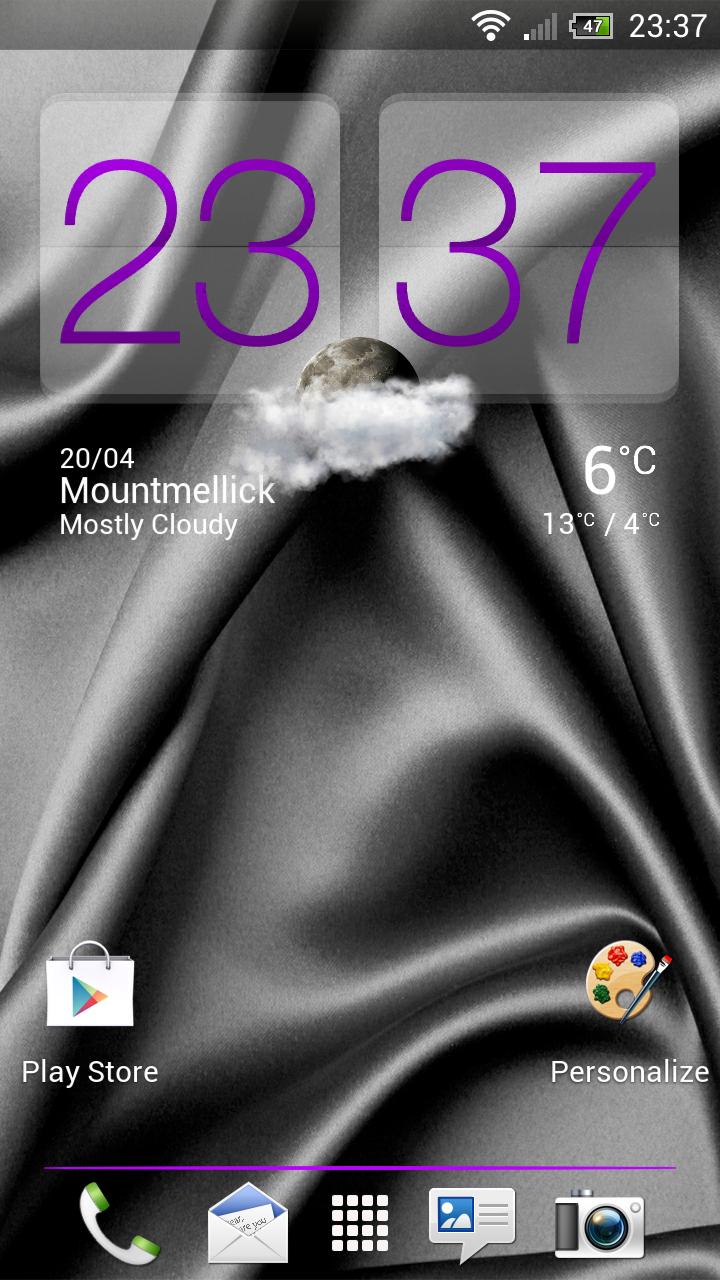
Realistic Sun, moon and weather rendering

Get weather condition, wind direction, sunrise and sunset timing together with moon phases information all from this app.

The current weather condition is simulated in this app and presented to you in a real life form.

For example ,lightning and rain effects. Clouds moving in the direction of the current wind.

Enjoy the simulated sunrise and sunset view right from this app.

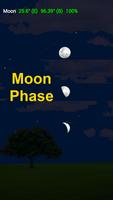
Observed the changing of the moon phases even while you are indoor.

Recall the sun and moon positions for any time of the day with Time travel feature.

Preview the next season or the past season scene.

****IMPORTANT***

The weather information is within an hour accuracy.

Location setting must be set to ENABLE.

Enable Location Service:

i) Android V3.0 and below

Go to Setting

Select Location & Security

Ensure Use Wireless networks or Use GPS satellites is ticked.

In the popup Location consent alert box, select Agree.

ii) Android V 4.x

Go to Setting

Select Location Services

Ensure the Google's Location Service check box is ticked

In the popup Location consent alert box, select Agree.

Ensure the Location & Google Search or GPS Satellites check box is ticked.

In the popup Location consent alert box, select Agree.

iii) Samsung 4.4 or HTC 4.x

Go to Setting

Select Location

Ensure the Location switch at the top is on.

In the popup Location consent alert box, select Agree.

Select Mode to set the accuracy you would like for your location service
What's New in the Latest Version 2.14

Last updated on Nov 3, 2015 update API key
Download(21.66MB)
Users also viewed
  • GLview

    GLview

    6.4.101 November 30, 2025
  • DevelopQuickSetting

    DevelopQuickSetting

    1.1 November 30, 2025
  • Signal Care Free

    Signal Care Free

    3.0.6 November 30, 2025
  • Sensor Check

    Sensor Check

    1.2 November 30, 2025
  • Gallery Pro

    Gallery Pro

    1.1 November 30, 2025
  • Japanese for GO Keyboard-Emoji

    Japanese for GO Keyboard-Emoji

    3.0 November 29, 2025
  • One tap boost

    One tap boost

    1.0.1 November 28, 2025
  • Beautiful Cloud WatchFace Free

    Beautiful Cloud WatchFace Free

    1.0 November 28, 2025
  • Floating Info

    Floating Info

    2.1 November 28, 2025
  • AMemoryTool Swap Enabler Root

    AMemoryTool Swap Enabler Root

    Dauis v6.8 November 28, 2025
  • RealTime Utilities - Sidebar

    RealTime Utilities - Sidebar

    1.1 November 28, 2025
  • 14 days Transparent Weather

    14 days Transparent Weather

    2.1.0 November 27, 2025
  • Ultimate Mandolin Tuner

    Ultimate Mandolin Tuner

    1.11.4 November 27, 2025
  • Photo Shine

    Photo Shine

    1.0.2 November 27, 2025
  • AI Interior Design - Interio

    AI Interior Design - Interio

    4.5.0 November 27, 2025
About Privacy Policy Terms of Service Cooking Policy

© Copyright 2017-2025 downzr.com