• Home
  • Games
    Action-adventure Simulation Business Role Playing Sports Competition Casual Intelligence Card Strategy Music Rhythm Text Puzzle Flying Shooting Love Development
  • Apps
    Business Office Newsletter Social Life Entertainment Online Shopping Practical Tools Travel Financial Management Educational Learning Information Reading Sports and Health
  • Articles

English 中文(简体) 中文(繁体) 한국어 日本語 Português Español Русский العربية Indonesia Deutsch Français ภาษาไทย
Home Apps Business Office Tap Log
Tap Log

Tap Log

1
2
3
4
5
Download
  • Version v6.0.12
  • Category Business Office
  • Package Name com.waterbear.taglog
  • Update Time March 1, 2026
  • Size 4.51MB
About this app

Log anything with button taps.

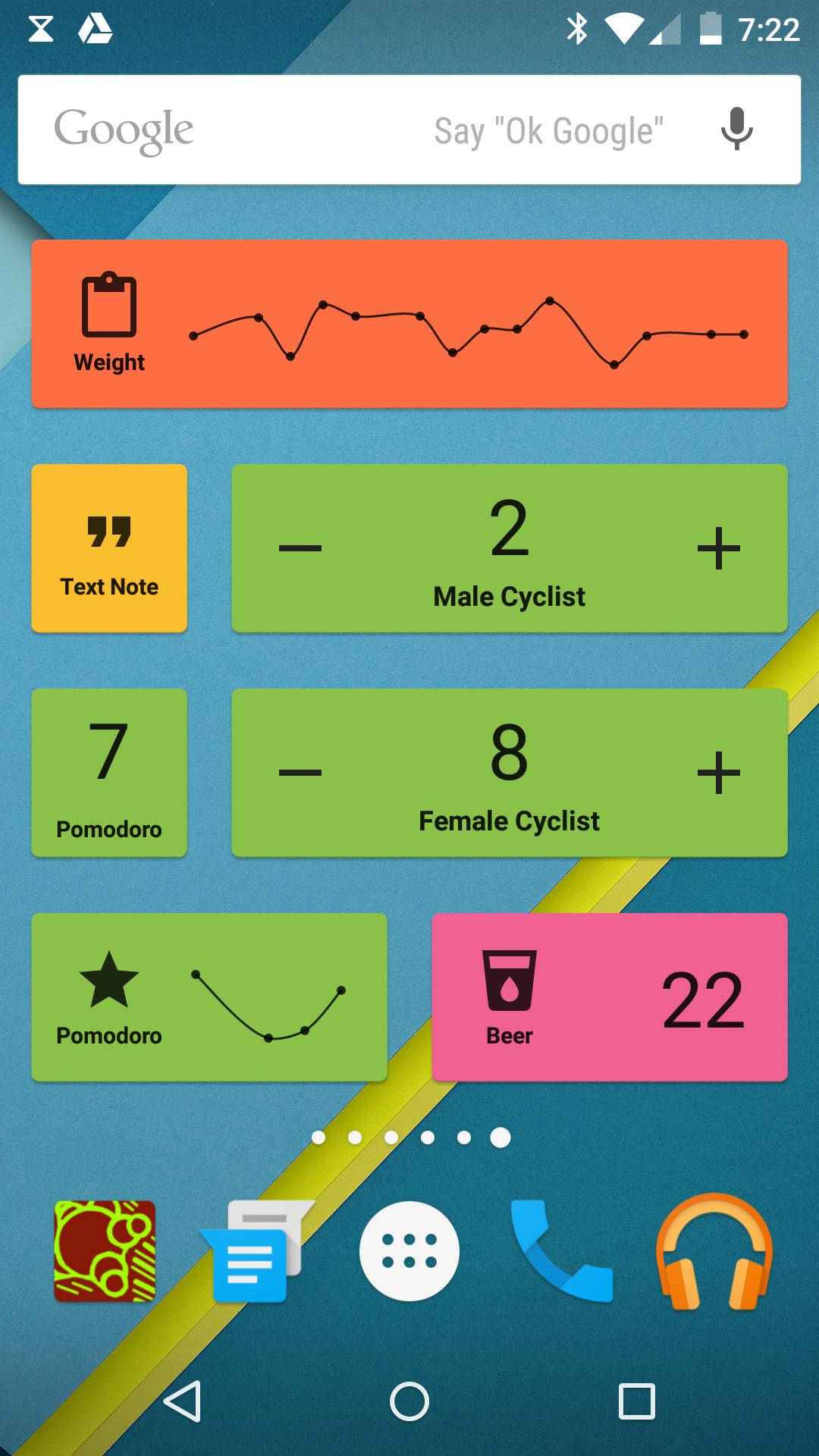
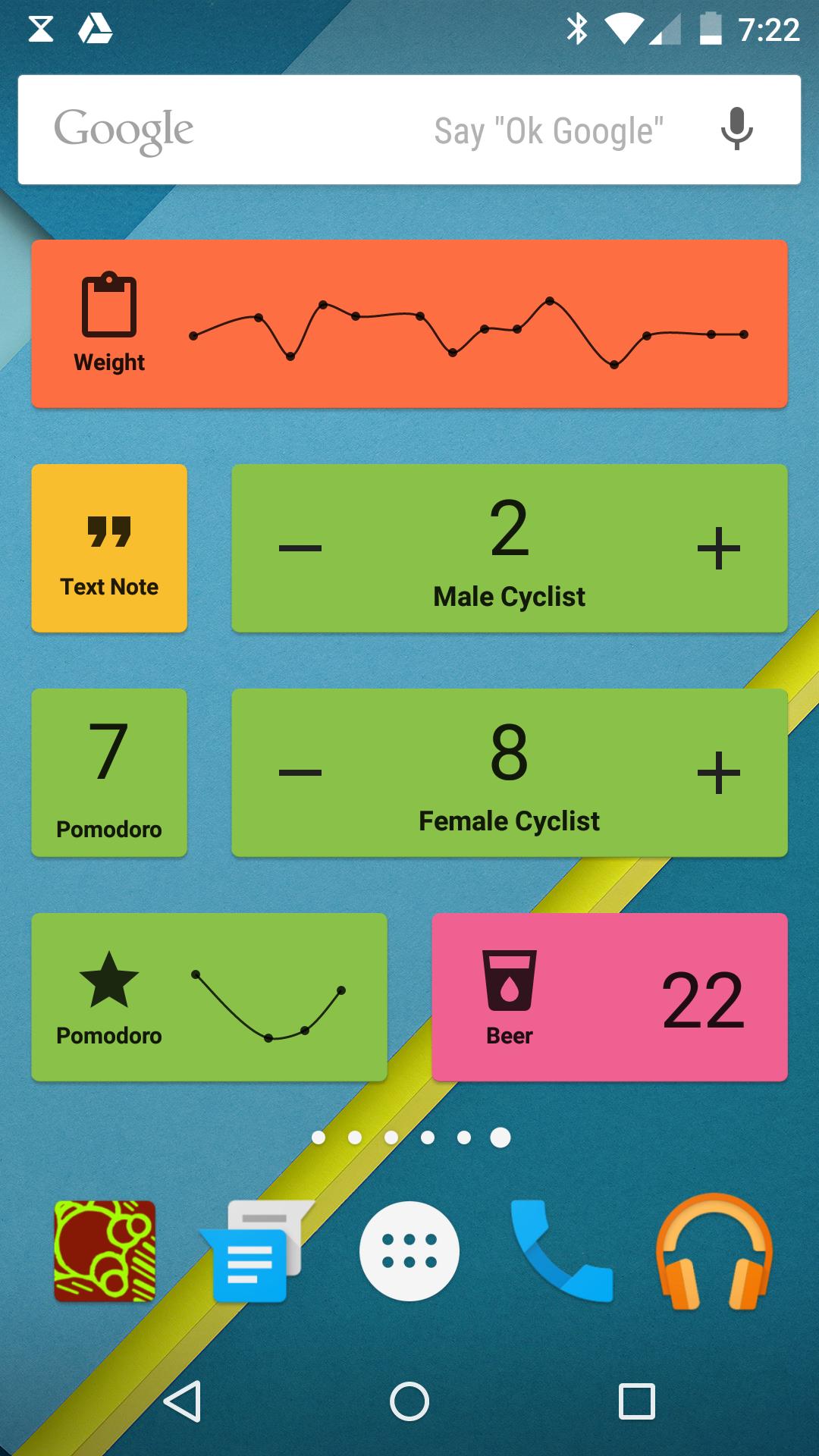
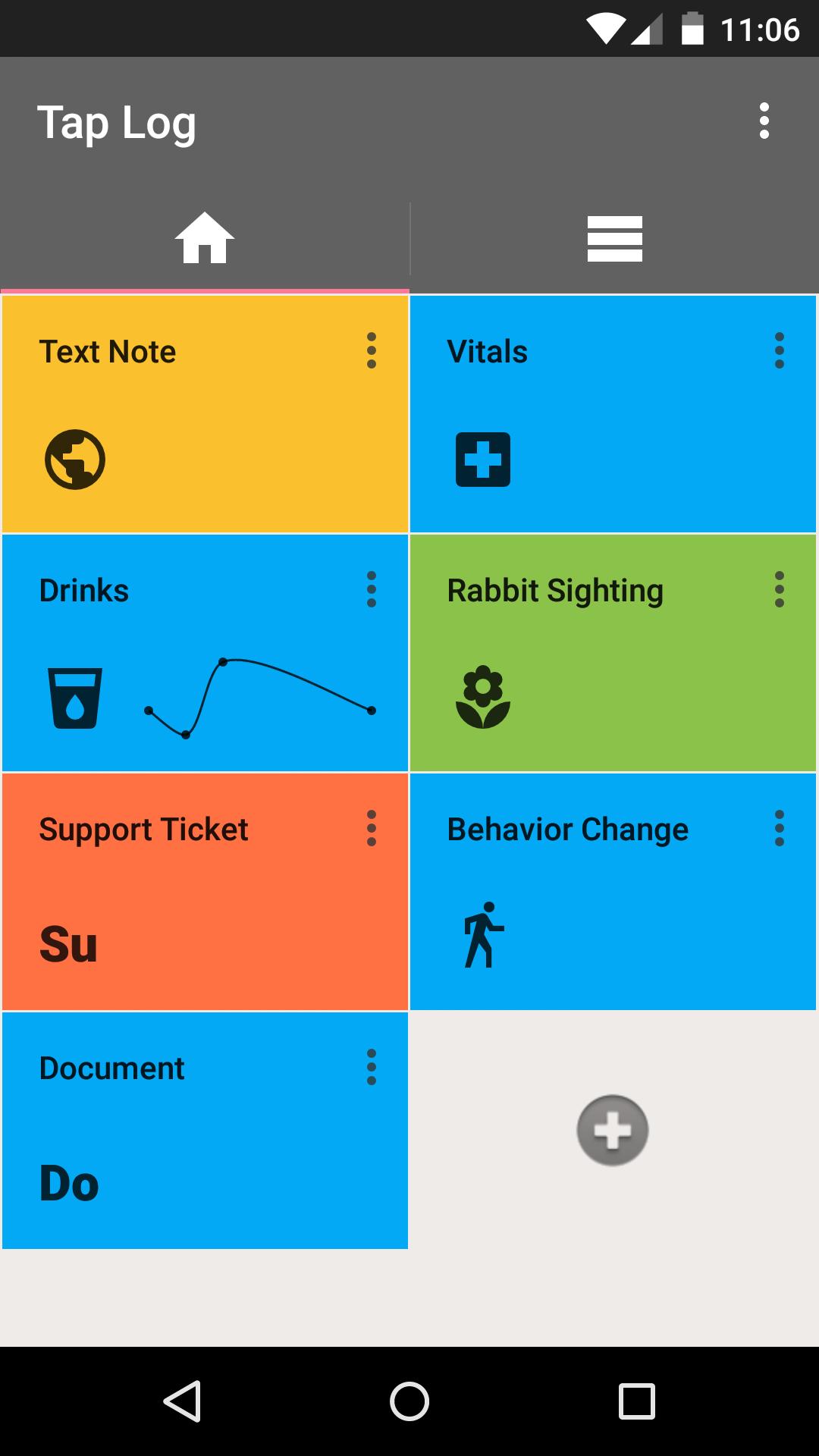
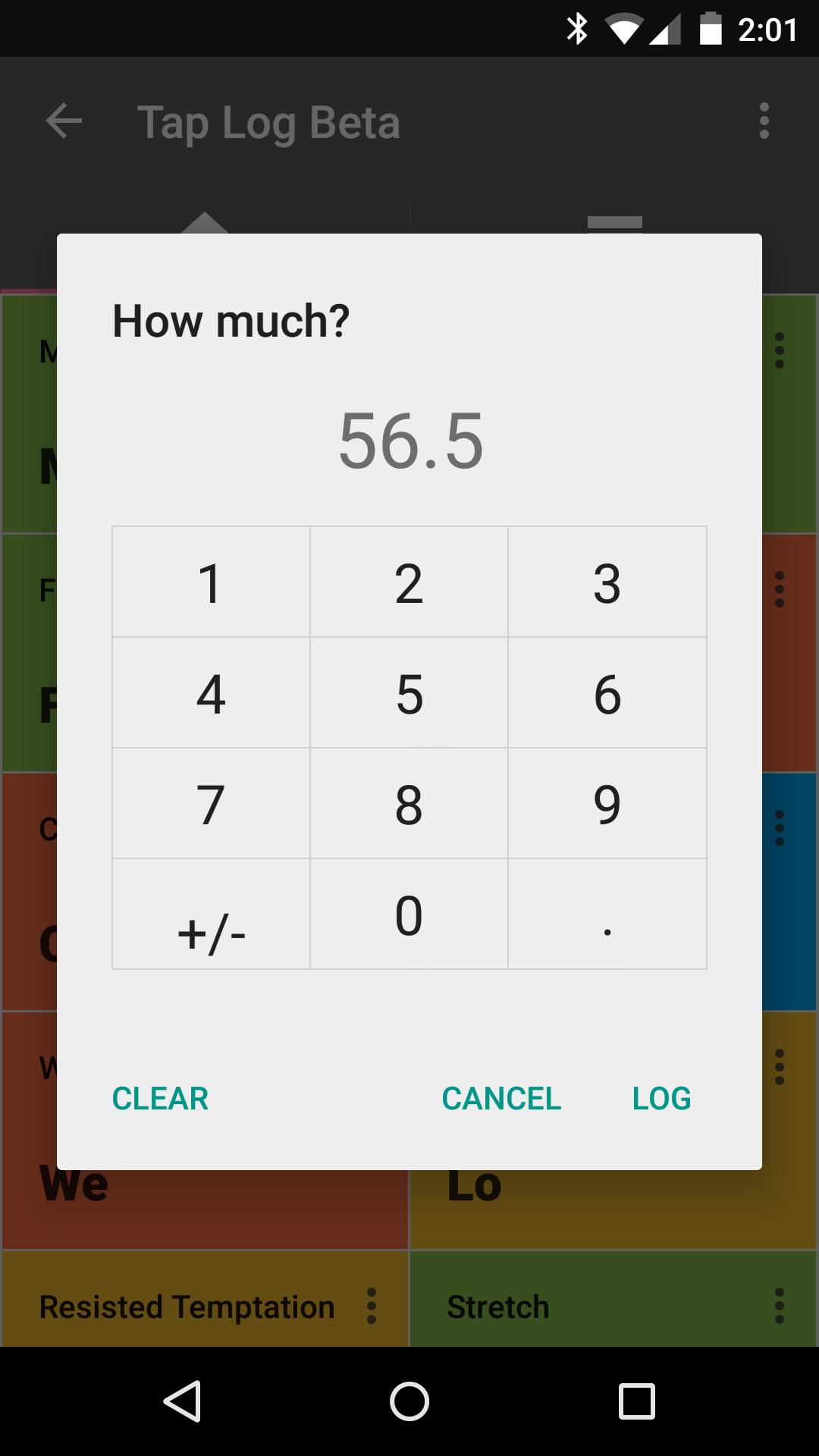
With Tap Log it is easy to maintain a record of statistics such as work tasks, weight, drinks or anything else you want to keep track of. Categories are customizable and allow you to generate well-formatted log entries in seconds of quantities, text notes, gps locations, and more. You can even log directly from the home-screen with home-screen widgets.

Event categories are set up in advance to minimize the interaction required to log events as they happen in real-time. A set of charts are included that include daily sum, average, min, max, time of day, streak, and more.

Tap Log has been used to track mood, habits, calories, coffee intake, water and alcohol intake, height, vitamins, basic workouts, and much more. Apart from health and fitness, people use Tap Log's GPS and e-mail features for law enforcement, trucking mileage, expense tracking, and real estate logging. Tap Log helps some users run their small businesses.

Tap Log makes it easy to log quickly so you can focus on more important things in life.

Support:

• E-mail: [email protected]

• Twitter: @taplogger

Database transfers:

The easiest way to transfer databases is to purchase and use the backup service, but you can also transfer it manually using the following instructions. Options for manual export can be found in App Settings -> Miscellaneous

How to transfer a database from OldPhone to NewPhone:

1. On NewPhone, open Tap Log and export the DB

2. Locate the NewPhone TapLog directory (either on phone memory or SD card)

3. On OldPhone, open Tap Log and export the DB

4. Locate the OldPhone TapLog directory and copy it

5. Paste the TapLog Directory from the OldPhone over the NewPhone TapLog directory

6. Open Tap Log on the NewPhone and import the DB

What's New in the Latest Version v6.0.12

Last updated on Dec 3, 2015 [+] Bugfixes: NFC and Samsung Widget

Thanks for reporting!

Download(4.51MB)
Users also viewed
  • Robot Mobile

    Robot Mobile

    3.2.2 April 15, 2026
  • Russian for Magic Keyboard

    Russian for Magic Keyboard

    1.0 April 15, 2026
  • File Transfer to PC

    File Transfer to PC

    1.0 April 14, 2026
  • ATOSS Mobile WFM

    ATOSS Mobile WFM

    12.3.4 April 13, 2026
  • Korean for TouchPal Keyboard

    Korean for TouchPal Keyboard

    5.8.1.5 April 12, 2026
  • Barcelona zipper lock screen

    Barcelona zipper lock screen

    2.0 April 12, 2026
  • Private Notepad

    Private Notepad

    6.10.0 April 11, 2026
  • WP OpenGL Data API Sample

    WP OpenGL Data API Sample

    2015/06/15 23:33 April 10, 2026
  • KRO4MOBILE Kellnerkasse

    KRO4MOBILE Kellnerkasse

    5.3 April 10, 2026
  • Muslim Day

    Muslim Day

    3.3.0 April 10, 2026
  • SIDAN

    SIDAN

    4.7.2 April 9, 2026
  • Antenna Tracker

    Antenna Tracker

    2.1 April 9, 2026
  • wifi wps  connect Pro

    wifi wps connect Pro

    1.7 April 9, 2026
  • Wifi Battery Saver Widget

    Wifi Battery Saver Widget

    1.1 April 8, 2026
  • X-pointer Touch

    X-pointer Touch

    1.5.5 April 8, 2026
About Privacy Policy Terms of Service Cooking Policy

© Copyright 2017-2026 downzr.com