

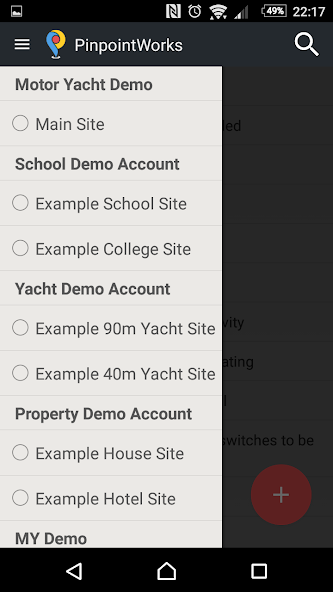
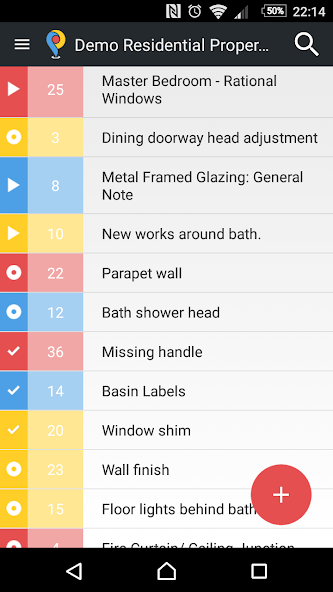
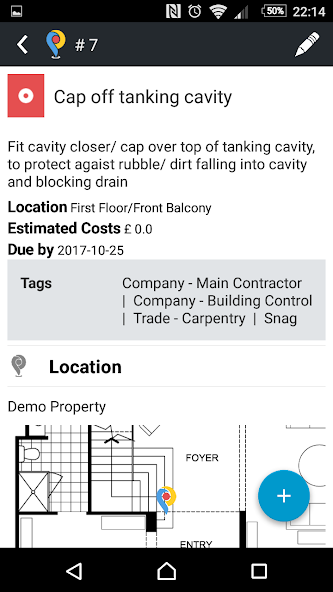
The web and mobile app which turns your site plan into an interactive work list.
NOTE:You can only use this app as an existing User. Ask for an invite from your Pinpoint Works site Admin or create a free 30-day account at: https://pinpointworks.com. Once you have signed up to the web app, you can then download and sign into the mobile app.
If you're tired of information getting lost in emails, scribbling in notepads, and co-workers working from various spreadsheets, then Pinpoint Works is the perfect custom solution for your project. Used by project managers and contractors to streamline works in a variety of industries: yachts, hotels, schools, residential and commercial property, etc.
Pinpoint Works provides a simple and efficient solution to help you and your team manage your work and snag lists using your unique site plan. Pin it. Share it. Track it.
PIN IT. Add items on-site, on or offline, with your mobile device. Add location, status, priority, tags, photos, videos, documents, comments and even custom fields.
SHARE IT. Give the right people access to the right information by inviting users to your site and setting their access level. Keep everyone up-to-date with the latest information all in one place.
TRACK IT. Track your work lists in real-time and use the dashboard for an overview of multiple vessels. Export to PDF or Excel for site walk-arounds and meetings.
The Android app works on and offline, allowing you to log your points on the go, then syncs your changes with the web app once your internet connection is reestablished. Add photos, tags, custom fields, an exact location, comments, etc - all the information you need to get your point across and communicate with your colleagues.
Find out more at https://app.pinpointworks.com or send us an email at [email protected].









 Download