

Photo Editing Sketch Plustake your photos to the next level all for free.
#1 Photo Editing Sketching App is Here.
Thank you for downloading our Photo Sketch Editing App. We truly hope you enjoy our Totally Free Photo Sketch app.
We have combined many of the great filters available for photo editing into one app to make it easy for our users.
Photo Sketch Plus app is totally free to download and there is nothing to buy in app.
Please read the below instructions for the best results in editing your photo with our App.
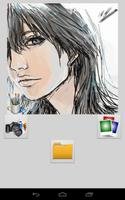
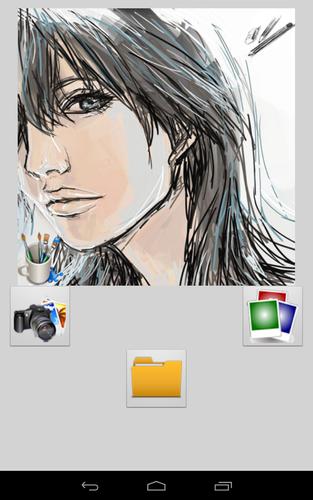
When the app loads you will see 3 icons. A camera icon / photo selection icon / A folder icon.
If you would like to edit a photo by taking a picture first then select the camera icon to take a photo.
To select a photo from your gallery then please click on the photo selection icon and this will open up your photo gallery.
* Please Note currently our app is not able to edit photos stored on the cloud. Photos must be saved in your phone or tablets memory to be able to edit. We are working on fixing this and once complete we will release an update.
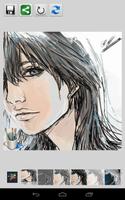
*** Once an image is selected either via taking a photo or selecting one from your gallery our editing panel will open
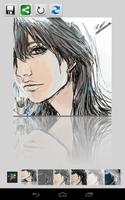
showing you a few image filters. If you like you can select one of our 1st set of filters and when happy click on the first icon and our 2nd set of filters will open , giving you many more options for editing.
* Please note to keep app size small we have not included all filters but they can be downloaded 100% freely from within the app.
* If you try to use a photo you took with your phone's camera or a large size photo app might take a little time showing the filters and switching from our 1st set of filters to the 2nd. This is normal as the size of the photo is large and takes time to render ( based on your device times may vary )
If you have any questions / comments / suggestions on how we can improve our app please contact us via contact developer button.
Once again thank you for using our Photo Editing Sketch Plus Application.


 Download