• Home
  • Games
    Action-adventure Simulation Business Role Playing Sports Competition Casual Intelligence Card Strategy Music Rhythm Text Puzzle Flying Shooting Love Development
  • Apps
    Business Office Newsletter Social Life Entertainment Online Shopping Practical Tools Travel Financial Management Educational Learning Information Reading Sports and Health
  • Articles

English 中文(简体) 中文(繁体) 한국어 日本語 Português Español Русский العربية Indonesia Deutsch Français ภาษาไทย
Home Apps Educational Learning Pearson eText Global
Pearson eText Global

Pearson eText Global

1
2
3
4
5
Download
  • Version 1.10.1
  • Category Educational Learning
  • Package Name com.pearson.android.etext.global
  • Update Time May 29, 2025
  • Size 8.27MB
About this app

Teachers & students around the world can access an eText on an Android tablet.

The Pearson eText Global app allows teachers and students around the world to access their eText bookshelf on a 7” or 10” Android tablet. The tablet device must support Android OS 3.1 or newer.

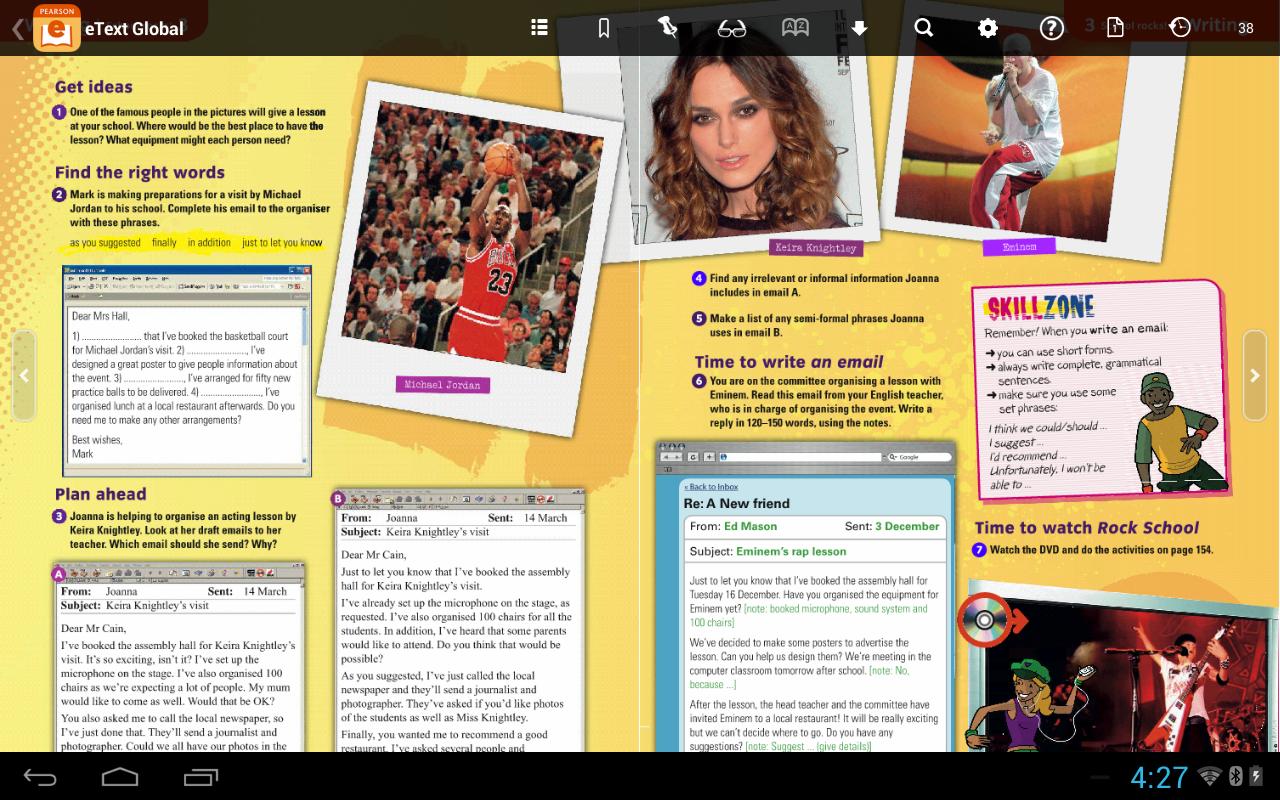
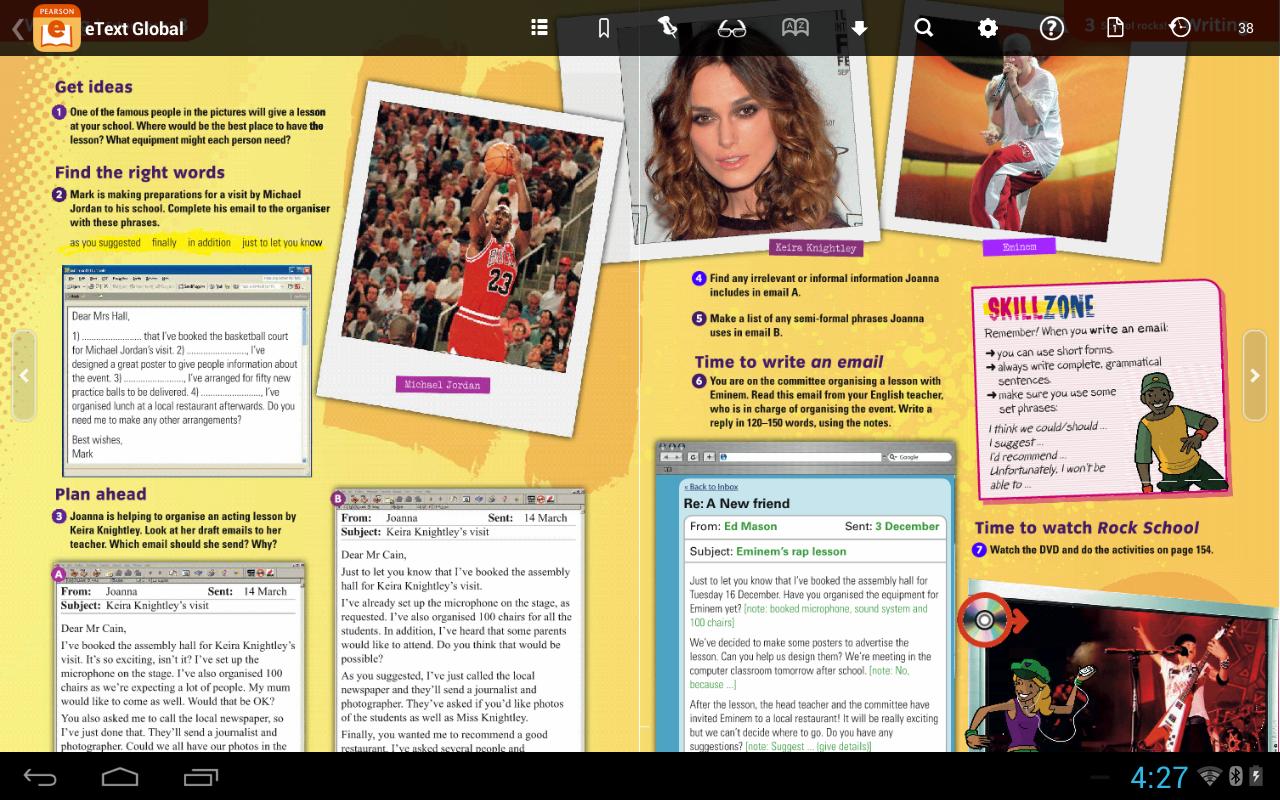
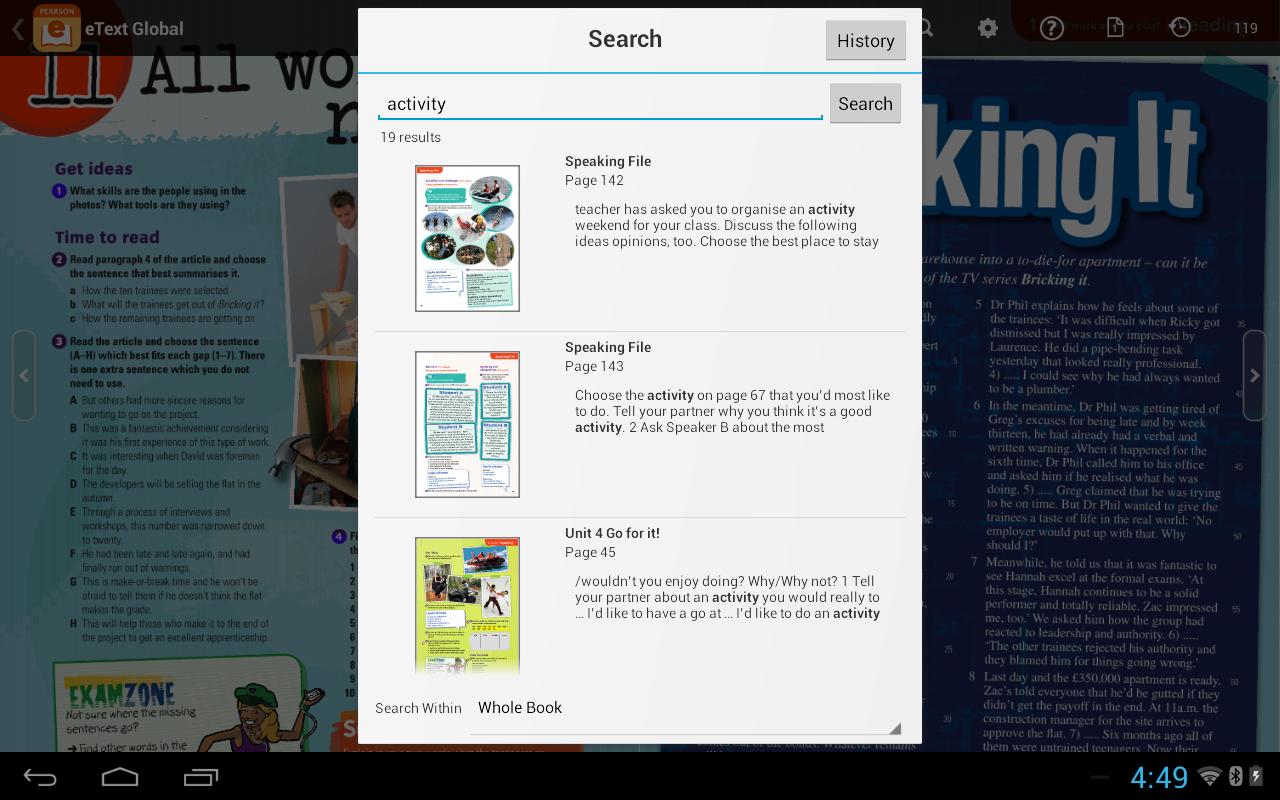
In the Pearson eText Global app, book content is displayed with the highest quality fidelity to the print and online versions of the textbook. Students and teachers will experience many of the same features available in the browser-based eText platform, including full-text search capabilities, a notes manager, support for multimedia content, glossaries and note-sharing.

To access your titles:

1. Install this app on your Android tablet and connect to the Internet.

2. Launch the app.

3. In the eText app, when prompted to login, enter a valid Pearson username and password.

4. Your bookshelf will display your subscribed titles.

Help:

• If you have an access code for an eText, register it here: https://b2c.register.mypearson.com/register/

• View your eText bookshelf on the web here: http://view.etext.home2.pearsoncmg.com/ebook/schoolLogin.do

• If you receive a message stating "Invalid Username or Password" and you've entered the information correctly, your eText titles may not yet be available on the Android tablet.

Features:

• Bookshelf displaying your eText titles

• Page fidelity to the original textbook display

• Single and two-page view

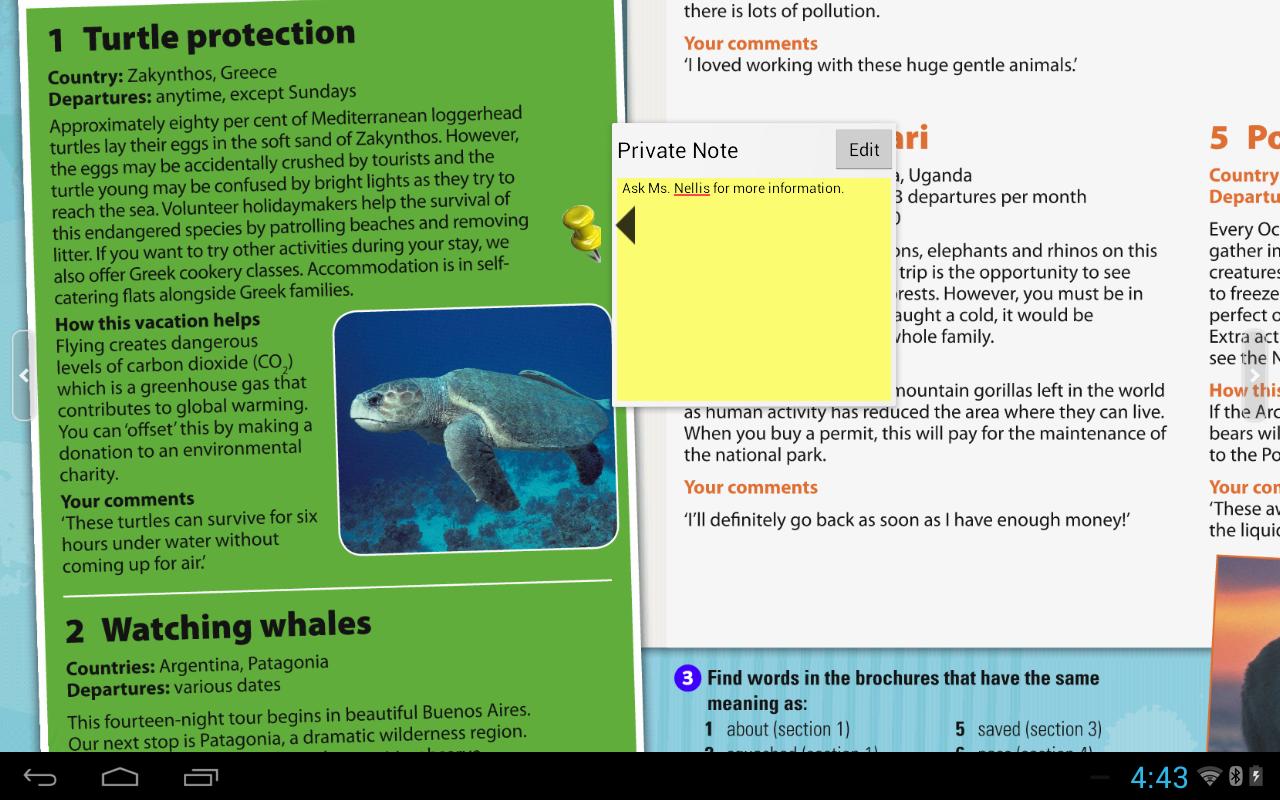
• Notes, highlights, bookmarks on or offline

• Hotspot links to rich browser-based media (online only; varies according to title)

• Full-text search and search history

• Download manager, for offline access to eText pages

• Table of contents

• Glossary (selected titles)

• Help

------------------------------------------------------------------------------------------------------------------------------

Note: If you encounter any issues you'd like to report, please include the Book title and page number when you create a Customer Review.
What's New in the Latest Version 1.10.1

Last updated on Jul 20, 2017 This update includes some improvements to the Italian version.
Download(8.27MB)
Users also viewed
  • Systems Management MDM

    Systems Management MDM

    Release 2.2 March 2, 2026
  • 3PM Forms

    3PM Forms

    5.3 March 2, 2026
  • Music Note Flashcards

    Music Note Flashcards

    1.6 March 2, 2026
  • Chem Academy

    Chem Academy

    1.32 March 2, 2026
  • ANIMAL MATH

    ANIMAL MATH

    1.1.3 March 1, 2026
  • Kids Learn

    Kids Learn

    1.0.2 March 1, 2026
  • Petroleum Engineering Drilling

    Petroleum Engineering Drilling

    1.00 March 1, 2026
  • Gymchess

    Gymchess

    1.4.1 March 1, 2026
  • Manipal WiFi

    Manipal WiFi

    3.02 March 1, 2026
  • ONLINE POLICY STATUS PFIGER

    ONLINE POLICY STATUS PFIGER

    1.3.7 February 28, 2026
  • iTooch 5th Grade Science

    iTooch 5th Grade Science

    4.6.2 February 27, 2026
  • Blackstone Management

    Blackstone Management

    8.34 February 26, 2026
  • PAYCALL

    PAYCALL

    1.3.12 February 26, 2026
  • Islamic Names | Quranic Names

    Islamic Names | Quranic Names

    2.0 February 26, 2026
  • Connect 2.0

    Connect 2.0

    1.0.6.130 February 24, 2026
About Privacy Policy Terms of Service Cooking Policy

© Copyright 2017-2026 downzr.com