

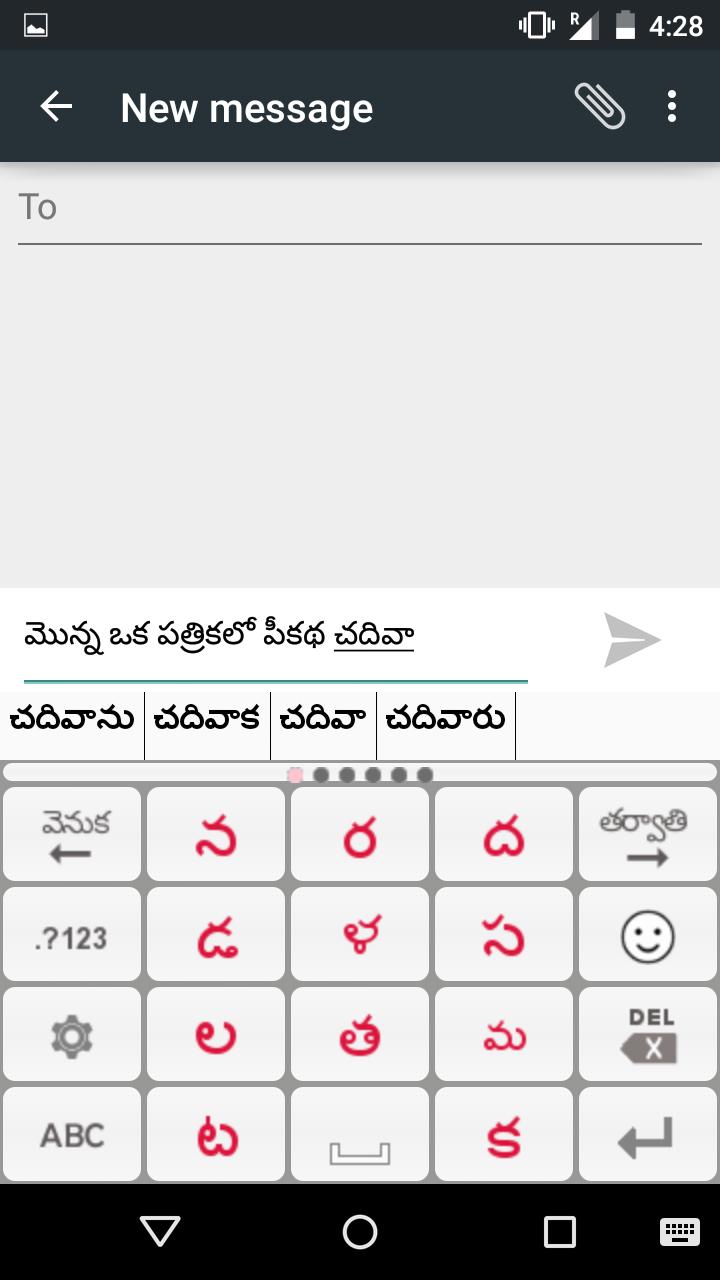
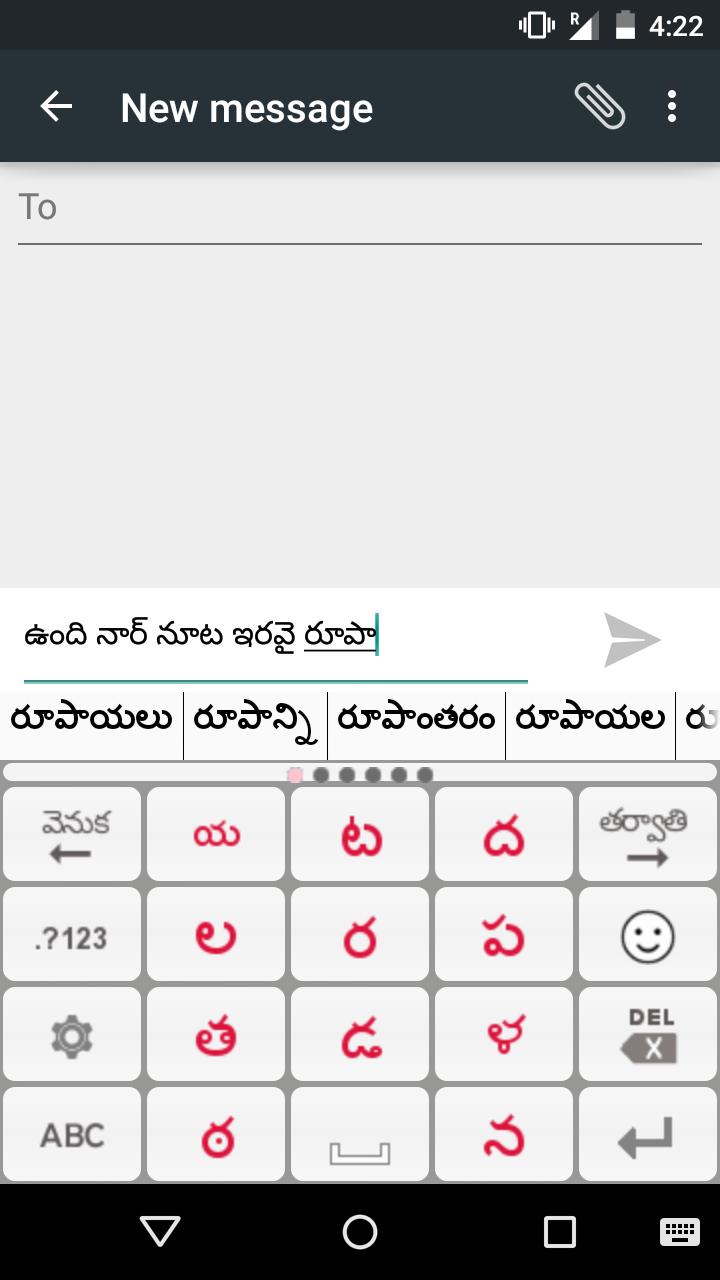
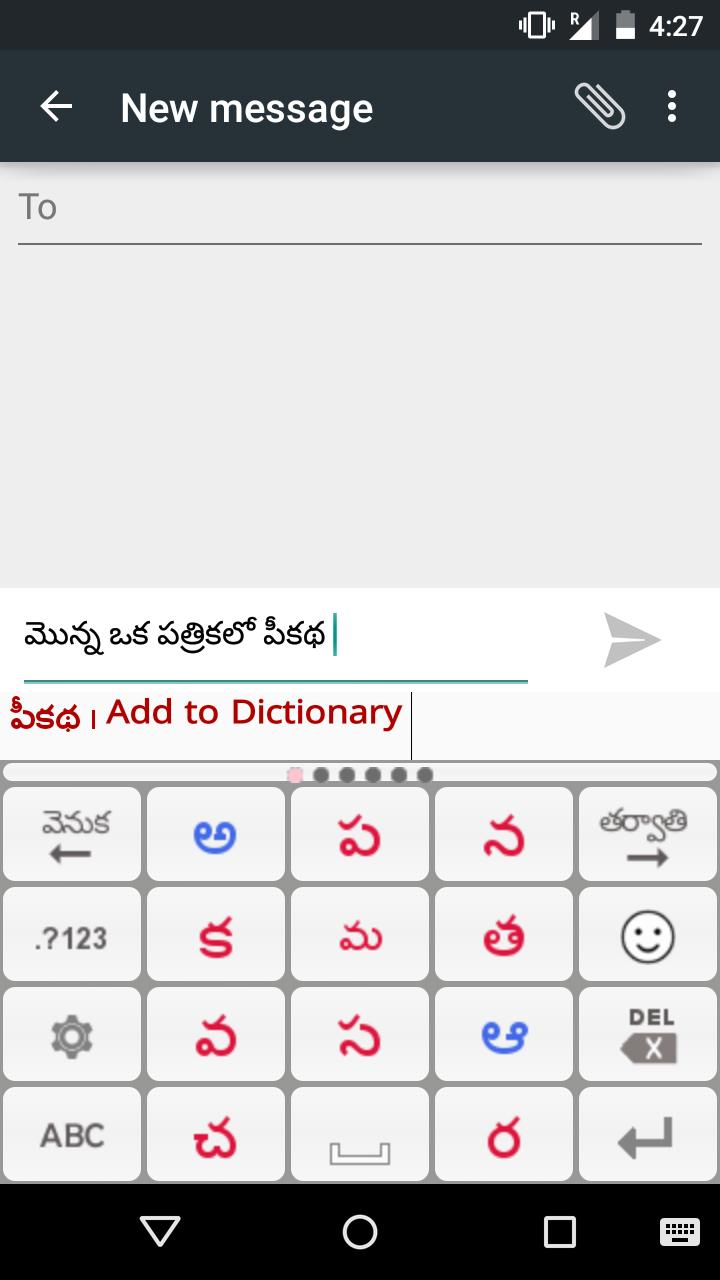
Type both in Telugu & English with intelligent character & dictionary prediction
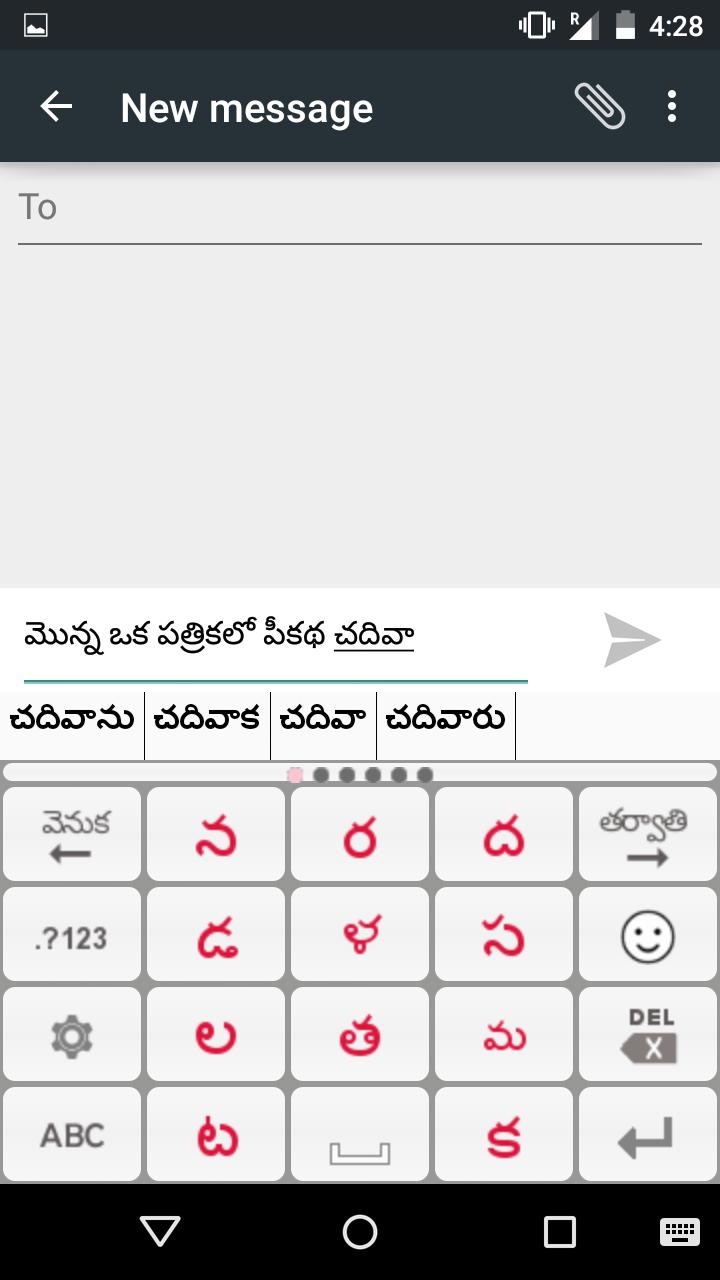
The Panini Keypad is an intelligent dynamic keypad that offers you to type easy and fast in Telugu (తెలుగు) on your phone. This new technology constantly calculates and puts only 11 characters on the screen that you are most likely to type. Character Buttons are large and easy to point and you make less errors. The accurate prediction helps you compose difficult words in their correct letter sequences as per Unicode.
You can use the Panini Keypad to type Telugu/English sms, messages, chat, facebook, Address Book, email, blogs, reminders, twitter, Whatsapp etc.
PaniniKeypad is an IME(input method editor) for android phones & tablets. This can be your default keypad.
Also high quality intelligent dictionary auto complete and word prediction is offered in both Telugu and English. More innovations coming up.
Installation.
1. Download and install this application on phone.
2. Go to "Settings"->"Language & input/Locale & text" -> select Panini Keypad IME. (check on) Green.
3. Again Go to "Settings"->"Language & input/Locale & text"-> set Default Keyboard/ Input Method as PaniniKeypad IME.
4. Back to text compose area, keyboard will appear on screen.
5. Experience Fast & Easy way of typing on android phones.
After installation click on PaniniKeypad icon on home screen to get detailed information about launch the IME & typing related help.
Two rules
1. Look for the character, press it.
2. If character not there, press Next button.
There is a 74% chance that the first character of your word is on the screen and after that there is a 93% (and higher) chance that the next characters will be predicted to your fingertips. Predicted characters very often in the top left corner and most often you type pressing the same key, at a position comfortable to your thumb.
The intelligent technology is based on linguistics, AI and the dynamic intelligent keypad is patented all over the world and winner of many awards for innovation.
14 Indian languages are supported with this same system of typing and orthography. And many other languages of the world.
This is the best way to type for both basic phones and touch phones. Those who have found out its magic, please help others also to discover.
For Vothulu akshralu (adha ka etc, consonant clusters) please put a Pollu/Halanth [్](character with + sign) in the middle of the two consonants. The Conjunct will automatically form. The Pollu/Halanth[్] is also a character, predicted automatically like others and shown in RED for your easy recognition.
Examples of correct character entry sequence (Orthography):
ప్రీతి = ప+్+ర+ీ+త+ి
గ్యనం = గ+్+య+న+ం
అమ్మ = అ+మ+్+మ
విద్య = వ+ి+ద+్+య
Learn how to write every possible Vattulu/Ottulu from link:
http://paninikeypad.com/conjuncts/telugu
In this latest version you can type in English in between Telugu, by using QWERTY keyboard. One can type Telugu/ English numerals, symbols etc.
Give a try to this new way of typing, you will learn very quickly. You must use it in Galaxy Note, Grand, S3, S4, Trend etc also, its absolutely a pleasure due to the large keys.
"We would like to share with PaniniKeypad users that this technology (PaniniKeypad) has been granted US patent in June 2014."
Privacy concerns: Panini Keypad does not try to read your data or connect to a server for prediction. Your data stays on your phone and the application does not connect anywhere, you can use it offline also.
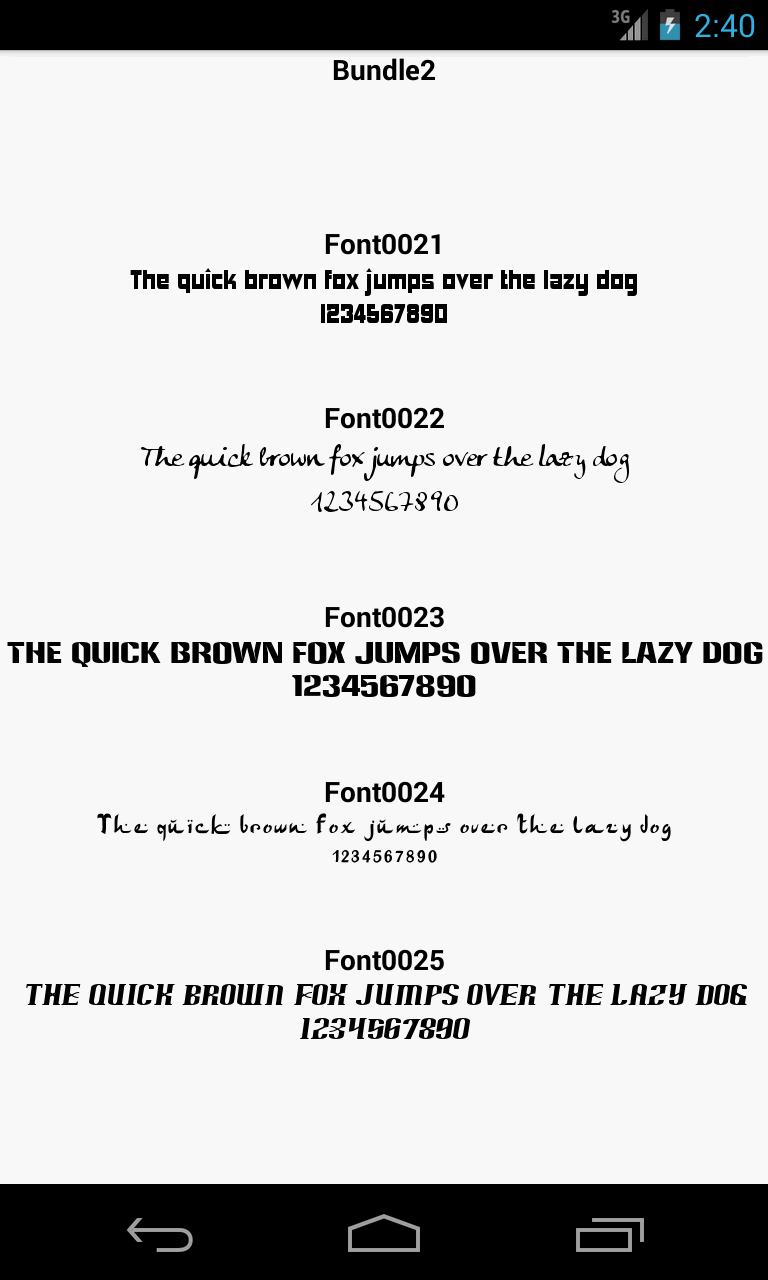
"YOUR PHONE MUST HAVE TELUGU FONT, OTHERWISE SHOWS SQUARE/BLANK BOXES."
Word Association/Prediction feature added.
New look & feel of PaniniKeypad.
Dictionary predictions while editing words.
Dictionary predictions at insertion also.
List of Emoji also supported.
No./symbol layout changed
Themes added to product.
Various examples on Vattulu typing supported.
Some bugs spotted by users has been fixed.
Long press delete (delay 1 sec.)
Keypress sound & vibration are default off.(optional).










 Download