• Home
  • Games
    Action-adventure Simulation Business Role Playing Sports Competition Casual Intelligence Card Strategy Music Rhythm Text Puzzle Flying Shooting Love Development
  • Apps
    Business Office Newsletter Social Life Entertainment Online Shopping Practical Tools Travel Financial Management Educational Learning Information Reading Sports and Health
  • Articles

English 中文(简体) 中文(繁体) 한국어 日本語 Português Español Русский العربية Indonesia Deutsch Français ภาษาไทย
Home Apps Business Office Organizer Widget
Organizer Widget

Organizer Widget

1
2
3
4
5
Download
  • Version 9.2
  • Category Business Office
  • Package Name com.organizerwidget
  • Update Time May 19, 2025
  • Size 16.64MB
About this app

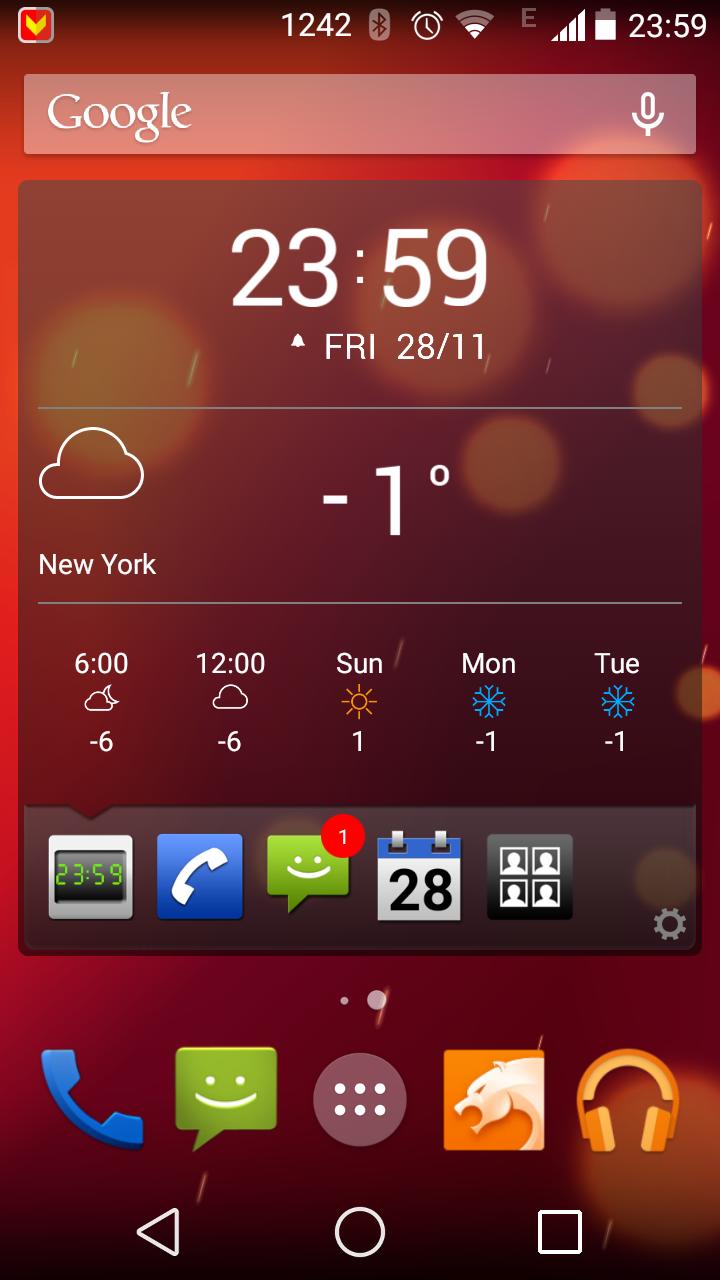
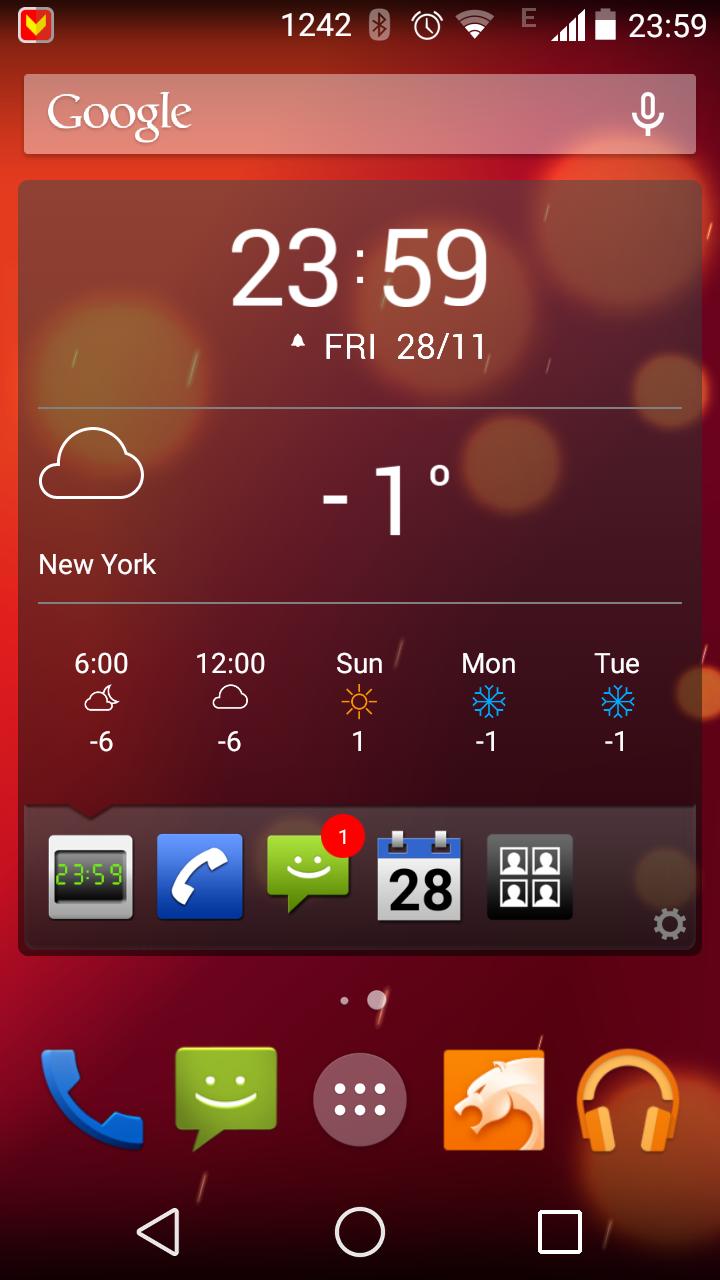
Organizer Widget is a hub to display different information: calls, SMS etc.

Organizer Widget is a hub to display different information: last and unanswered calls, new SMS, Facebook messages, Tweets, tasks and events, e-mails, etc.

How to install the widget:

1. Go to home screen

2. Click on Application icon

3. Choose Widgets submenu

4. Choose Organizer Widget

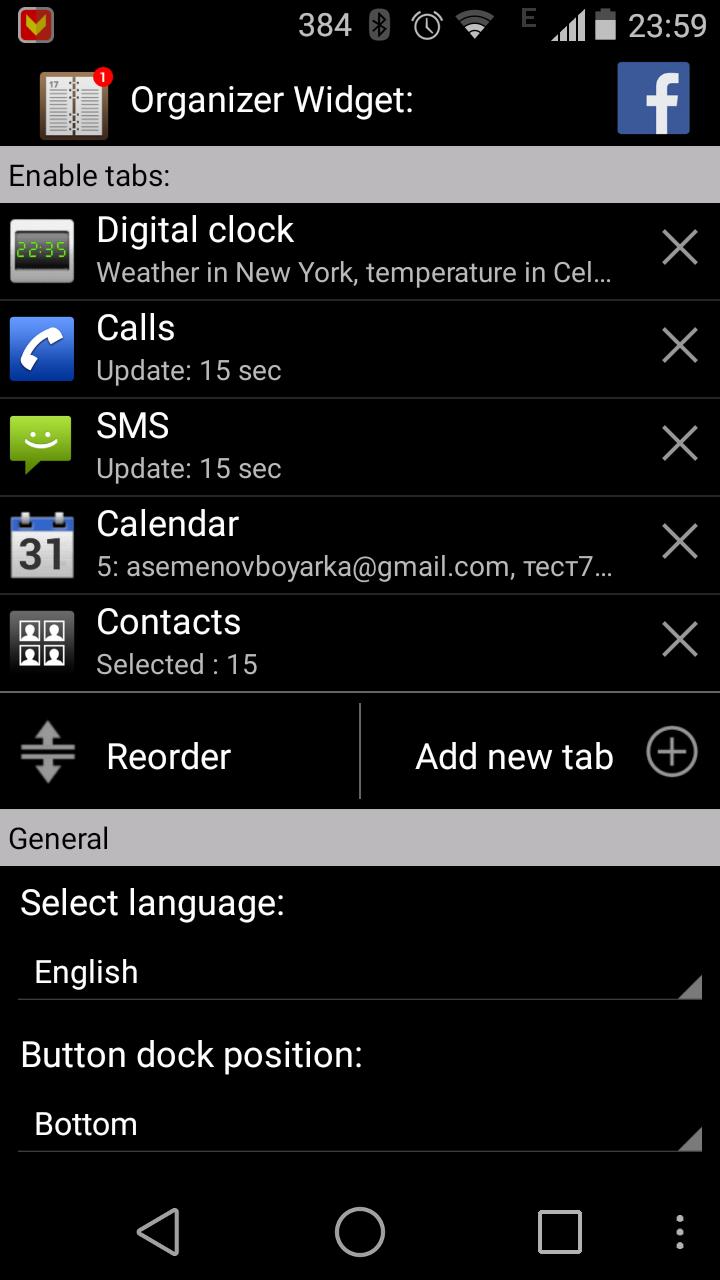
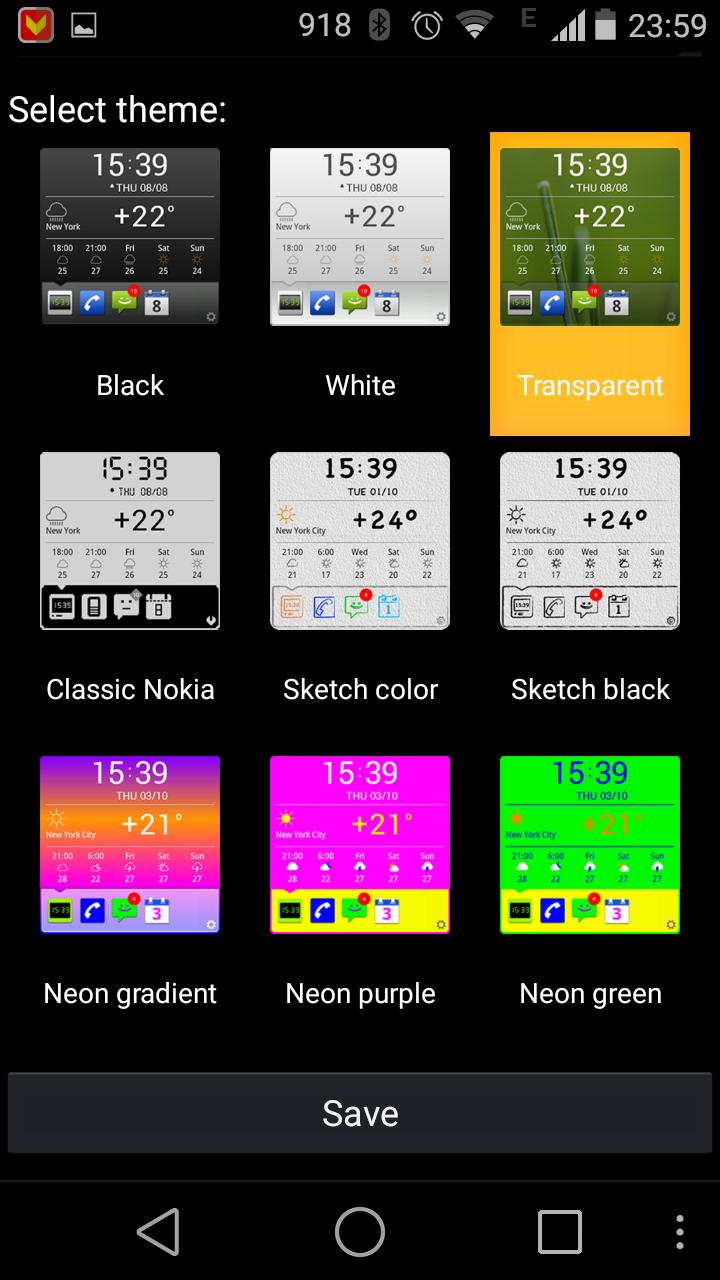
When install you have option to choose information items to display and color scheme. List of information supported by Organizer Widget:

- Clock & Weather Forecast Open Weather and Yahoo Weather(*) supported

- Phone Calls

- SMS

- Calendar

- Google E-Mail

- E-Mail (*) (including MS Exchange)

- Google tasks

- Birthday calendar (*)

- Twitter

- Evernote

- VKontakte

- Telegram

Explanation per permissions:

-- android.permission.READ_CALENDAR – we need it for Calendar

-- android.permission.RECEIVE_BOOT_COMPLETED – to run services after the reboot

-- android.permission.INTERNET – that is for advertising that displayed in “free” mode

-- android.permission.ACCESS_NETWORK_STATE – that is for advertising that displayed in “free” mode

-- android.permission.GET_TASKS – we disable services when other application is used by user – in this way we save battery usage dramatically.

-- com.android.vending.BILLING – that is for in-app purchase we have in application.

(*) - available in Extra Pack.

What's New in the Latest Version 9.2

Last updated on Aug 1, 2016 - fix gmail plugin
- fix google task plugin
- fix many small bugs
Download(16.64MB)
Users also viewed
  • Face Recognition with OpenCV

    Face Recognition with OpenCV

    2.2 January 14, 2026
  • Followme-Social Trading

    Followme-Social Trading

    6.6.0 January 11, 2026
  • Paper3D (Cardboard)

    Paper3D (Cardboard)

    1.0 January 11, 2026
  • HTML/MHTML Viewer - Editor

    HTML/MHTML Viewer - Editor

    1.5.5 January 10, 2026
  • Natural Notes

    Natural Notes

    4.0 January 10, 2026
  • Echo Agent

    Echo Agent

    1.77 January 9, 2026
  • AlphaFile

    AlphaFile

    1.4.0 January 9, 2026
  • UID Lookup for Android

    UID Lookup for Android

    1.0 January 8, 2026
  • 8-Bit Paint

    8-Bit Paint

    2.1 January 8, 2026
  • Pinpoint Works

    Pinpoint Works

    4.1.14 January 6, 2026
  • Xenia Team

    Xenia Team

    10.5.1 January 6, 2026
  • Emoticons pack, People

    Emoticons pack, People

    1.0.1 January 6, 2026
  • Todo Cloud

    Todo Cloud

    10.4.25 January 5, 2026
  • Spell Checker Editor

    Spell Checker Editor

    1.23 January 4, 2026
  • Modern Pen

    Modern Pen

    1.72 January 4, 2026
About Privacy Policy Terms of Service Cooking Policy

© Copyright 2017-2026 downzr.com