


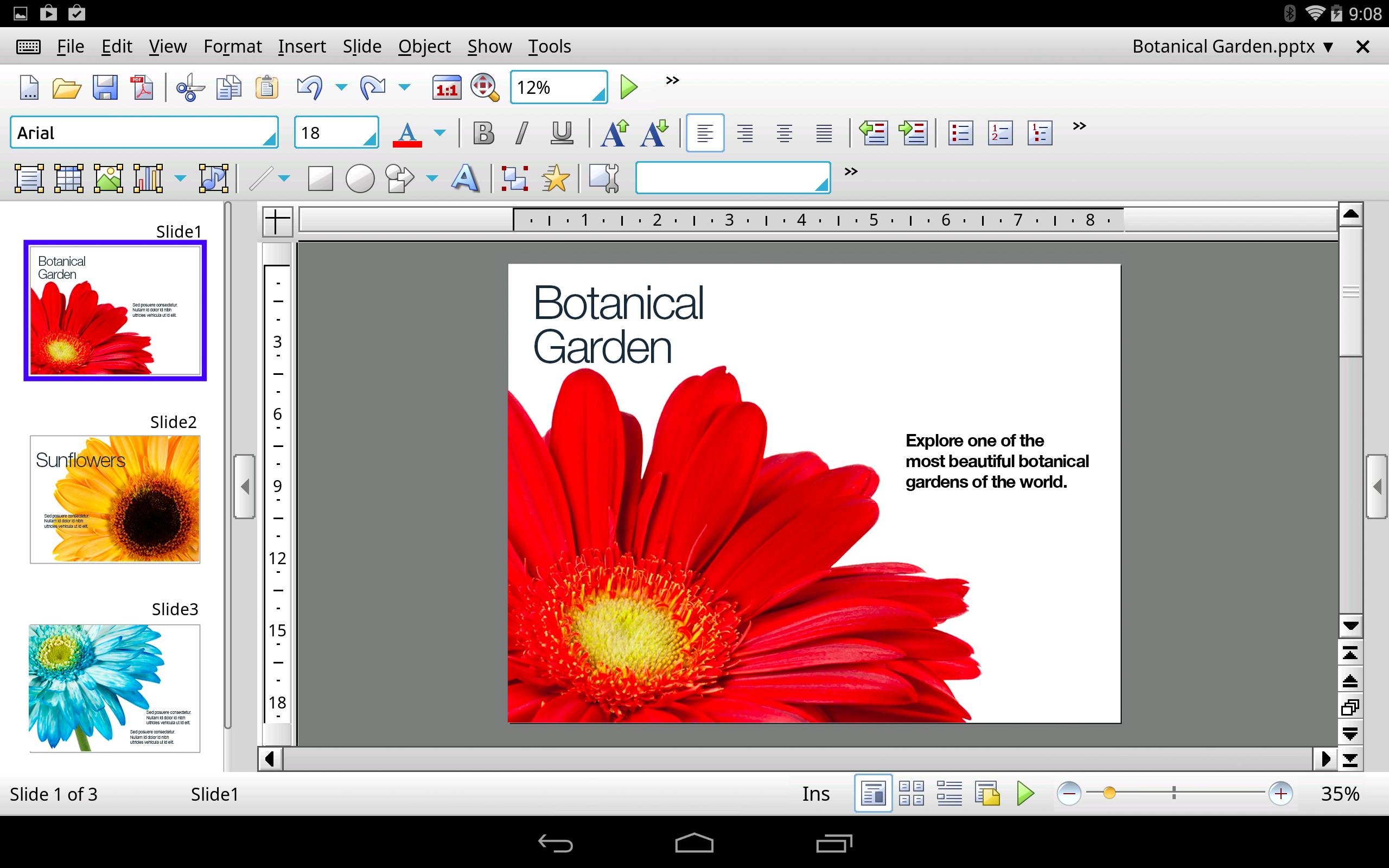
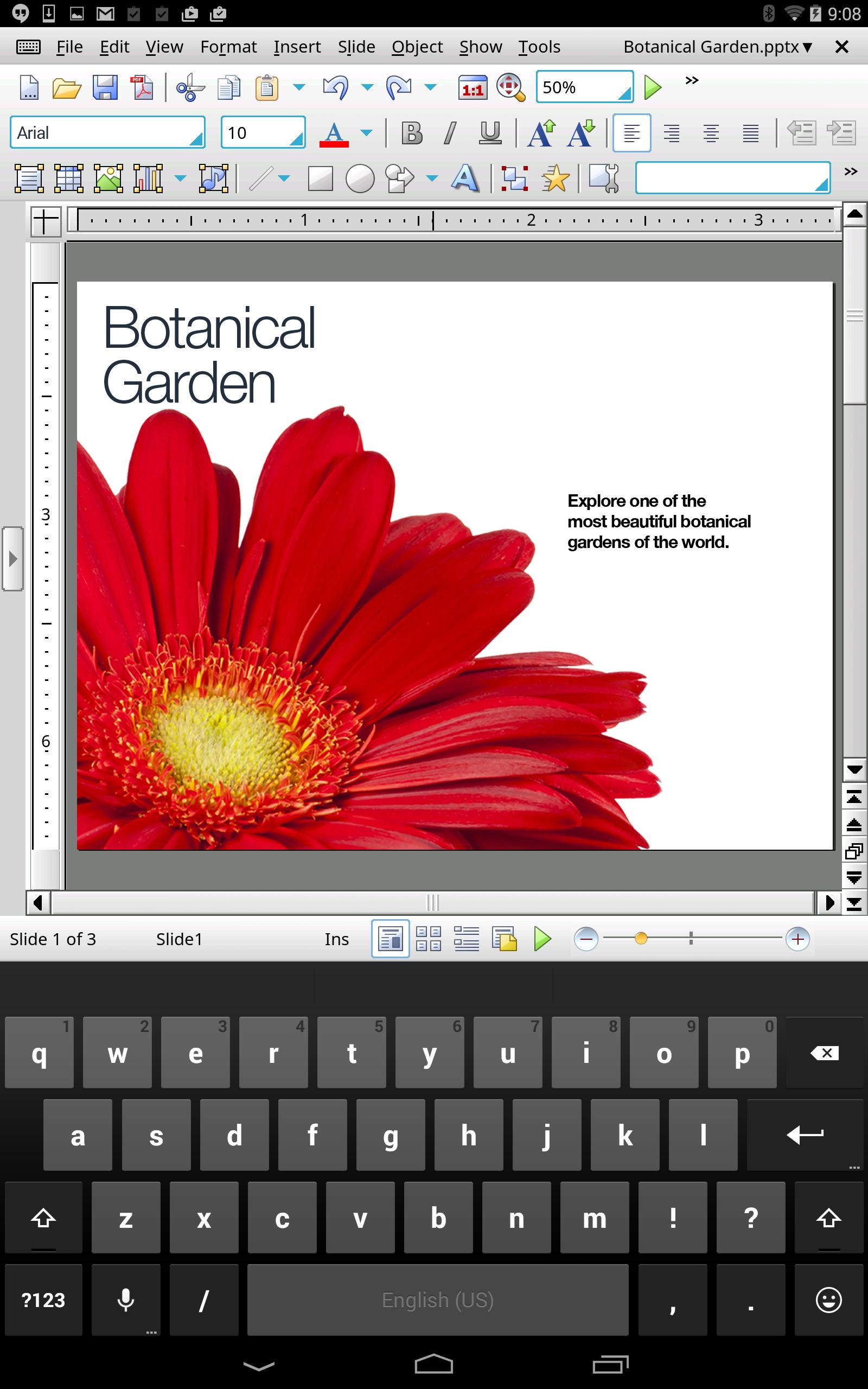
The only complete Android presentation app, with features like on the desktop
This is a free 30-day trial version of Presentations HD, the only desktop-class presentation program for Android tablets. This software is not designed for smartphones.
What users of Android tablets could only dream of until now is finally a reality.
Presentations HD is the only complete presentation program for tablet computers – the full set of features for editing and formatting presentations that you know from desktop programs such as Microsoft PowerPoint is at your disposal. Finally, you can design slides and present them on your tablet computer like you do on your PC!
Uncompromising compatibility: Presentations HD reads and writes PPT and PPTX files from Microsoft PowerPoint 97 up to PowerPoint 2016, including password-protected ones.
Intuitive to use: If you've already worked with SoftMaker Presentations or Microsoft PowerPoint, you'll pick up Presentations HD in no time. The user interface is just like the one on the PC, but perfectly adapted to touchscreen use.
Save locally or in the cloud: Presentations HD not only opens and saves documents on your Android tablet, but also in the cloud: Directly from Presentations HD, you can edit documents in Dropbox, Google Drive, Amazon Cloud Drive, Evernote and OneDrive.
Presentations HD brings the features of a desktop presentation program to your Android tablet. Don’t settle for less.
Files and printing
► Open and save PPT and PPTX from Microsoft PowerPoint 97 to 2016 faithfully
► Printing via Google Print and other printing programs
► Scale the printout so that it fits on a specified number of pages
► Print and create PDF files with your choice of slides, outlines, handouts and notes
► Tagged PDFs and bookmarks in PDF files
► Export entire presentations as graphic files or HTML web pages
► Send presentations by e-mail as PPT, PPTX, or PDF
Design
► Numerous attractive design templates do the design work for you
► Each template comes with an array of matching color schemes
► Create your own color schemes and switch between them at the press of a button
► Predefined layouts for flexible slide design
► Universal placeholders that can be filled with text, graphics, or tables
► Sophisticated slide master concept (enables global changes to all slides simultaneously)
► Large selection of graphical bullets
► Insert photo collections
Graphics and drawing
► Comprehensive drawing and image functions: Draw and design directly on the slide
► Insert images, both from files and from the Android gallery
► All AutoShapes compatible with the AutoShapes of PowerPoint 2016
► Mirror effects, soft shadows and transparencies
► Crop images directly on the slide
► Change brightness, contrast and gamma of images directly in Presentations HD
► Connector lines between objects
► Large symbols library for flowcharts and org charts
► TextArt feature for amazing type effects
► Tables and charts (80 chart types in 2D and 3D)
Animations and slide transitions
► Hundreds of different object and text animations available
► Ready-made animation schemes that animate entire presentations at once
Flexible presentation
► Both user-controlled and automatic presentations without a speaker (kiosk mode)
► Interactive presentation of slide shows with virtual pen and highlighter
► Notes as a memory aid for the speaker
► Handouts for the audience
► Full screen view
Managing and outlining
► Outliner
► Built-in slide sorter lets you manage and arrange slides
► Spell-check in 17 languages, synonyms in ten languages and automatic hyphenation in 33 languages





 Download