

Enjoy millions of the latest Android apps, games, music, movies, TV, books, magazines & more. Anytime, anywhere, across your devices.
Ring back tones for my ears only!
- It works at GSM or wCDMA. CDMA not supported(in developing).
- It doesn't suppoer SKY phone(model IM-ooo).
[Note] My Ringback tone is a new style ring back tone service which you enjoy when you make calls and wait for the communication connections. It is not for callers to you. It's for you!
It requires neither Telco services nor receiver's installation. All you have to to is to install the application at your phone and execute it. You don't need reciver's installations.
You can enjoy your favorite musics as your ring back tones while making calls. You can register your music files or use embeded musics as your ring back tones.
With this free version, you will find advertisements for some seconds after voice communications. There are no advertisements at Non-Free versions(My Ringback tone Pro).
Please refer to the Usage at the end of this text. And if it doesn't work, please check FAQ at the application Set Up to see whether there is something wrong in settings.
Don't worry about RAM resident feature. It only works when you make calls and stops when the communication connected or disconnected. It consumes little battery, no internet/data access.
[My Ringback tone?]
My Ringback tone is a new service which provides you with free ring back tone services without the help of Telco services. No charge! NO INTERNET/DATA CONNECTIVITY is required by the application hence NO Data Usage charges.
Although you register your favorite musics as ring back tones in Telco services, you never hear them while making a call and waiting for the communication connection. Only callers to you enjoy them. My Ringback tone is not! You register your favorite musics as ring back tones and enjoy them while waiting for the communication connections. It's My Ringback tone.
[Functions]
(1) Your ring back tones : You can enjoy your favorite musics as ring back tones when you make a call and waiting for the communication connection.
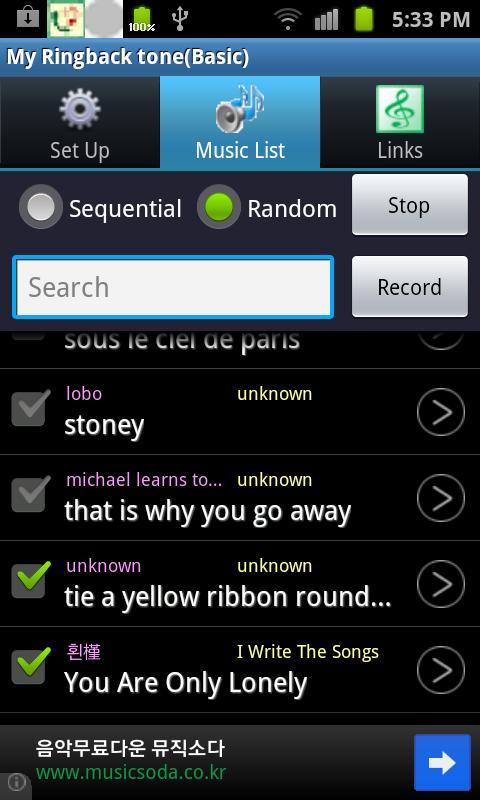
(2) Each call, Each ring back tone : You can register multiple ring back tone musics. My Ringback tone selects one of them sequentially or at random and play it as a current ring back tone.
(3) Record or edit your ring back tones : You can easily record your voice message or edit music files to generate ring back tones or ring tones at the Music Editor. There are no differences between ring tones and ring back tones at My Ringback tone.
(4) Setup ring tones : You can change your ring tones at the Music Editor.
(5) Music files as ring back tones : You can also register your music files as your ring back tones simply by copying mp3 files to your phone.
(6) Downloaded musics as ring back tones : You can also register your ring back tones simply by copying your downloaded ring tones at the Music Editor.
(7) Vibration : When you make a call and the communication was connected, it notify you by vibrating your phone.
[Usage]
(1) with the Music Editor
(1-1) Record your voice at the Music Editor.
(1-2) Or directly copy music files to ring back tone folder.
(1-3) Or edit ring back tones and save them with the various music files at your phone.
(2) with the music files at your PC
(2-1) Download your favorite music mp3 files on your PC.
(2-2) Connect your phone to the PC's USB port.
(2-3) Select USB connected and Connect storage to PC at your phone.
(2-4) Make ring back tones as mp3 files, copy them to your phone.
(3) with downloaded ring tones
(3-1) Download the ring tones at the music sites.
(3-2) Copy them to the ring back tone folder at the Music Editor.
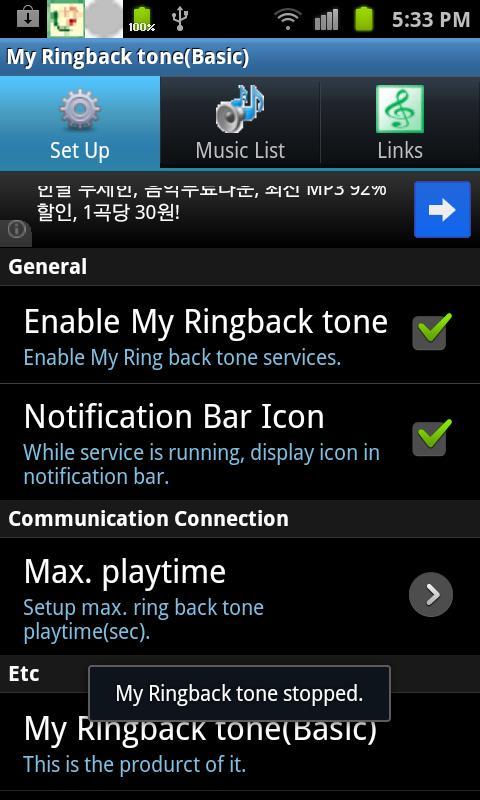
(4) If ring back tones are ready, enable My Ringback tone at the Set Up and select ring back tone at the Music List.
(5) Now make a call and enjoy your ring back tones while waiting for the communication connection.
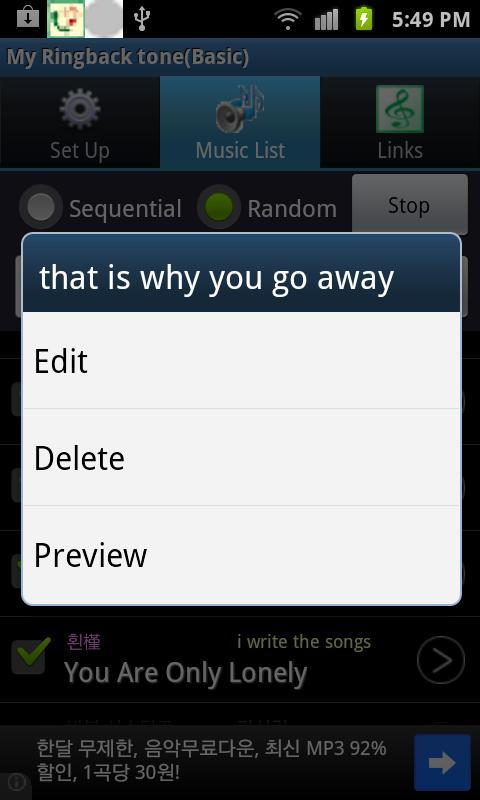
(6) You can delete ring back tone files at the Music Editor.
(7) Uncheck "Enable My Ringback tone" at Set Up to disable the playing of custom ring back tones.







 Download