

Mozhi is a malayalam editor and feed reader which uses Text to Speech Technology
The word “Mozhi” means 'language'. The name of the application aptly outlines the language domain and is explicitly designed to help its users in reading.
In this epoch of smart mobile phone revolution, Mozhi is the perfect text reader app that is custom-tailored to assist users to listen Malayalam texts in hand and eyes free mode.
A common description on how to work with Mozhi is given below:
Starting the application:
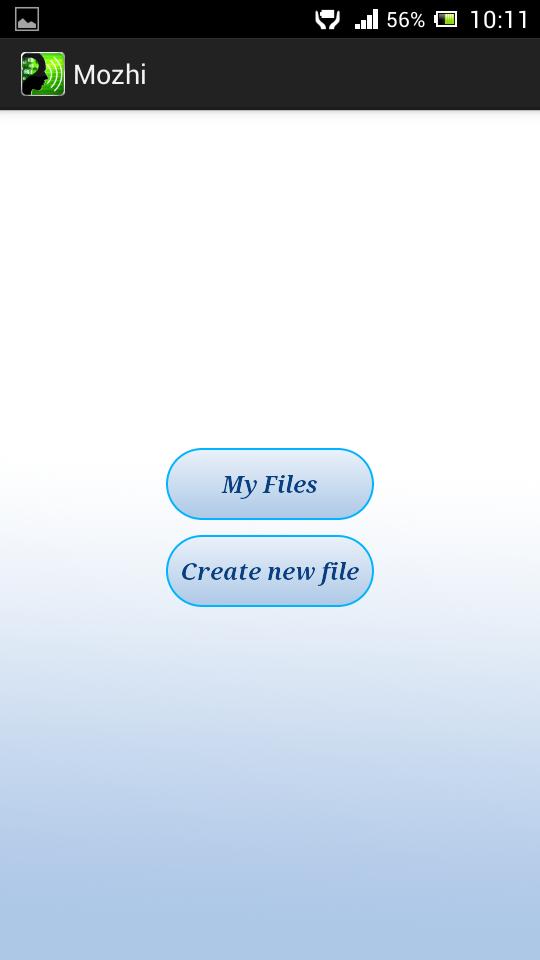
You can start the application by clicking on Mozhi launcher icon. This brings you to a two buttoned window. The buttons read “My Files” and “Create New file”.
Opening an existing file:
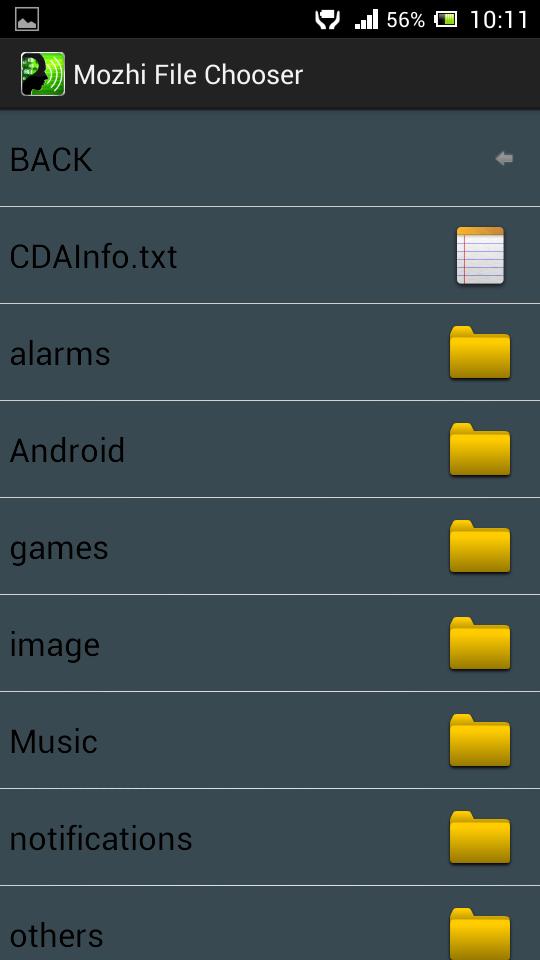
To open an existing txt file, click on “My Files”. This leads to a folder containing your previously saved txt files.
For example, 'Ramayana.txt' is a previously saved txt file. Click on the desired txt document ['Ramayana.txt'] to open the reading window. Once the window carrying the text opens click on the “Read” to listen to the text.
Resizing the Font:
To resize the font click settings, choose the appropriate size.
Creation of a New File:
To create a new file go back to the two buttoned window and click “Create New File”. On Clicking this will prompt you to enter a new file name. Enter the file name, click “ok”. A text area opens, where you can type the text to be read. Please the cursor at the beginning of the text to be read and click “Read”. You can save the document using “Save”.
Send SMS in Malayalam!
With Mozhi, you can easily write and send messages in Malayalam. Use Mozhi Editor to prepare the text, copy and send it via SMS using the Send As SMS option in settings.
Note: You need Unicode compatible android versions (4.1 and above) to view the incoming SMS
Feed Extractor
Add on Feature for Mozhi to extract feeds from websites (trial feature) .
Option helps you to view and read online news feeds from sites supporting UNICODE encoding. Once the data is downloaded, it can work offline. Links of few popular news sites is provided as default.
EPUB Support: Now Mozhi supports EPUB (free and open digital book standard by IDPF) format. Sample EPUB files may be downloaded from below link.
https://drive.google.com/folderview?id=0B6t8SsLnmaSYU1RBcE9TMmxRSFU&usp=sharing
Mozhi v1.3.7
1. Mozhi can now be used for reading EPUB documents
Mozhi v1.3.9
1. Added bookmarking support





 Download