

Manage files on your phone via web browser.
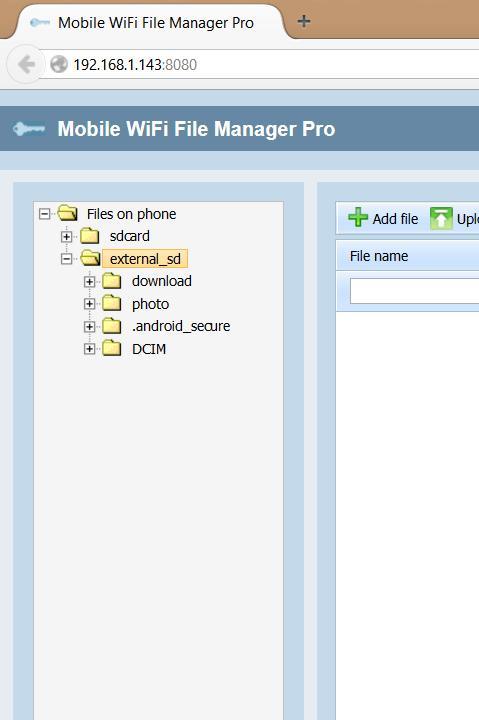
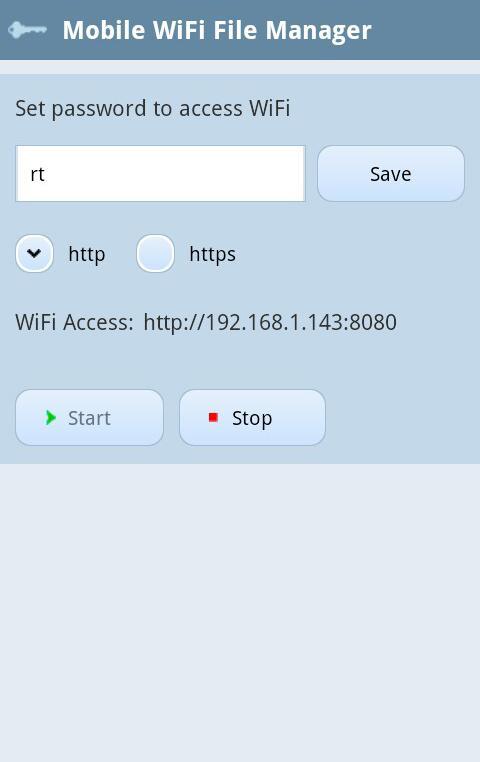
Mobile WiFi File Manager - a program to access the files on your phone via a web browser from your computer.
Your phone is connected to your home WLAN and WiFi File Manager gives you the ability to manage files on your phone via a web browser from your computer.
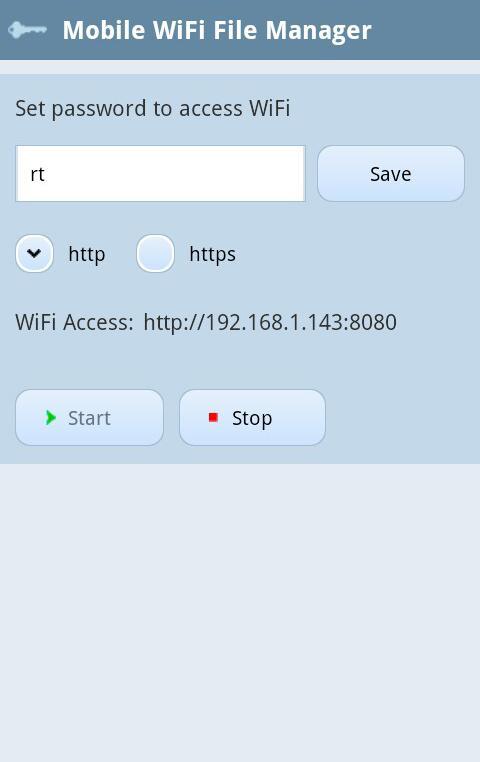
Mobile WiFi File Manager has a password protection. At any time you can change the password to access the contents of the phone on the mobile phone interface.
Features:
1. Download files from your phone via a web-browser.
2. Viewing pictures and photos from your phone via a web-browser.
3. Viewing video files from your phone via a web-browser.
4. Play music from your phone via a web-browser.
5. Remove files from your phone via a web-browser.
6. Rename files on your phone via a web-browser.
7. Rename directory on your phone via a web-browser.
8. Remove directory on your phone via a web-browser.
9. Create directory on your phone via a web-browser.
10. Move files from one directory to another as in os windows via a web-browser.
11. Move directory from one directory to another as in os windows via a web-browser.
13. Quick search by file name and creation date.
14. Sort files by name and date of creation.
15. Filtering output files by file extension.
16. Password protection.
Using Mobile WiFi File Manager You can view photos from your phone in real time. You simply rotate the scroll your mouse and pictures displayed on your screen at a reduced size. For larger pictures you simply click on it with the mouse.
The file manager allows you to display files preassigned extensions. What makes finding files much easier. For example, you can display only pictures (. jpg). And extraneous files will not be present in the result.
Using this feature is very easy to search for the photos you want.
In the Web browser, you can watch video files on your phone in real time. You simply choose the desired video file and click on the icon play.
Music management in WiFi File Manager provides three operations - play, pause, stop. You just press play on the music file and the music sounds from your speakers.
In a Web browser, you can download the file you want. To do this, click on the file name. Mobile WiFi File Manager supports multithreading, so you can download multiple files simultaneously.
You simply click on the desired file and pressing save. A file manager will be transfer files via wifi to your computer.
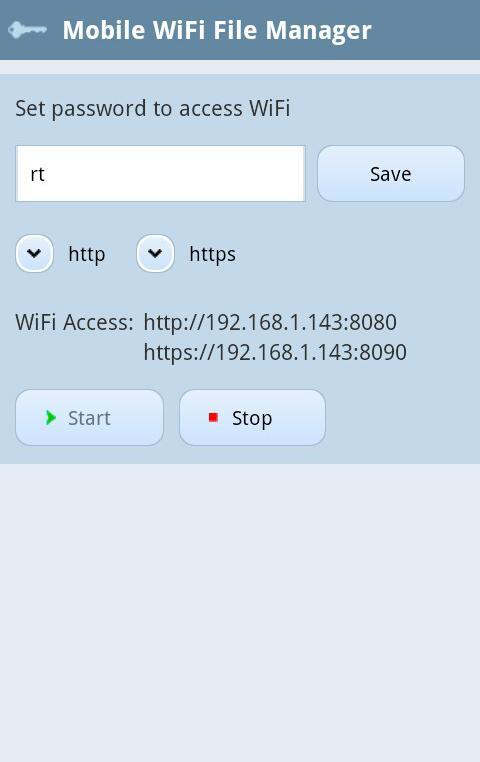
Mobile WiFi File Manager supports two data transfer protocol - http and https.
If you are using protocol http - transmitted data is not encrypted.
If you are using protocol https - transmitted data is encrypted.
Https protocol to be used in open networks - is wifi network in which traffic is not encrypted. Use the https protocol provides confidentiality in the transmission of your data.
Mobile WiFi File Manager allows you to disable the protocol is not used. This eliminates the possibility of treatment for non-encrypted protocol over a public network.
Mobile WiFi File Manager Pro








 Download