• Home
  • Games
    Action-adventure Simulation Business Role Playing Sports Competition Casual Intelligence Card Strategy Music Rhythm Text Puzzle Flying Shooting Love Development
  • Apps
    Business Office Newsletter Social Life Entertainment Online Shopping Practical Tools Travel Financial Management Educational Learning Information Reading Sports and Health
  • Articles

English 中文(简体) 中文(繁体) 한국어 日本語 Português Español Русский العربية Indonesia Deutsch Français ภาษาไทย
Home Apps Business Office mobile PRINT & SCAN
mobile PRINT & SCAN

mobile PRINT & SCAN

1
2
3
4
5
Download
  • Version 2.0.10
  • Category Business Office
  • Package Name com.canon.cel.mpns.android.app
  • Update Time April 1, 2025
  • Size 4.66MB
About this app

Enjoy millions of the latest Android apps, games, music, movies, TV, books, magazines & more. Anytime, anywhere, across your devices.

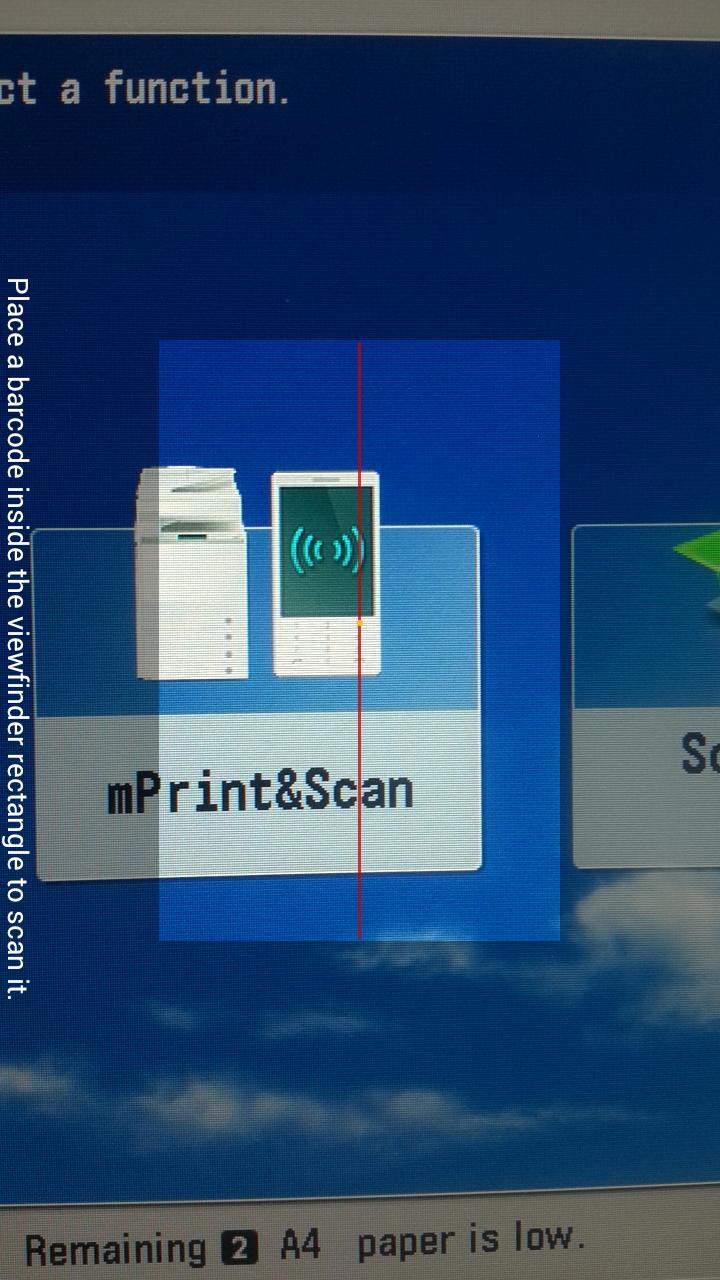
NOTE: This App requires a Canon imageRUNNER ADVANCE multifunctional printer and mobile PRINT & SCAN MEAP application.

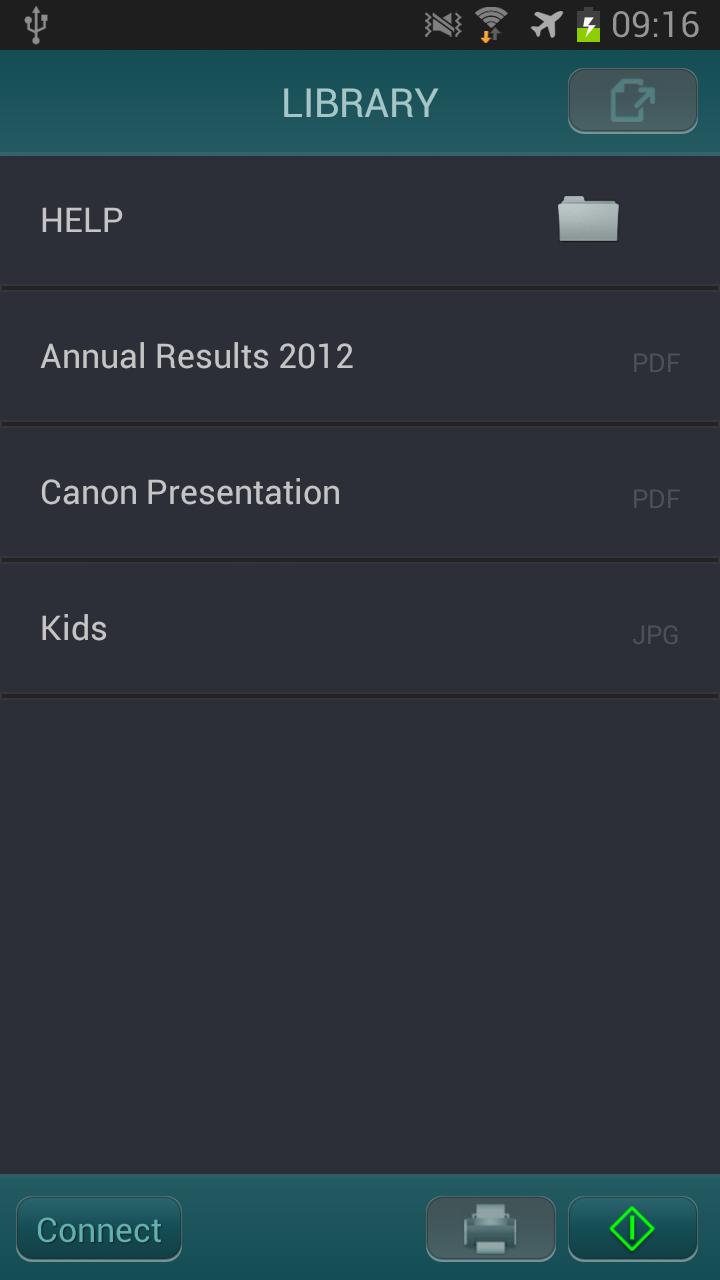
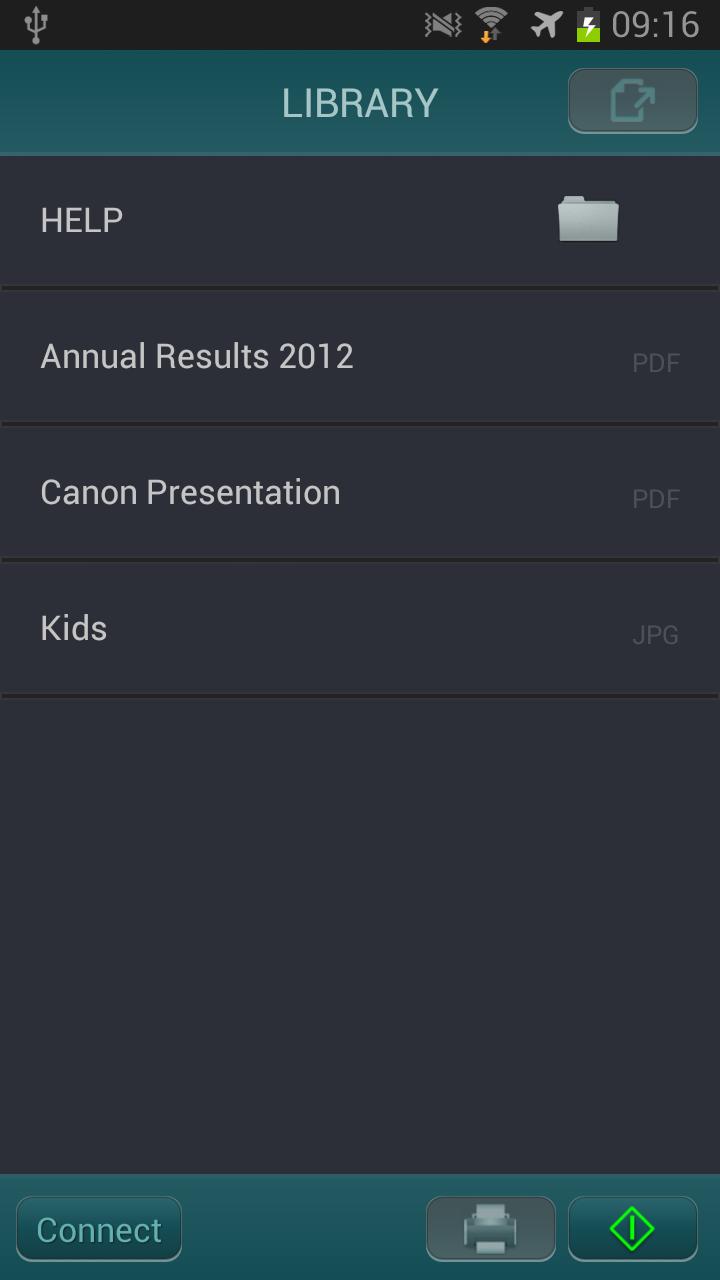
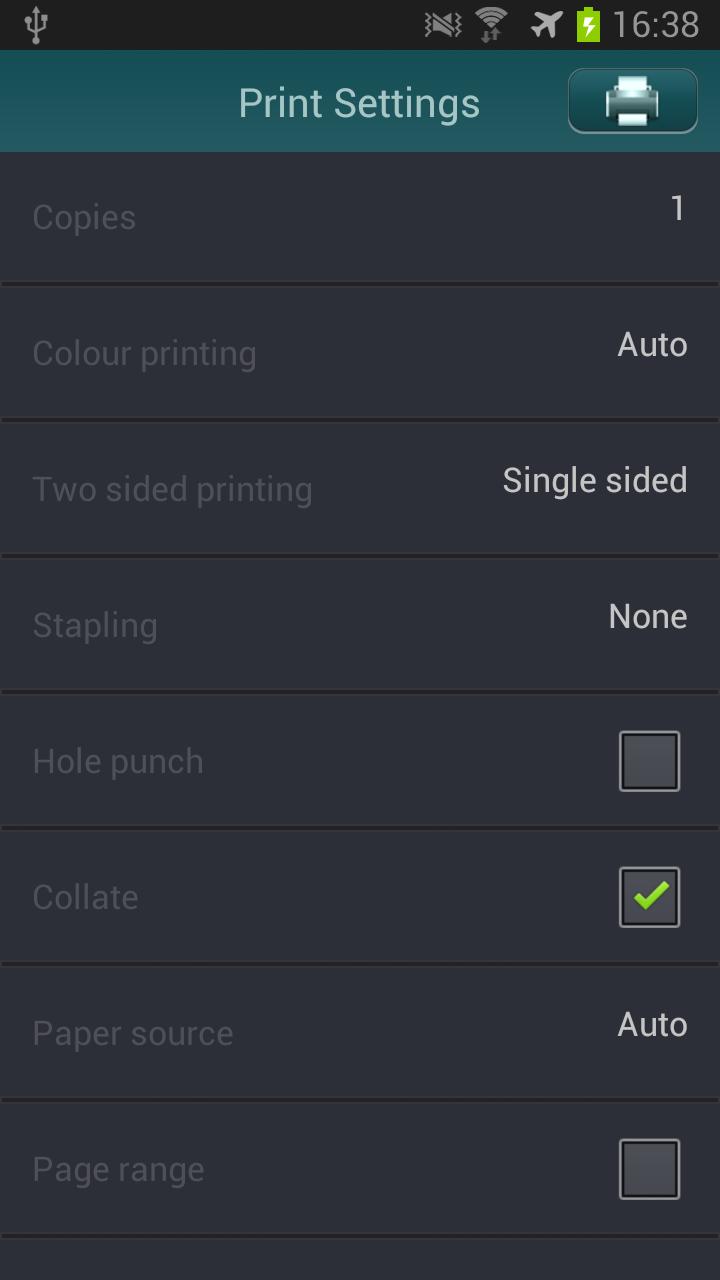
mobile PRINT & SCAN enables easy printing and scanning of documents to and from your Android phone or tablet using a Canon imageRUNNER ADVANCE multifunctional device.

A number of different document formats can be printed including PDF, TIFF and JPEG. Email printing is also possible when configured on supported mobile devices, imageRUNNER ADVANCE multifunctional devices and mail servers. Documents can also be scanned and saved in a variety of formats including PDF, TIFF and JPEG. mobile PRINT & SCAN also integrates with Canon Universal Login Manager to control access to mobile printing and scanning as well as provide user-based reporting.

Please note a supported Canon imageRUNNER ADVANCE multifunctional device with PostScript or Direct Print option as well as the mobile PRINT & SCAN embedded MEAP application is required. Email printing requires the installation of an SSL certificate on the supported imageRUNNER ADVANCE multifunctional device to secure communication between this device and the mobile device. A supported email server is also required. Please contact your Canon sales representative for details for installation, configuration and training services available.

Trademarks referred to above are trademarks of their respective owners.

By downloading, you agree to the Terms of Use at

http://www.canon-europe.com/eula/.

What's New in the Latest Version 2.0.10

Last updated on Dec 9, 2015 2.0.10:
This new versions adds the following:
• fix email printing for KitKat devices
• improved email printing performance on lower spec devices

2.0.5:
This new version adds the following:
• support for the latest models of Canon’s multi-function devices: imageRUNNER ADVANCE 4225i / 4235i /4245i /4251i
• email printing functionality
• bug fixes


Download(4.66MB)
Users also viewed
  • Face Recognition with OpenCV

    Face Recognition with OpenCV

    2.2 January 14, 2026
  • Followme-Social Trading

    Followme-Social Trading

    6.6.0 January 11, 2026
  • Paper3D (Cardboard)

    Paper3D (Cardboard)

    1.0 January 11, 2026
  • HTML/MHTML Viewer - Editor

    HTML/MHTML Viewer - Editor

    1.5.5 January 10, 2026
  • Natural Notes

    Natural Notes

    4.0 January 10, 2026
  • Echo Agent

    Echo Agent

    1.77 January 9, 2026
  • AlphaFile

    AlphaFile

    1.4.0 January 9, 2026
  • UID Lookup for Android

    UID Lookup for Android

    1.0 January 8, 2026
  • 8-Bit Paint

    8-Bit Paint

    2.1 January 8, 2026
  • Pinpoint Works

    Pinpoint Works

    4.1.14 January 6, 2026
  • Xenia Team

    Xenia Team

    10.5.1 January 6, 2026
  • Emoticons pack, People

    Emoticons pack, People

    1.0.1 January 6, 2026
  • Todo Cloud

    Todo Cloud

    10.4.25 January 5, 2026
  • Spell Checker Editor

    Spell Checker Editor

    1.23 January 4, 2026
  • Modern Pen

    Modern Pen

    1.72 January 4, 2026
About Privacy Policy Terms of Service Cooking Policy

© Copyright 2017-2026 downzr.com