

The feature of this application
■ features of this app
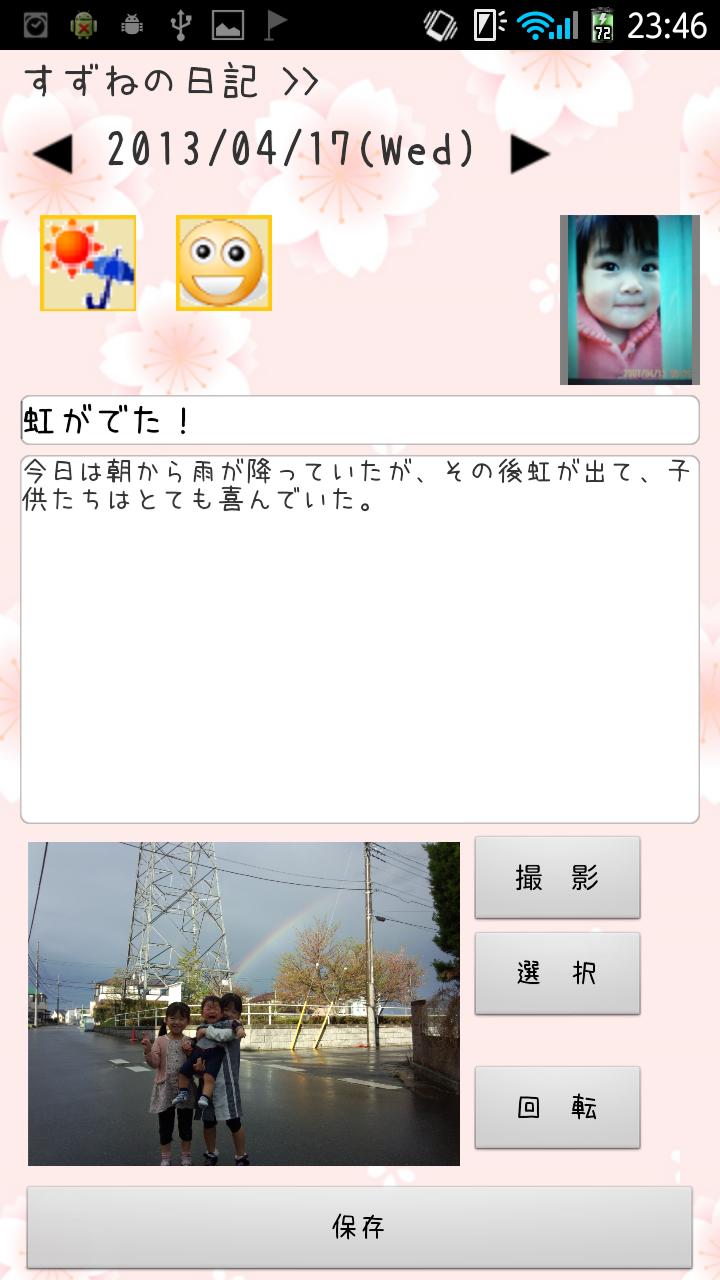
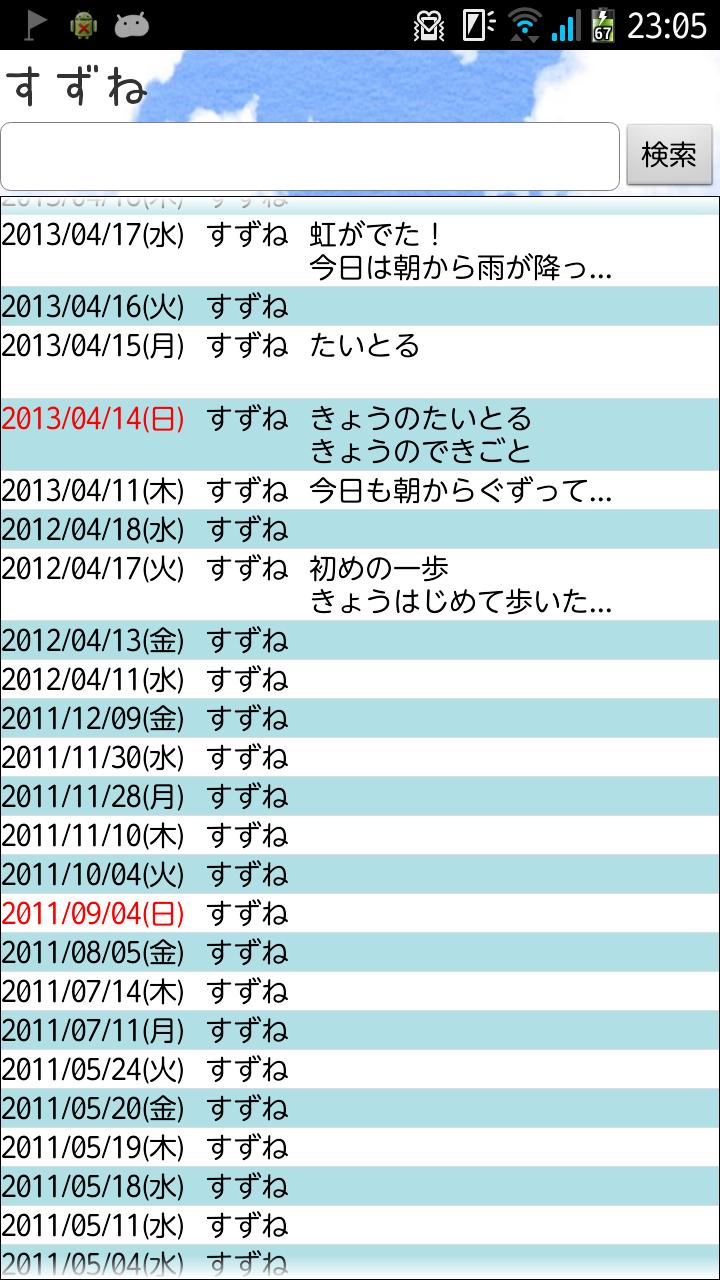
Little events and memories of everyday, go spelled a record of child care with a simple operation, it is very simple diary app.
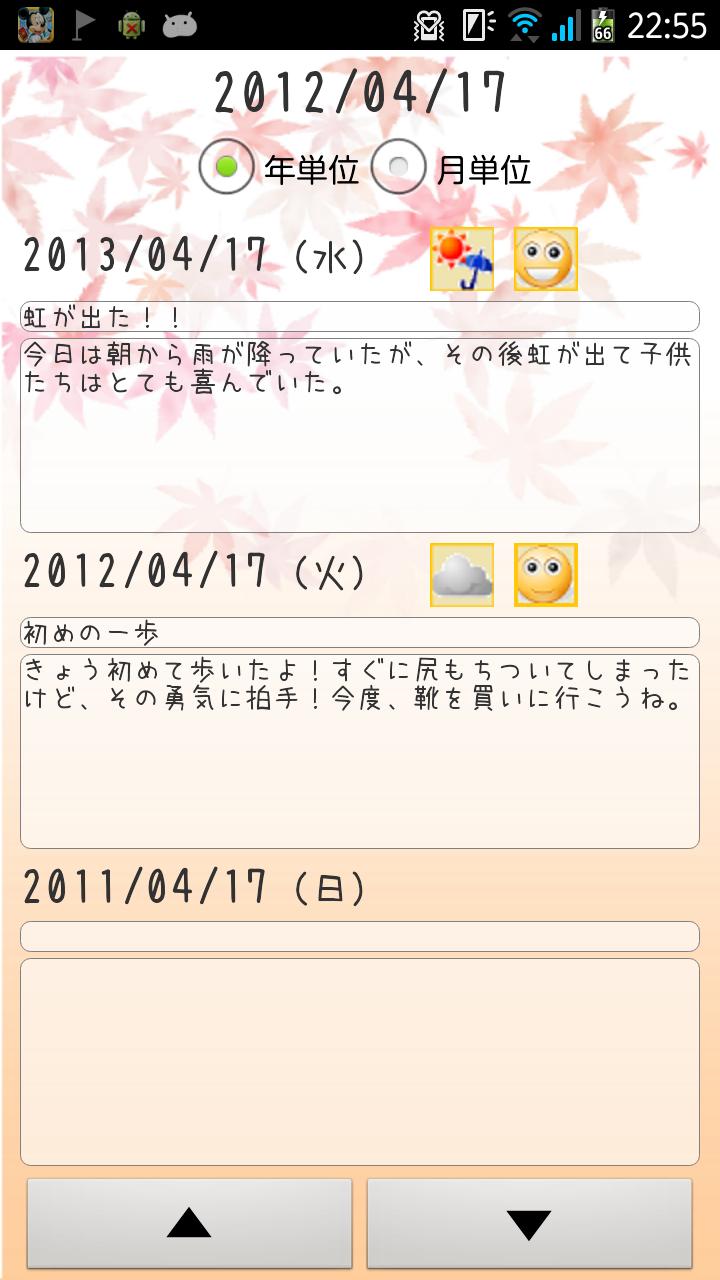
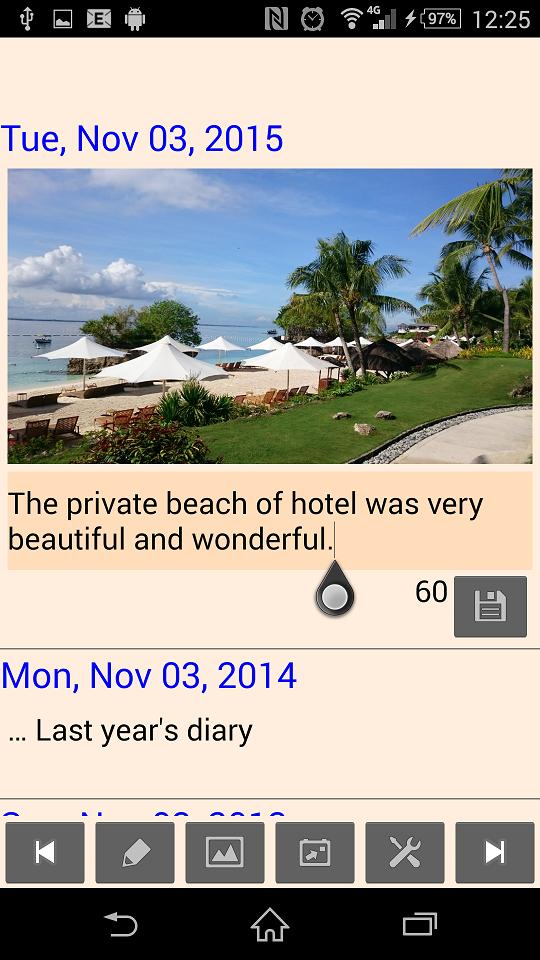
The main feature is "a recorded three years diary was the same screen display" to three years diary (just a month every possible not every year) and functions,
Can be reproduced as flip animation photos taken at the same angle it is a point that with a "continuous playback function".
You can use a "continuous playback function" that can play photo as flip animation,
And children to go to day-to-day growth, and you can try to condense the growth of the plant.
Others, If you leave the shooting changes in the prenatal stomach, it might be more good memories.
Also, I think in can be used also as a diet diary (^ o ^)
Sample videos, from when my daughter was born, we use a photo of up to about two years of age.
To display the image you have saved on your computer, we continue to steadily taken with the app.
The interval of about a week, but I think that it is enough to see the growth condition.
■■■ recommended usage ■■■
• As a child care diary
- As an observation diary, such as a vegetable
- As a record of the diet results
Etc., how to use depending on the idea it is the variety.
*** Below, please be sure to read. ***
"Strongly" it is recommended that you back up using also the backup function in order not to waste the precious wrote diary.
File that you backed up output, save to another medium such as a personal computer.
From Android4.4, like SD card-related specifications has changed significantly, it will not be able to save to the SD card in some models.
In this case, it seems to be saved to the internal storage.
If you've adapted to be stored in the internal storage, when you want to save to SD card, according to the following steps to change the destination directory.
1. It is pre-installed or "file manipulation application", by connecting to a PC, from internal storage, to copy the data to the SD card.
Data Memories diary has been stored in the following directory.
"Internal Sutoreji /Android/data/com.yscom.childcareDiary"
Please copy the above "com.yscom.childcareDiary" directory in the "SD card / Android / data /".
2. Standing up the Memories diary, [Settings] - Select the destination directory, choose the directory that you copied to the SD card.
Memories diary is saved to the path of " Android data com.yscom.childcareDiary".
In such model change, if it was to be saved to the internal storage,
Performs the "Save to SD card" in old models, after replacing the SD card to the new models,
In the destination directory selection function, select the destination of the SD card, be sure to restore from a backup.
■■■ basic apps use ■■■
1. The app startup, set the diary entry target.
(It is possible to register up to four people at most)
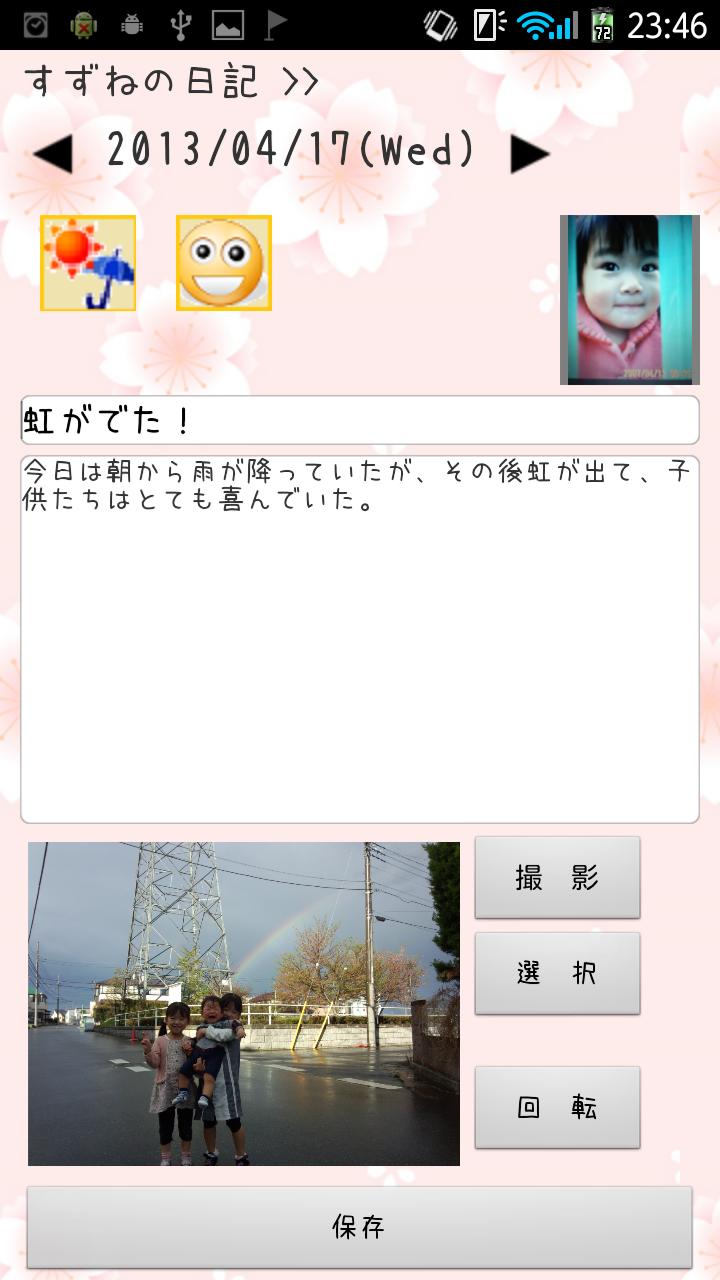
2. In the diary entry screen, select the "weather", "mood" of the day, fill in the event.
Event column, can be edited in the long press.
3. (Selected from gallery is also available) per day photo a shot to save.
4. By taking pictures for continuous playback can be continuously reproduced.
(Since the dedicated camera by clicking the face photo space in the upper right corner to start, an eye on the horizontal line that is displayed in the preview, and shooting combined nose to vertical line)
5. By sharing function, the registered diary, such as Twitter or LINE, you can call to everyone using your favorite tool.
The destination of the data will be in the following directory of internal storage or SD card.
Android data com.yscom.childcareDiary /
Also stored in the above If you have backed up output the diary data.
When backing up to a PC, be sure to save the above-mentioned " com.yscom.childcareDiary /" directory.
This diary app, we hope to be able to daily everyone more enjoyable.
※ There seems to be a thing that can not be saved correctly.
In that case, after you uninstall the app, by installing again
You may want to improve.
If you've adapted to be stored in the internal storage at the time of installation, when you want to save to the SD card, use a function to select the data destination, change the destination directory.
In relation to the character limit, since here the procedure can not be described, detailed instructions please refer to the application description column.







 Download