

Free Sure To Back Up Your Data You have on the Cell Phone.
Has it happened to you that you have replaced or lost your cell phone and were with all the information (calendar, directory, SMS…)? Make sure you back up the data you have on your cell phone. With M:Rokovnik is always available from your cell phone on the My Telekom web portal, my cell phone set.
With M:Rokovnik Safe Saving and Synchronizing:
- Contacts
- a calendar
- tasks
- notes
- online shortcuts
- SMS-E
Data through the My Telekom web portal, the My Mobitel set, with a few clicks at any time, change, change, enter new ones and transfer it back to the cell phone. M:Rokovnik uses a secure connection mode (SSL). Particular attention is also paid to identifying the user.
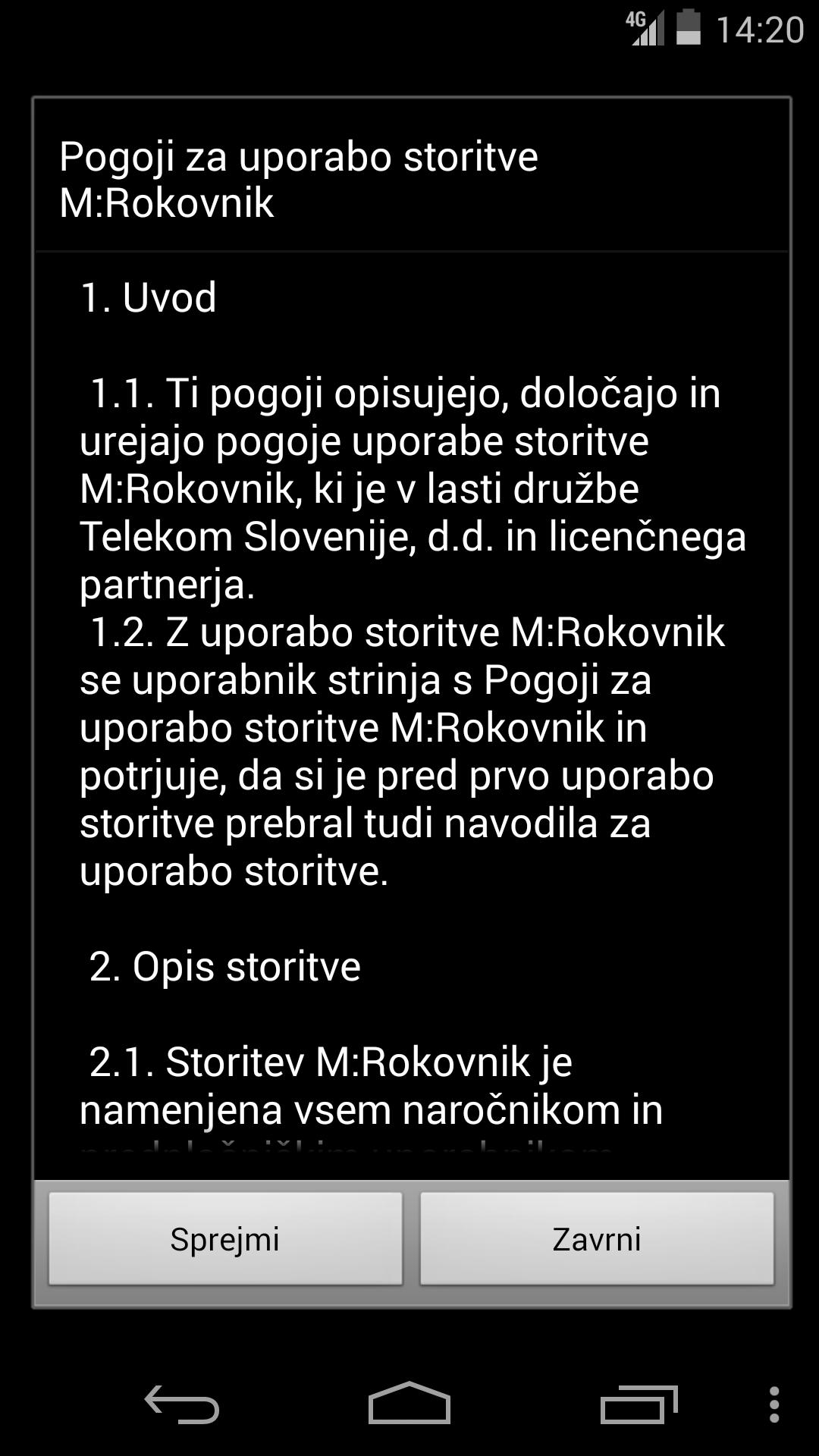
For use, include M:Rokovnik by submitting SMS with Mrokovnik content to 1919. You will receive a link to the mobile page where you include the use of the service. Package data transmission under the M:Rokovnik on Telekom Slovenije's mobile network is free of charge.
In M:Rokovnik in with the user name and password of My Telekom, the My Mobitel Set. If you do not have the applications, register on the My Telekom (my.telekom.si) portal.
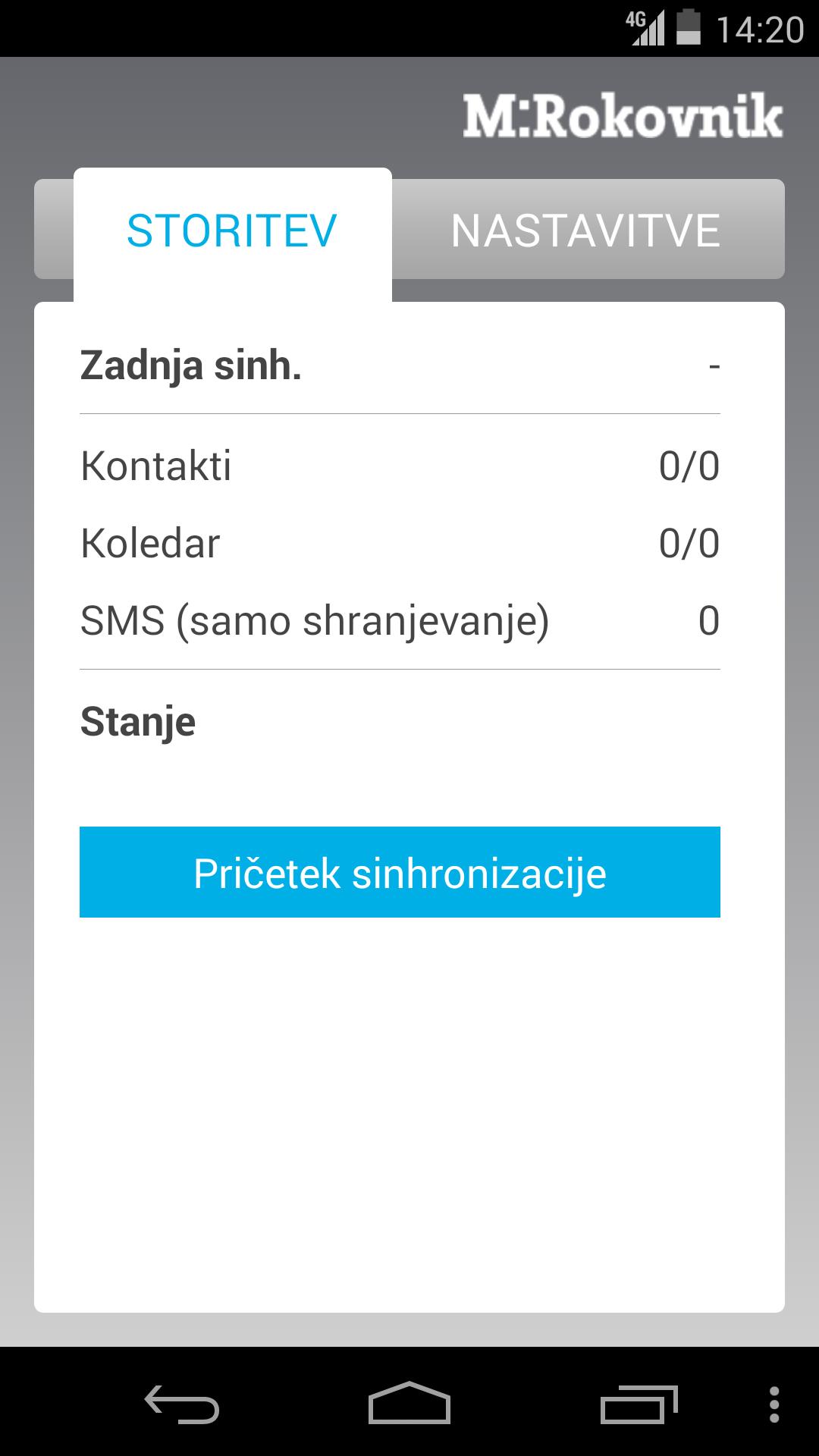
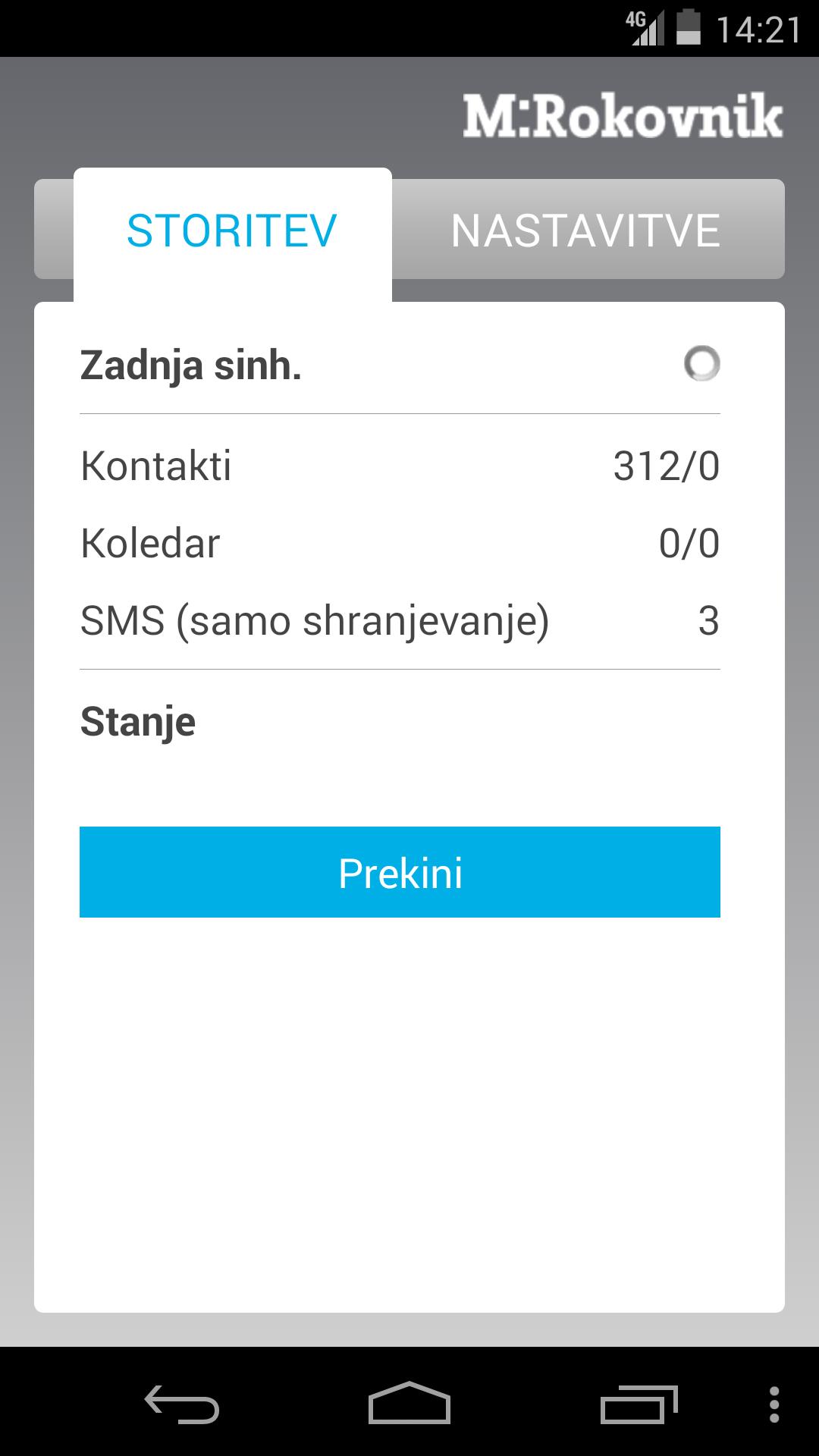
Make a backup of your cell phone data by confirming the synchronization option in the M:Rokovnik application. You always start synchronizing on your cell phone.
At the first synchronization, all data from your cellphone can be downloaded, which can then be edited at any time via the web interface. In the following synchronizations, only the changes you have made since the last synchronization are transmitted.
You can also choose the method or type of synchronization and at any time you decide which data the system should not change. You can choose from the following synchronization options:
- in both directions: Changes are checked through the web interface and via cell phone;
- only in the server: only the changes made on the cellphone are taken into account;
- only in the cell phone: only changes made through the web interface are taken into account;
- You can also choose which of the categories is synchronized.
You can also transfer the information you downloaded at any time to another cell phone. Just replace the SIM card and perform synchronization. After each synchronization successfully performed, a backup is automatically created, which can be recovered at any time.
More detailed information of use:
- If you want to perform the first synchronization through the WLAN link, it will require enrollment of the user name and password of my Telekom, the My Mobitel set.
- In Android, after the first synchronization in the directory, the M:Rokovnik in which are combined contacts from the cellphone, Gmail directory and imported SIM contact contacts are combined. If you want each new contact to be synchronized in M:Rokovnik , make sure that the new contact is always stored in a slice M:Rokovnik . Important warning: When deleting the M:Rokovnik the M:Rokovnik is also deleted. The same goes for calendar entries.
- Every new contact or calendar intake you want to synchronize in M:Rokovnik , store in a slice M:Rokovnik (in the directory or calendar).
- Data stored on a SIM card is not transmitted during synchronization, so we suggest that you transfer data on the SIM card before the first synchronization of the SIM card. Also, store all the contacts you have on a SIM card in memory.
More information at: http://www.telekom.si/-felling- users/mobilno/strite/m-rokovnik



 Download