• Home
  • Games
    Action-adventure Simulation Business Role Playing Sports Competition Casual Intelligence Card Strategy Music Rhythm Text Puzzle Flying Shooting Love Development
  • Apps
    Business Office Newsletter Social Life Entertainment Online Shopping Practical Tools Travel Financial Management Educational Learning Information Reading Sports and Health
  • Articles

English 中文(简体) 中文(繁体) 한국어 日本語 Português Español Русский العربية Indonesia Deutsch Français ภาษาไทย
Home Apps Business Office ISpy Detective
ISpy Detective

ISpy Detective

1
2
3
4
5
Download
  • Version 7
  • Category Business Office
  • Package Name com.jcarx.ispy
  • Update Time August 3, 2025
  • Size 3.99MB
About this app

Leave a phone at a spy location with this app. it will call you to listen in.

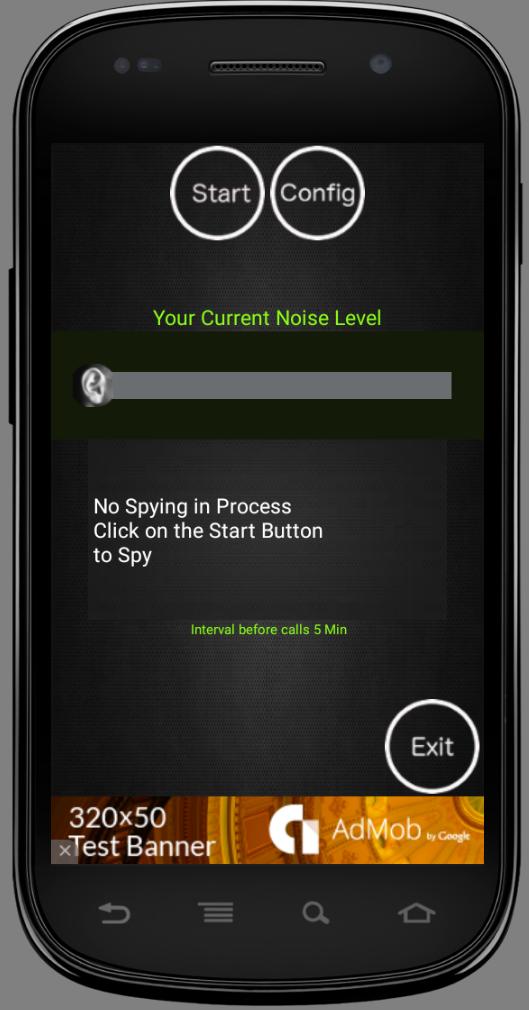
ISpy application constantly monitors the sound level in the surroundings. If the sound level exceeds the Configured sound level, calls the user configured phone number, at user defined intervals.

Please note that you need 2 phones to use the application. First the Android phone that is running the ISpy application and monitoring the sound level. Second phone to receive the alert call this can be a landline, cell phone.

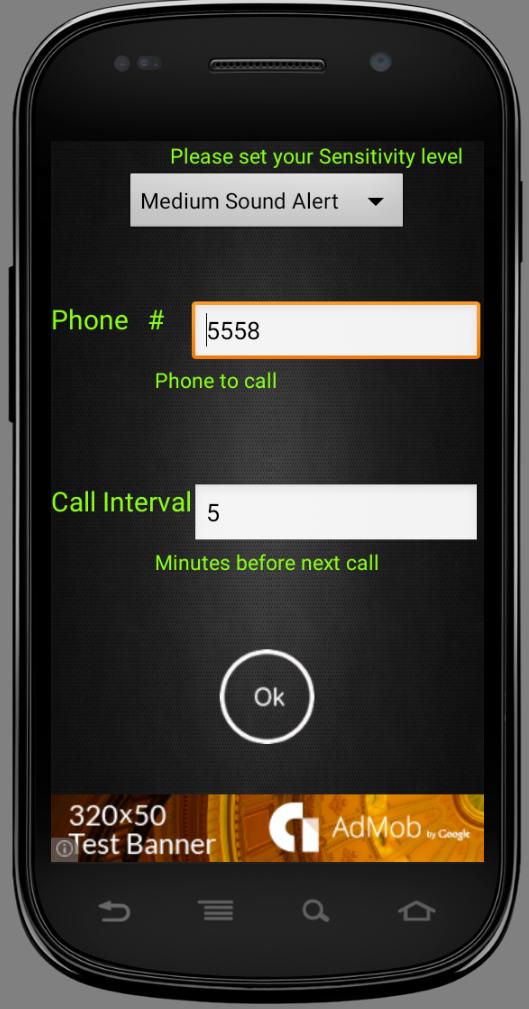
a) Select (Low Sound Alert) to be alerted on smallest sounds (500 Amps).

b) Select (Medium Sound Alert) to be alerted on medium sounds (1000 Amps).

c) Select (High Sound Alert) to be alerted on loud sounds (2000 Amps).

How to use the App:

1) Start the Application, click on (Config), set the level of sound that should alert you. For example if you want to be alerted about even low sound level set the sound level (Low Sound Alert). You want to be alerted only about loud sounds, set the sound (High Sound Alert).

2) Set the phone number to be alerted, application calls this number when the sound level reaches the configured level. The call is made using your normal cellular network, charges will apply. Please make sure this number is correct number.

3) Call Interval can be set, this will determine how frequently you want to be called after the sound level is reached. Click (Ok).

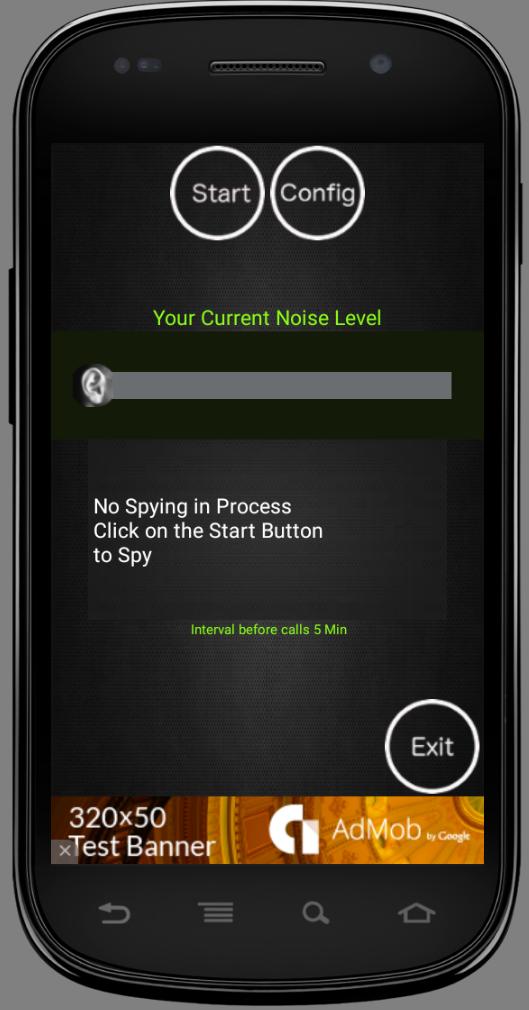
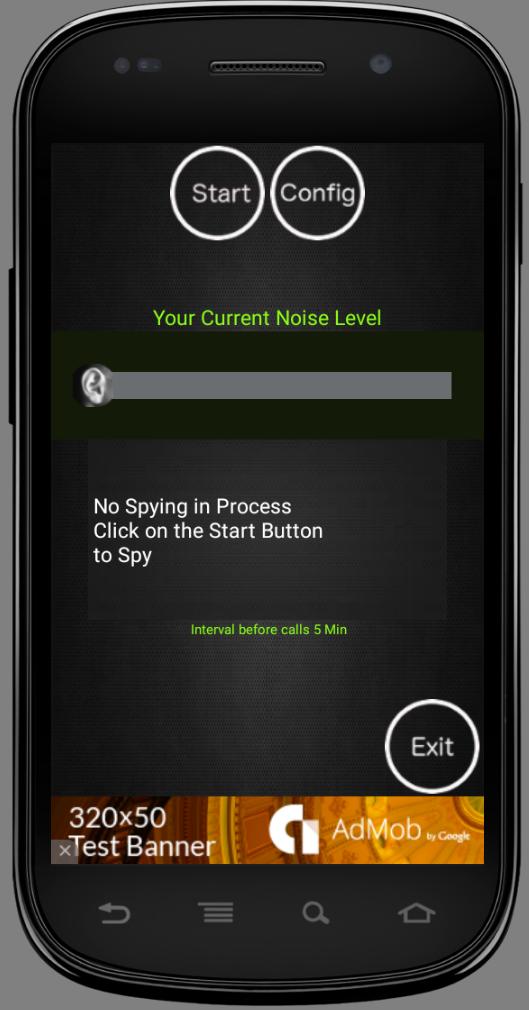
4) Click (Start) to monitor.

5) Leave the phone in the location you want to monitor.

6) When the call is received from the application, that means sound level exceeded the limit. You can answer the phone and remotely monitor the sounds at the location.

Disclaimer: Please make sure the configured number is Owned by you. Application calls the number user configured. User takes full responsibility for Configuration. If there are problems with Software please let us know, we will try to fix them.

What's New in the Latest Version 7

Last updated on Oct 10, 2015 v1: full of bugs
v2: works in nexus one no issues that i know off.
v3: fixed call interval Exception. Since some users are putting call interval as
2Min etc where they should be just putting 2 for 2 minutes. If this happens
again it will default the call interval back interval to 30minutes.
Download(3.99MB)
Users also viewed
  • QRAlarm

    QRAlarm

    2.6.3 March 2, 2026
  • Tap Log

    Tap Log

    v6.0.12 March 1, 2026
  • Tools for Snapchat

    Tools for Snapchat

    2.0 February 27, 2026
  • Battery Saving Service

    Battery Saving Service

    0.25 February 26, 2026
  • Streit Zeiterfassung (Gratis)

    Streit Zeiterfassung (Gratis)

    2.9.5.4 February 26, 2026
  • eMoviliza

    eMoviliza

    1.3.10 February 25, 2026
  • Proton Calendar

    Proton Calendar

    2.23.3 February 25, 2026
  • BizCard Digital

    BizCard Digital

    1.0 February 23, 2026
  • Hiperweb

    Hiperweb

    6.04.17 February 23, 2026
  • Protection 1 eSmartSecurity

    Protection 1 eSmartSecurity

    3.4.1 February 22, 2026
  • Real Time Blue Button

    Real Time Blue Button

    0.1.26 February 21, 2026
  • Point Code Calculator

    Point Code Calculator

    6.0 February 20, 2026
  • MetaDoc

    MetaDoc

    2.3 February 19, 2026
  • Erledigt

    Erledigt

    2.0 February 17, 2026
  • MTN UG Assistant

    MTN UG Assistant

    1.0 February 17, 2026
About Privacy Policy Terms of Service Cooking Policy

© Copyright 2017-2026 downzr.com