

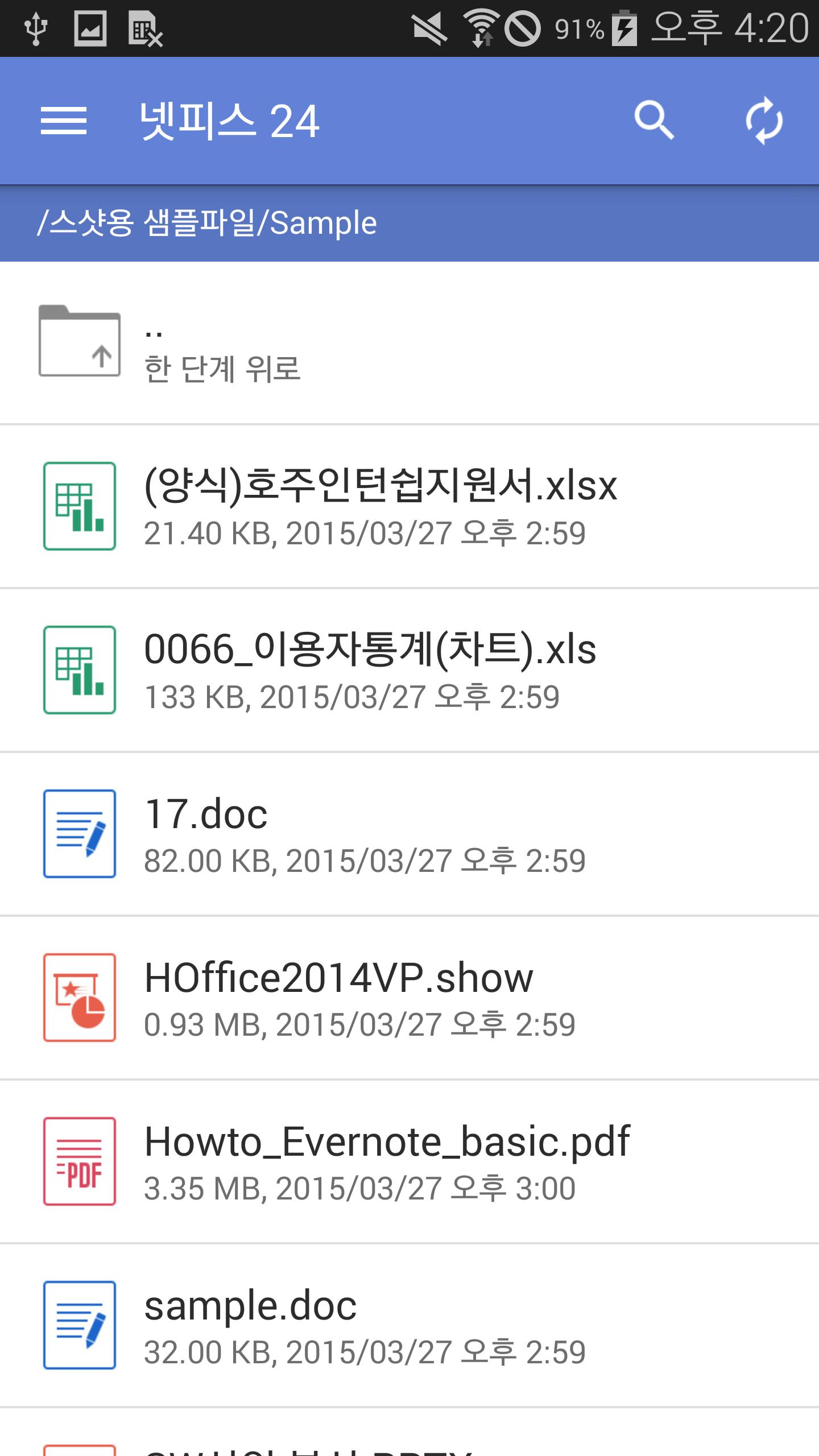
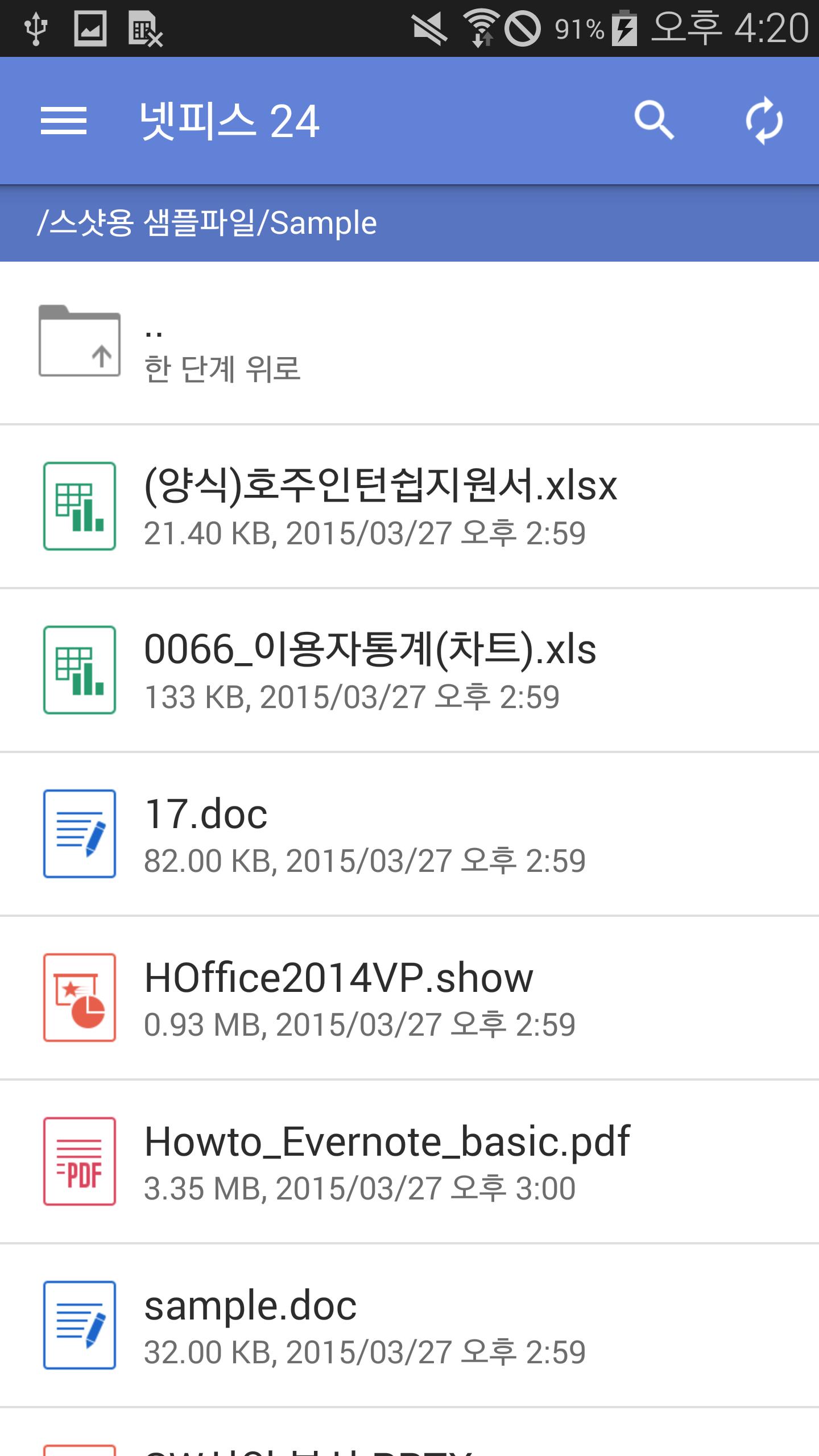
Hancom Office Netffice 24 is a mobile office SW product for Netffice 24
'Hancom Office Netffice 24' is a Office program for 'Netffice 24', Hancom's total cloud service, providing office productivity in the mobile phone. Through a Netffice 24 account, users are able to use not only a premium style editing, but also interlocking a Netffice 24 cloud service, inserting/playing video clips, and transition.
* Before executing this App, please install 'Netffice 24' App first.
* This App is played without the additional icon, just through Neffice 24 App.
* This App is perfectly optimized for a smart phone device and Based on the resolution of a device, UI can be applied in some parts differently.
■ Supported Devices
- This App is perfectly optimized for the smart phone device, and others could have some issues due to its feature.
- The users of a tablet device are recommended to download Hancom Office Hwp (Netffice 24), Hcell (Netffice 24), Hshow (Netffice 24), Hword (Netffice 24) and PDF Viewer (Netffice 24).
■ System Requirements
- OS : Android 4.0 or later
- Storage : 45.61 MB
■ Key Features
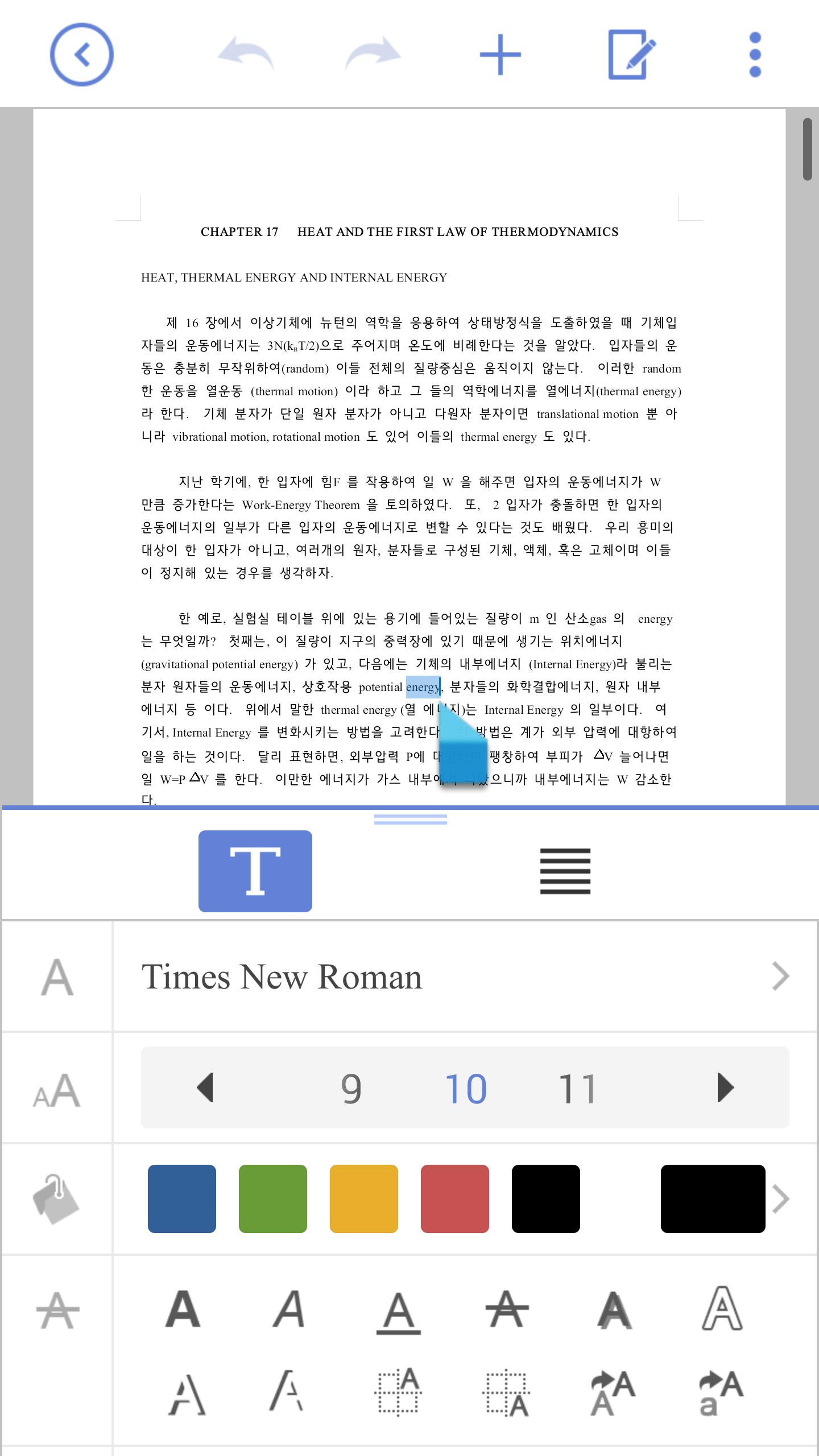
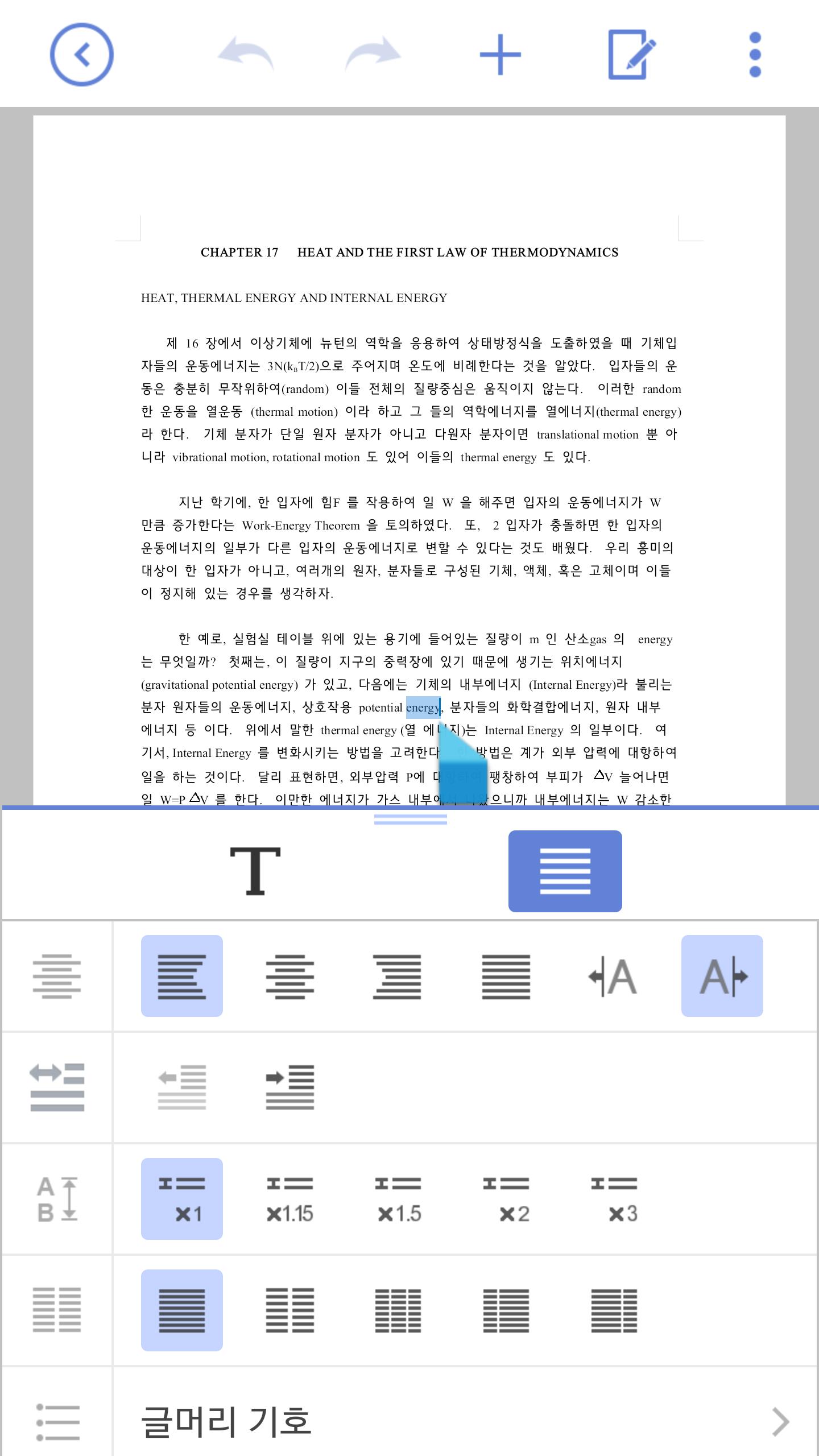
1. Hword
- Bullets/Numbering
- Header/Footer, Footnote/Endnote
- Comments
- Picture/Shape Effect
- Page setup
2. Hcell
- Chart effect/properties(Chart type,Chart style, Chart option ,Axes option)
- Border/Fill
- Cell Format
- Shape, Image and Object properties
- Conditional format
- Freeze panes
- Show sheet right-to-left/Show sheet left-to-right
- Auto filter
- Show all comments/Hide all comments
3. Hshow
- Comments
- Video/Chart
- Slide layout (Comparison/Two Content)
- Image style (Reflection/Neon)
- Shape properties (line color, shape style)
- Ink annotations
- Laser pointer
■ Supported Formats
- Open : txt, rtf, dot, doc, docx, dotx, wbk, hwdt, csv, xls, xlt, xlsm, xltx, xlsx, cell, cbk, pptx, ppt, potx, pot, ppsx, pps, show, sbk
- Save : txt, doc, docx, pdf, xls, xlsx, cell, pptx, ppt, show
* cell does not support Hancom Office 2010 format
■ Supported Languages
- 77 languages
Amharic, Arabic, Armenian, Azerbaijani, Bengali, Bosnian, Bulgarian, Burmese, Catalan, Chinese(Hongkong), Chinese(Simplified), Chinese(Taiwan), Croatia, Czech, Danish, Dutch, English, Estonian, Euskera, Farsi, Finnish, French, Gallego, Georgian, German, Greek, Gujarati, Hebrew, Hindi, Hungarian, Icelandic, Indonesian, Italian, Japanese, Kannada, Kazakh, Khmer, Korean, Kurdish, Latvian, Lithuanian, Macedonian, Malay, Malayalam, Marathi, Nepali, Norwegian, Panjabi, Polish, Portuguese, Brazilian Portugese, Romanian, Russian, Serbian(Cyrillic), Sinhala, Slovak, Slovenian, Spanish, Latin , panish, Spanish, Swahili, Swedish, Tamil, Telugu, Thai, Turkish, Ukrainian, Uzbek, Vietnamese
■ Note
- When a new document or template are opened and closed forcely, please delete this App, and then recommend to re-install.
- When using external SD card, users can only save the document.
- After updating App, for the certification, network connection will be necessary.
■ Hancom Office can access the following on your device.
- Required
Storage (Photo/Media/File) : Used to access photos, media, and files on the device.
- Optional
Contacts : Used to display document properties















 Download