

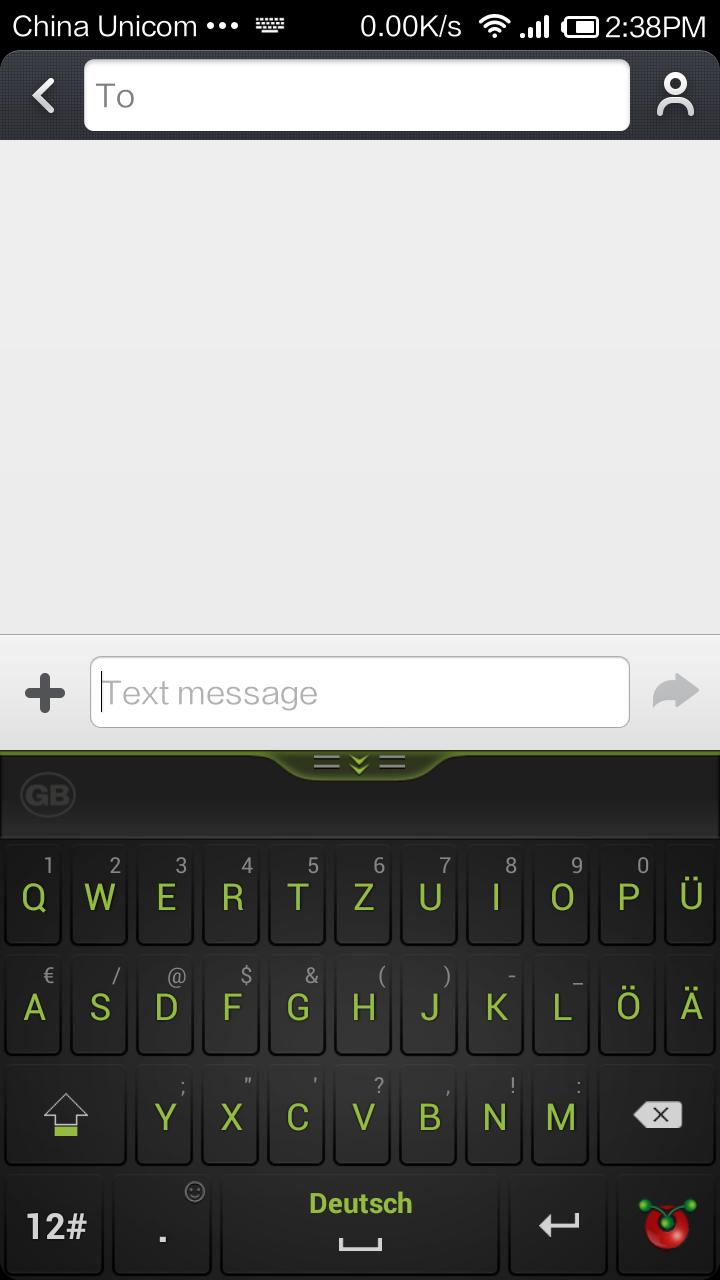
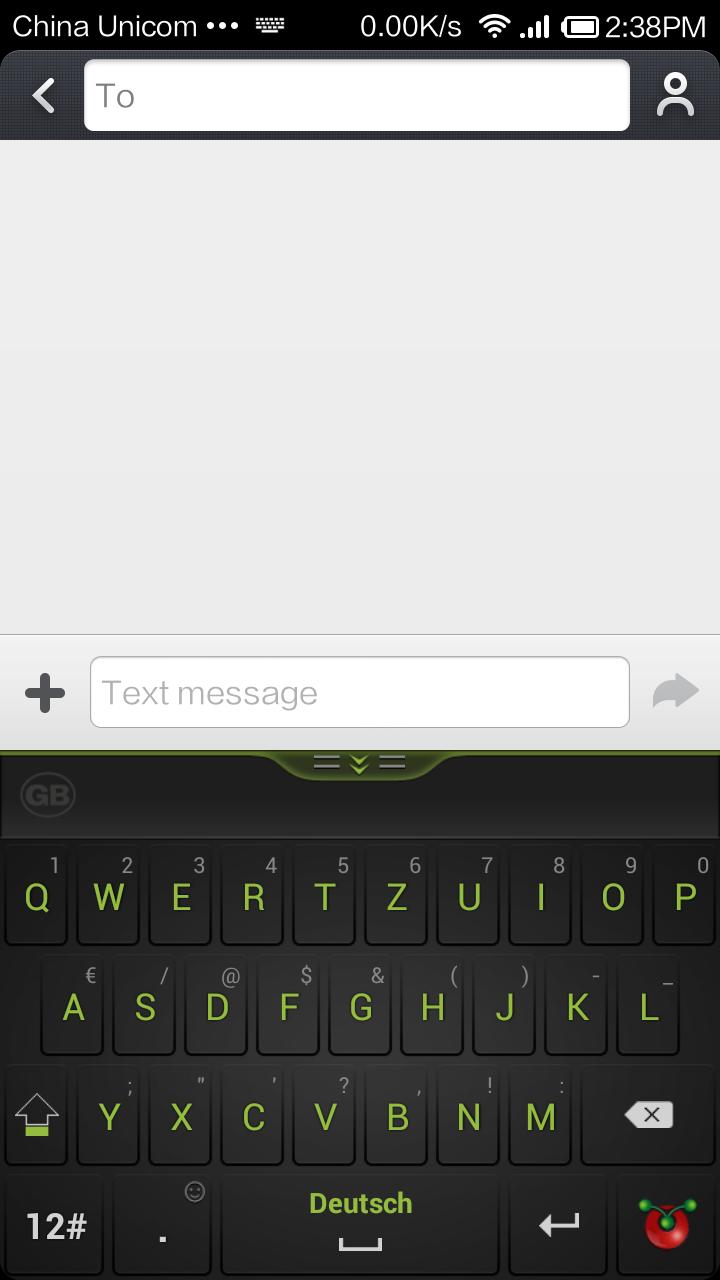
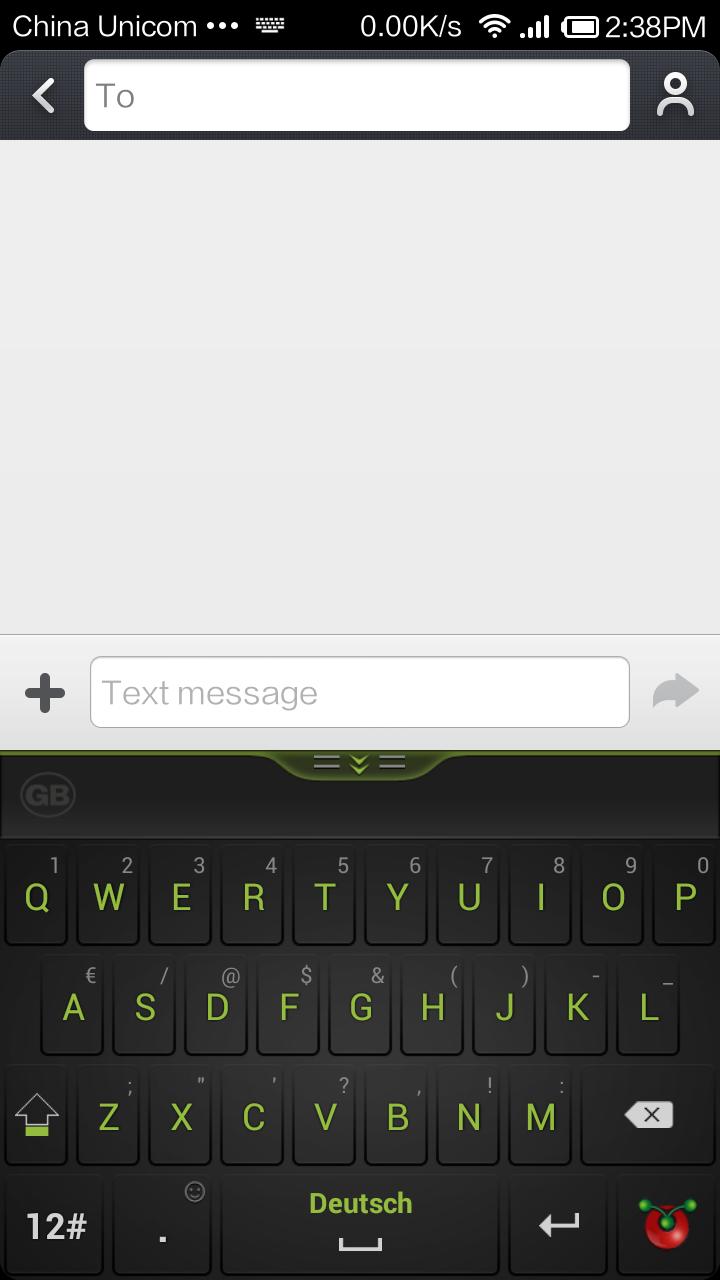
Better choice, guobi keyboard.
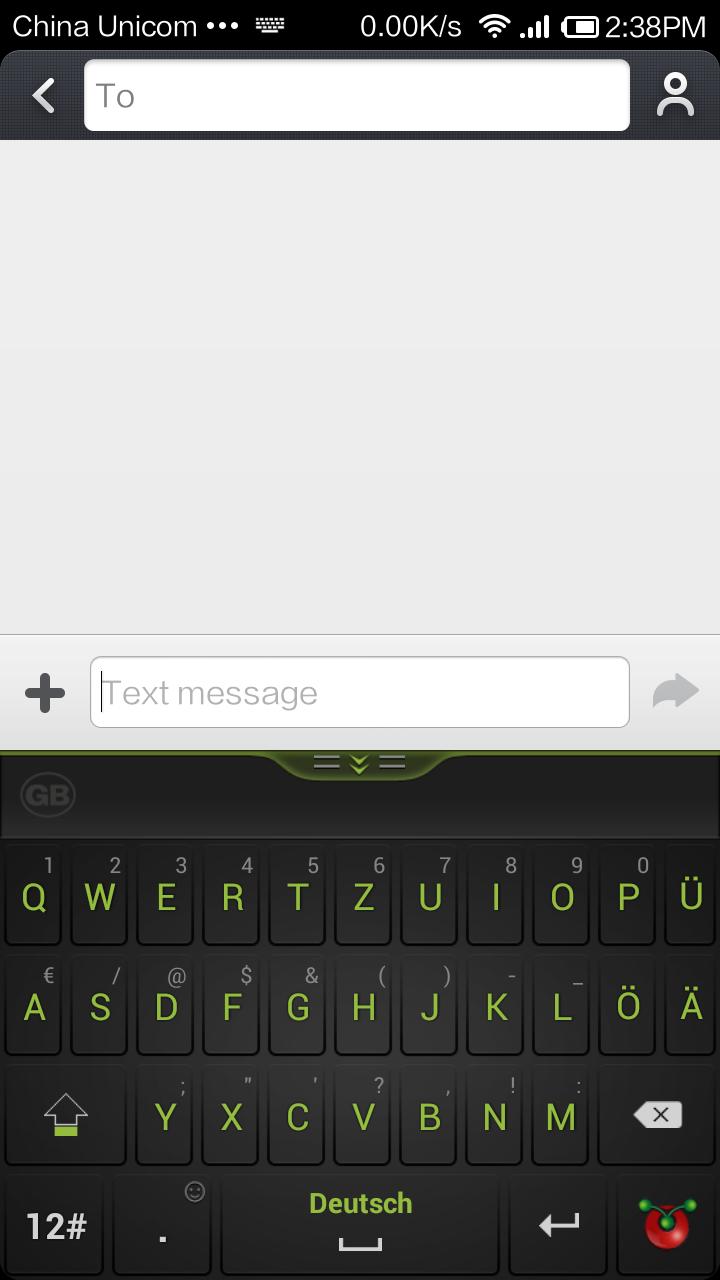
Guobi German Keyboard ( Deutsch Keyboard )
Features:
◇ Guobi Keyboard supports smart input for over 50 languages.
◇ With multiple keyboard designs for each language, you may choose the keyboard which suits you best.
◇ With its smart-learning features, your favourite words, phrases, sentences and other typing habits will be learnt when you type.
◇ Auto word correction intelligently covers you when you mistype.
◇ For fast entry of symbols or numbers, just press on the letter keys and slide upwards.
◇ Keyboard height adjusts automatically to your screen.
◇ No personal information, such as passwords, credit card numbers and other privacy information will be learnt.
The keyboard contains German and English input modes only. If you need other languages, please search and install its keyboard individually. Please be awared that some of the languages are paid keyboards.
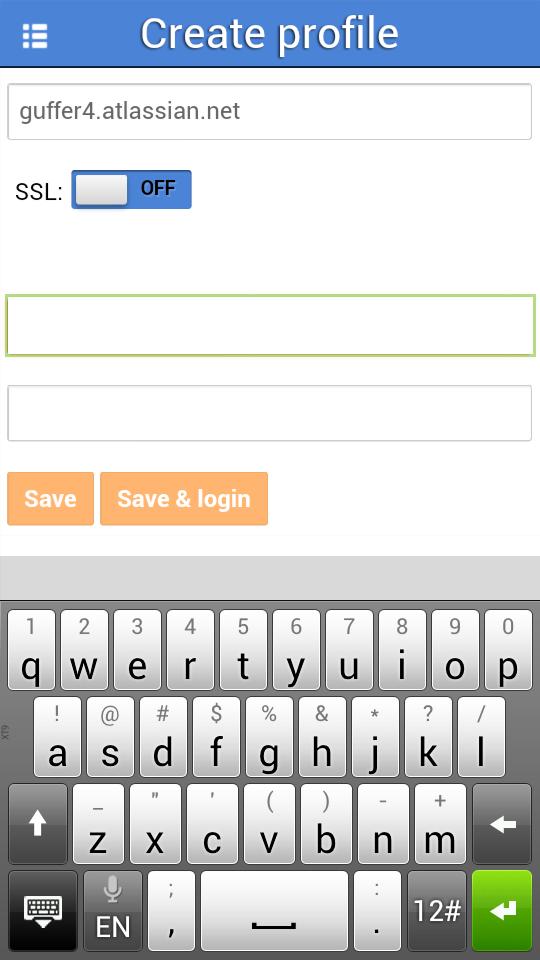
Here are the keyboard layouts available: QWERTZ(German), QWERTZ and QWERTY.
VERY IMPORTANT!
To enable the keyboard, go to "Language and keyboard" settings, and check "Guobi Keyboard" box.
Then:
- on Android < 3.0: long press in any text input area until a popup menu appears, select "Input Method" in this menu, and choose "Guobi Keyboard" in the list.
- on Android > 3.0: pull the status bar while the keyboard is visible, and choose "Select Input Method", then "Guobi Keyboard"
Languages available:
Afrikaans
Albanian -- Shqipe
Arabic -- اللغة العربية
Bangla -- বাংলা
Basque -- Euskara
Belarusian -- Беларускі
Bulgarian -- български
Catalan -- Català
Danish -- Dansk
Dutch -- Netherlands
Estonian -- Eesti keel
Farsi -- فارسی
Filipino -- Tagalog
Finnish -- Suomi
French -- Français
German -- Deutsch
Greek -- Ελληνικά
Hausa
Hebrew -- עברית
Hindi -- मानक हिन्दी
Hinglish
Hungarian -- Magyar
Icelandic -- Íslenska
Indonesian -- Bahasa Indonesia
Irish -- Gaeilge
Italian -- Italiano
Kannada -- ಕನ್ನಡ
Kurdish
Kyrgyz -- Кыргыз
Malagasy
Malay -- Bahasa Melayu
Mongolian -- Монгол хэл
Nepali -- नेपाली
Norwegian -- Norsk
Pashto -- پښتو
Polish -- Język polski
Portuguese Europe -- Português
Portuguese South America -- Português
Romanian -- Limba română
Russian -- Русский язык
Slovak -- Slovenčina
Slovenian -- Slovenščina
Spanish Europe -- Español
Spanish South America -- Español
Swahili -- Kiswahili
Tamil -- தமிழ்
Telugu -- తెలుగు
Thai -- ภาษาไทย
Turkish -- Türkçe
Ukrainian -- Українська
Uighur -- ئۇيغۇر يېزىقى
Urdu -- اُردو
Uzbek -- U'zbek
Vietnamese -- Tiếng Việt
Zhuang






 Download