


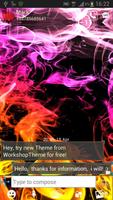

This a new skin for GO SMS Pro Theme = Smoke Color theme!
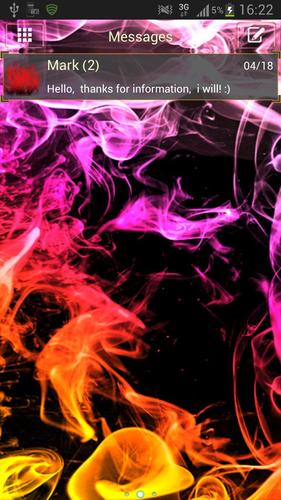
This new theme GO SMS Theme Smoke Colors, is designed for all people who smoke and fire
introduces a blissful state of calm. Clouds of smoke in the colors of the rainbow, where alternate colors: orange and red or on the bottom yellow and purple will give a beautiful and unique look of your wallpaper when writing SMS messages.
GO SMS Theme - colored smoke app only works with GO SMS Pro, if you do not have it on your mobile - download it for free from Google Play.
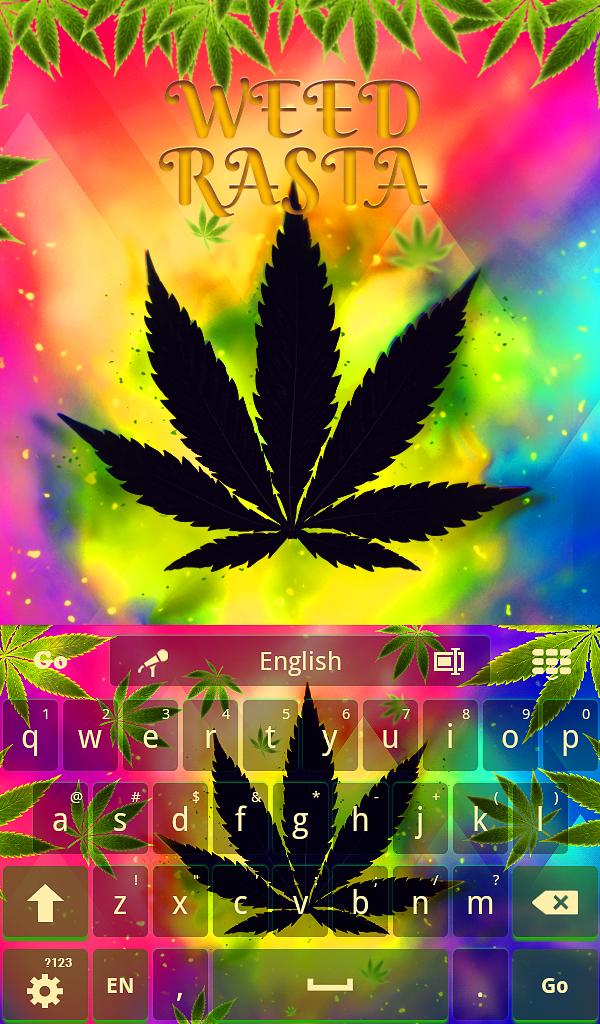
View of clouds of smoke can be seen on the wallpaper, which available application GO SMS Pro and You can customize a specially prepared icon. This unique style certainly will like smokers, marijuana, or otherwise known as weed - ganja, who in a cloud of colored smoke on a black background, they discover their world. Do not wait until then, install it on your phone a new thema.
This a new skin for GO SMS Pro, theme was created for this android users, who likes themes related with rasta style and smoking.
To apply the theme[also for GO Chat]:
1. Download GO SMS Pro Theme Smoke Fire color from Google Play for free
2. Download GO SMS Pro for free
3. Install and launch GO SMS app
3. Press right to see options and press"theme
4. Press "Installed" tab
5. Tap the GO SMS Theme - Smoke Colors
To change apperance settings about conversation list
1. Press Menu
2. Press Adwanced
3. Press Appearance Settings.
4. Press Conversation List Customization
And now You can adjusted for each other, you can change:
- Background in messages.
- Displayed contact pictures.
- Contact font.
- Contact font color.
- Time and message fonts.
- Or restet this setting as to default.
To change apperance settings about conversation style
1. Press Menu
2. Press Adwanced
3. Press Appearance Settings.
4. Press Conversation customization
And now You can adjusted for each other, you can change:
Conversation style ( bubble setting or list style)
- Background
- Incoming font
- Outgoing font
- Hyperlink color in text
If you want to use avatar icon for any contact simply change it and the new image for each contacts are visible on conversation list and messages sms list.
Disclaimer: this application use interstitial ads and banners.
Check other our GOSMSPro, GO Locker and GO Launcher EX, free themes.
Themes are published all the time, so remember to check our developer account regularly.
Style was created by WorkshopTheme

![Auto Optimizer Premium [Trial]](https://images.downzr.com/uploads/20261016/logo_6ad1a7c2457c81.jpg)

 Download