

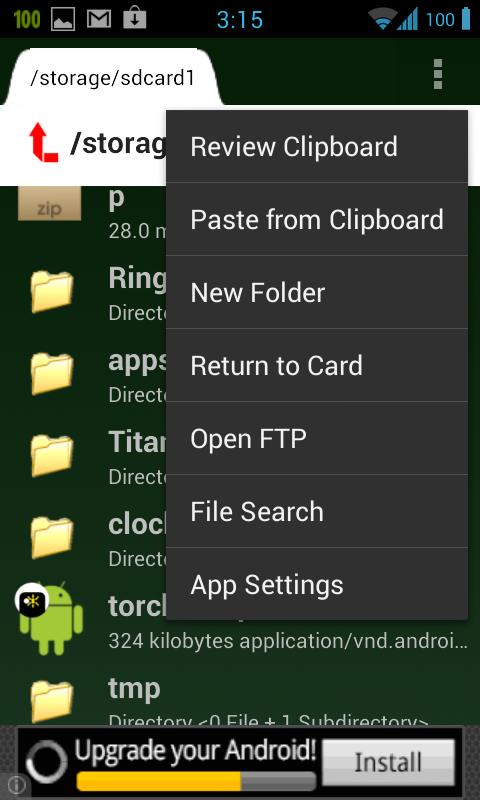
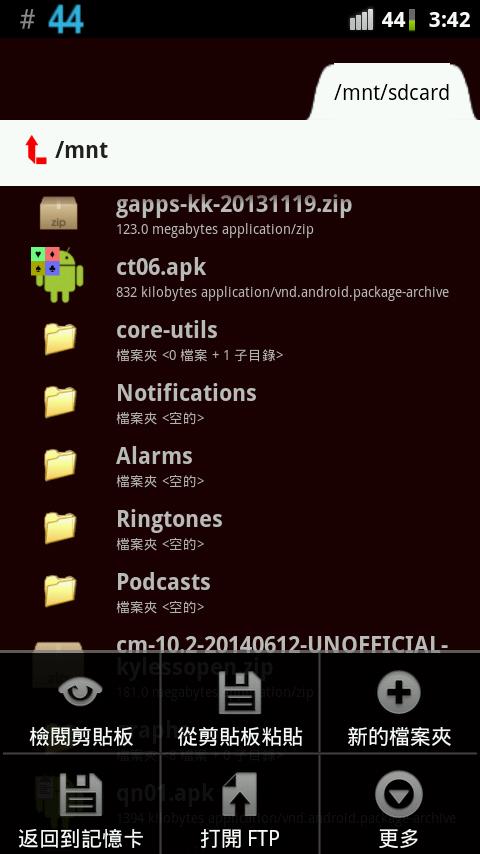
File manager that can manipulate files locally and access FTP.
Now complete with modern and friendly UI and options, it aims to be the FTP counterpart of its Google Drive version, except FTP/Drive and iconography I will try to make them identical by end of 2014. New in the current version is capable of running/opening a file right within Search Result or Properties dialog of a directory.
Despite its modern design, it is usable all the way down to old Android 1.6, in fact you can use it on any device running Android 1.6 or later all the way to newest Jelly Bean and even farther into the future. Note: I have no actual 1.6 hardware and my emulator is broken. So please inform me if this version is not working for Android 1.6. My minimum testing hardware is a 2.1 phone that I almost never use otherwise.
This grew out a very simple need for myself; to copy a file from one card to another card, using one standard Android phone with one slot; surprisingly it wasn't covered by the file management apps I already have downloaded, and to my knowledge such simple tool can be written faster than finding a capable app. So that was what I did in few minutes, afterwards I expanded to a much more complex general use that you can see now.
App is Ad-supported, that requires use of network, but running without network is also supported. But the real big use of network is accessing FTP server. All operations are supported, please note regular commercial FTP servers usually impose Permissions by default, unlike throw-away mobile servers.
Inspired by old Windows 3.1, I added one feature that as far as I know was never seen anywhere afterwards, although I elected to not implement it to cover directories only per-file basis: copy-and-paste files in batches of multiple files.
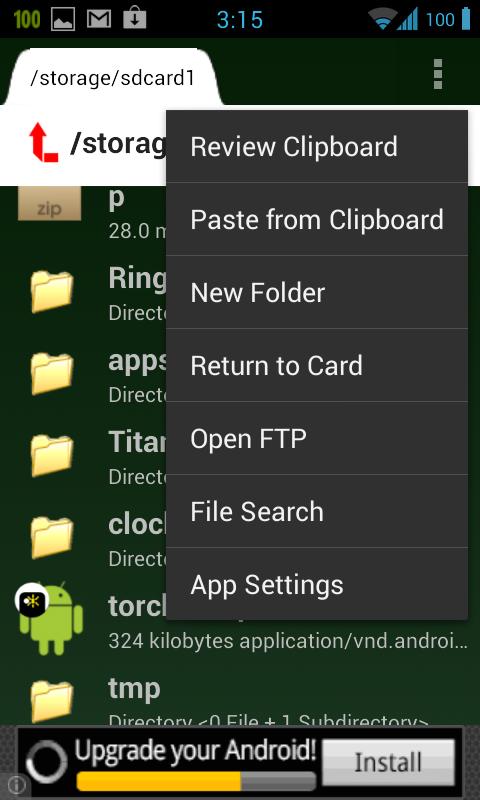
Features of this app are:
- copying (multiple files under one directory).
- paste (arbitrary multiple files).
- delete file.
- delete directories (empty or otherwise).
- rename file/directory.
- compressing or extracting Zips.
- FTP access.
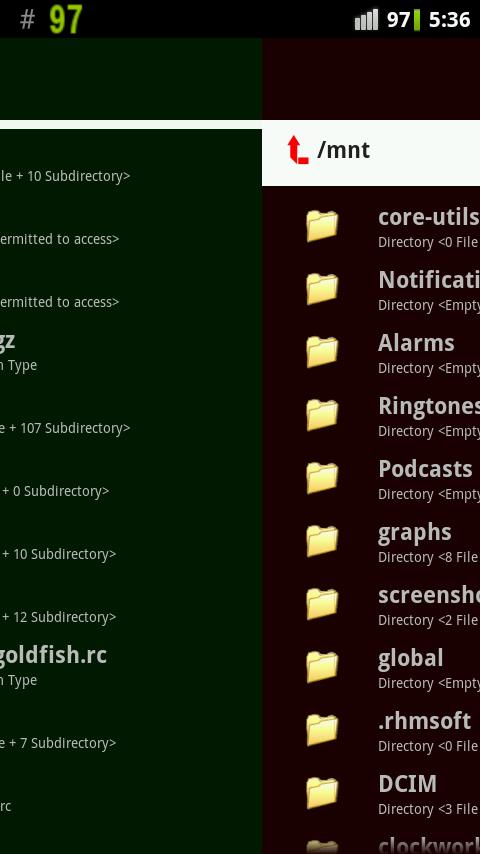
- dual-pane dual page operation.
- open (Run...) a file using appropriate app.
- navigate all file systems (Root needs caution).
- simple interface and icons for known files.
- viewing text/xml/html files.
- sorting the file list.
If you wish for some extra feature like copying directory please sound off here in Google Play/Android Market. Please limit yourself to English or Chinese, or other Babelfish-translatable languages.










 Download