

A true hands-free solution to handle SMS and calls. No more distracted driving!
*** IMPORTANT NOTES ***
- You can leave the app running at background by pressing the HOME button.
- You have to enable INTERNET CONNECTION to use voice commands.
- The accuracy of your reply message or your voice commands is depend on your microphone.
- To use Chinese for this application, you need to use a Text to speech engine that supports Chinese such as Samsung TTS, EKho, SVOX, etc.
********************************
*** MINIMUM REQUIREMENT ***
- Any text to speech engine*
**************************************
EsyDrive is a mobile application that handle text (SMS) messages by reading them aloud and allows you to reply using voice commands. Moreover, it also allows you to handle incoming calls (FULL version only). EsyDrive is a new solution to texting while driving.
Features and benefits
> Read SMS out loud
> Speak your reply message
> No complicated setup
> Customisable auto respond
> No need to pick up your phone to read SMS
> Listen to caller name
> Automatically pickup or reject incoming calls
> Compatible with wired headset and bluetooth headset (A2DP enabled devices only - please see setup info below)
> Shake phone to stop current operation (NEW)
> Support for Chinese (NEW)
What’s included in the FREE version?
> NO ADS
> Listen to your SMS read aloud to you
> Say ‘Reply’ to reply to an SMS by voice
> Say ‘Stop’ to cancel.
> Compatible with bluetooth headset
> Complete hands-free solution
What’s included in the FULL version**?
To unlock the FULL version, please click 'Unlock application' and follow the steps. (Cost $2.99 AUD)
> NO ADS
> Listen to your SMS read aloud to you
> Added 3 more voice commands - 'Repeat', 'Call back', 'Go back'
> Say ‘Repeat’ to listen to the message again
> Say ‘Call back’ to call the person who just texted you
> Say ‘Reply’ to reply to an SMS by voice
> Say 'Go back' to edit your reply message if you made any mistakes while speaking your reply.
> Say ‘Stop’ to cancel.
> Listen to incoming caller’s name
> Option to automatically block all incoming calls
> Option to use auto-reply message after rejecting call (combine with auto-block incoming calls)
> Option to automatically answer all incoming calls
> Compatible with bluetooth headset
> Complete hands-free solution
> One-off payment, no subscription fee, no hidden costs
* Most Android devices have Google text to speech engine installed. To check your device, simply go to: Settings > Language and input > Text-to-speech output.
**Payments are processed by Google. We will not keep or store your payment details.
--- SETUP INFO FOR BLUETOOTH HEADSET USERS ---
Step 1: Make sure you have connected your device with your bluetooth headset
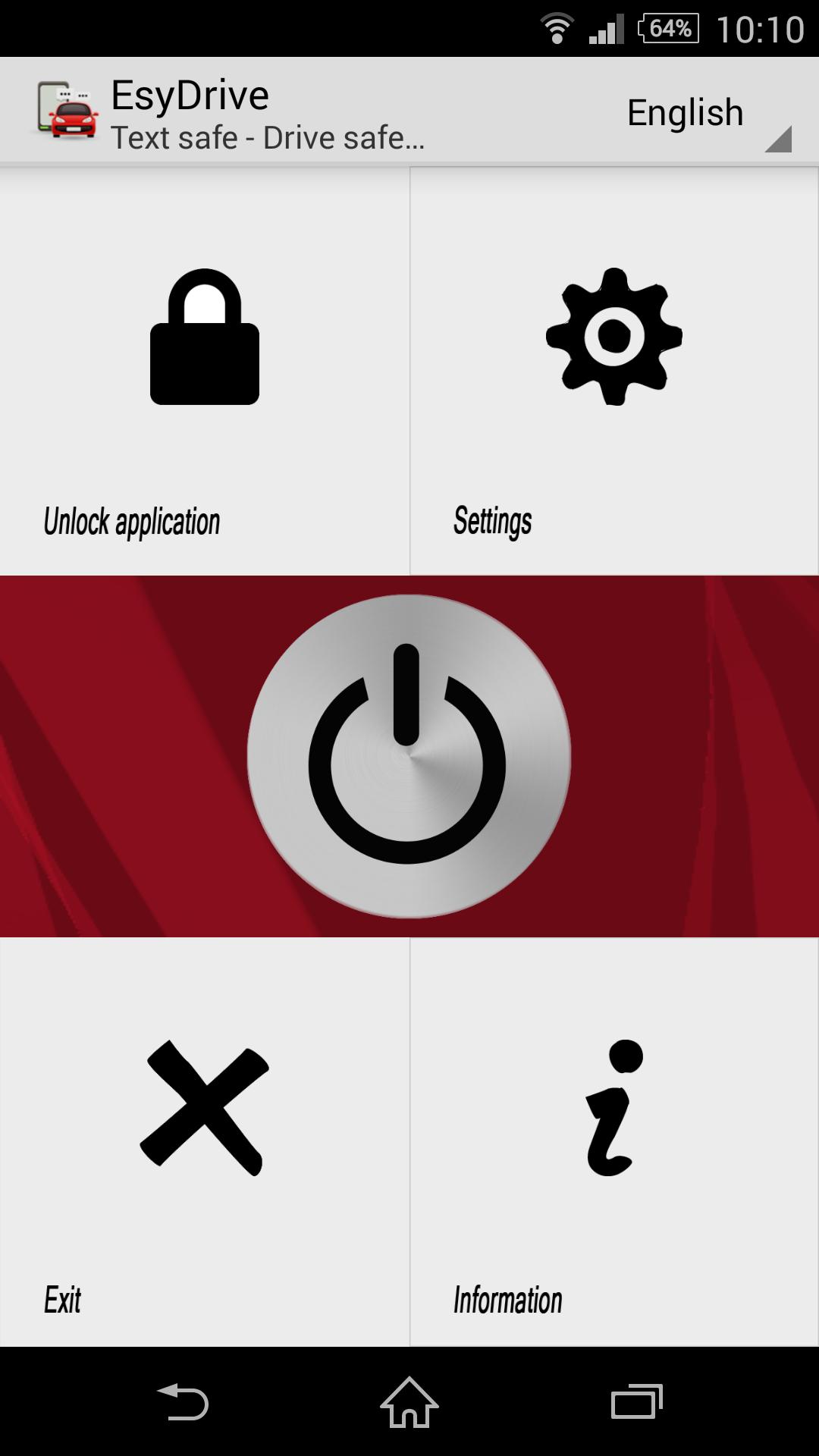
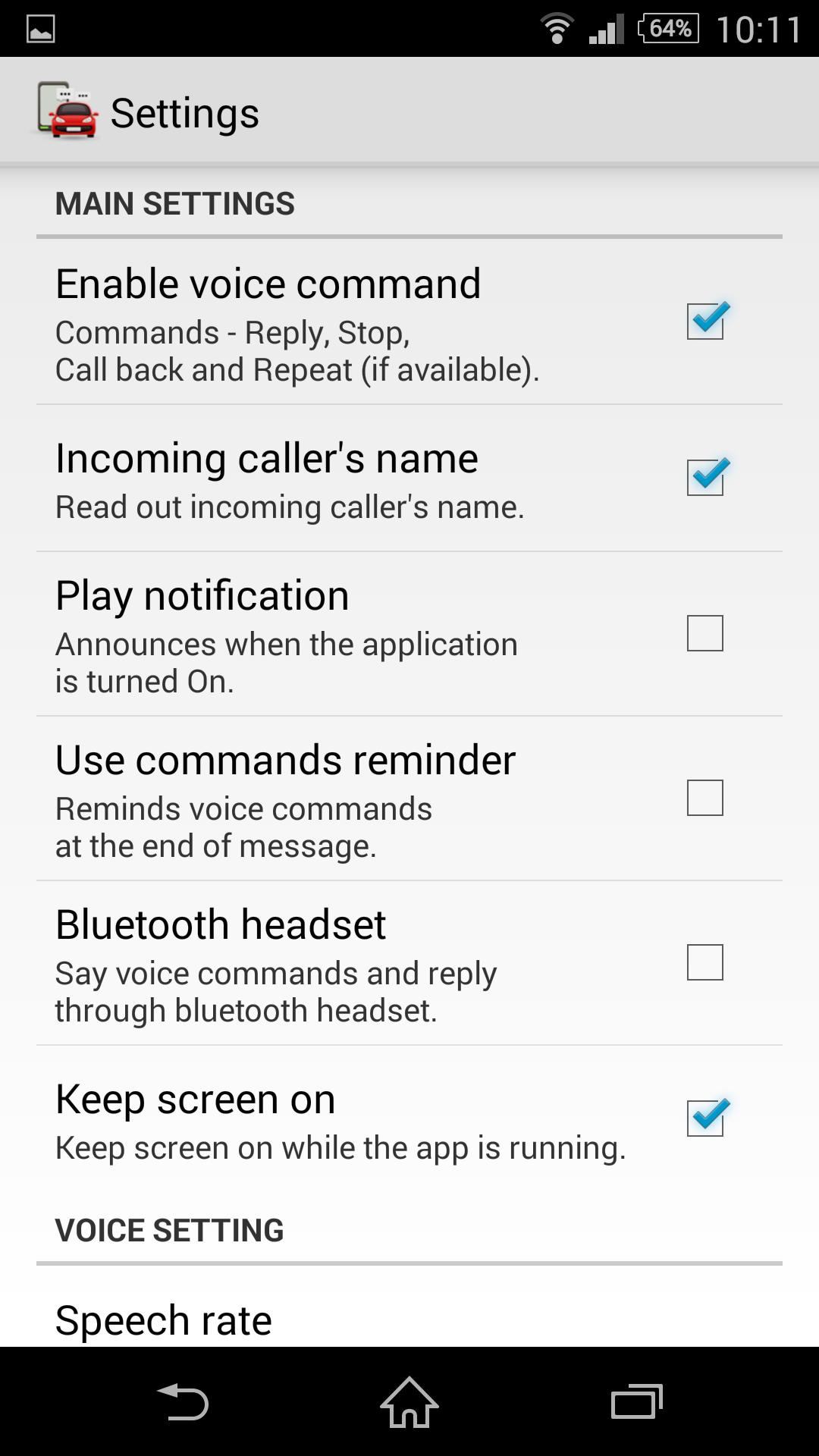
Step 2: Open EsyDrive and then click on the "setting" icon
Step 3: Check "Bluetooth headset" option.
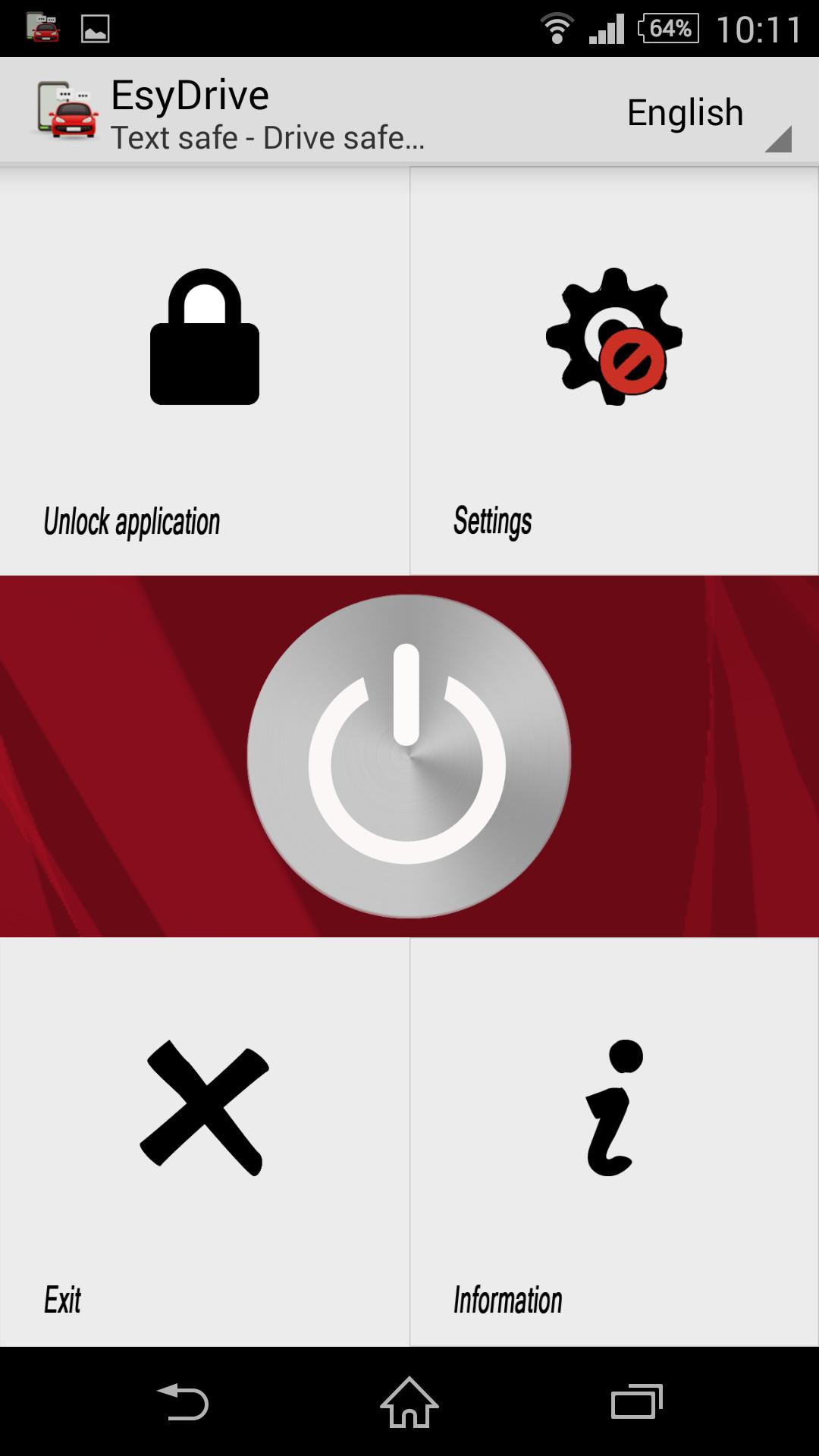
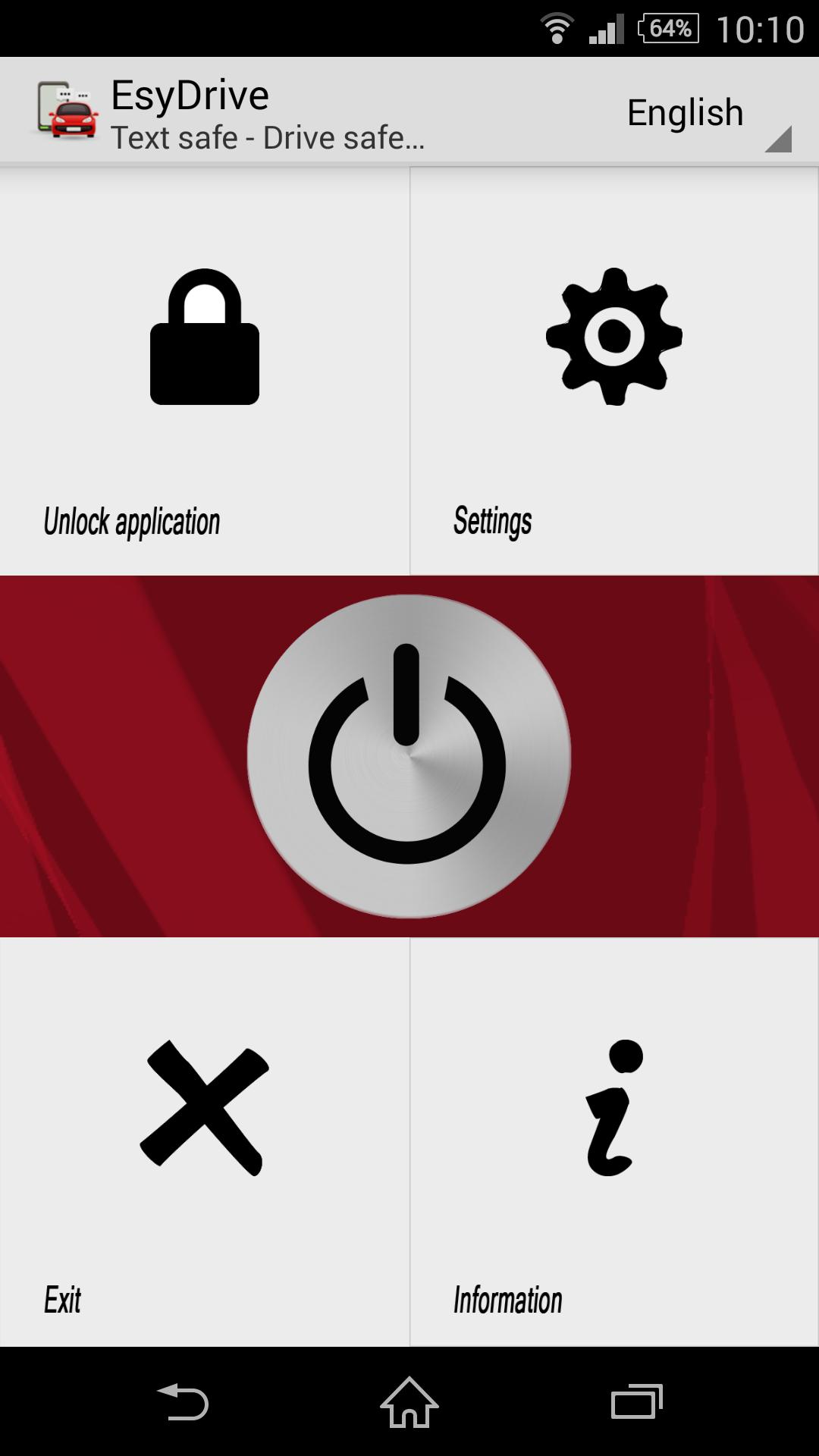
Step 4: Click back and then click start (power button). You should see a prompt message that says bluetooth feature is enabled.
*Note: This feature requires Android 4.1 (Jelly Bean) and above. Don't forget to uncheck the "Bluetooth headset" option if you don't want to use it in the future. If you experience any issues, simply start over again.
--- SETUP INFO FOR GOSMS, VLINGO, HANDCENT USERS ---
-GO SMS > Settings > Advanced Tab > Receive Settings > uncheck "Disable other message notification"
-VLINGO, Within phone settings, change voice recognizer from Vlingo to Google Voice.
-HANDCENT > Settings > Application Settings > Disable
ADDITIONAL INFO
Q: What is A2DP enabled bluetooth device?
A: If you can play music over your bluetooth headset then it is A2DP enabled. Please see your device's manual for more information.
Q: How do I select a text-to-speech engine?
A: Go to Settings > Language and input > Text-to-speech output















 Download