

A new type of file explorer app that lets you customize your file operation.
[ SUMMARY ]
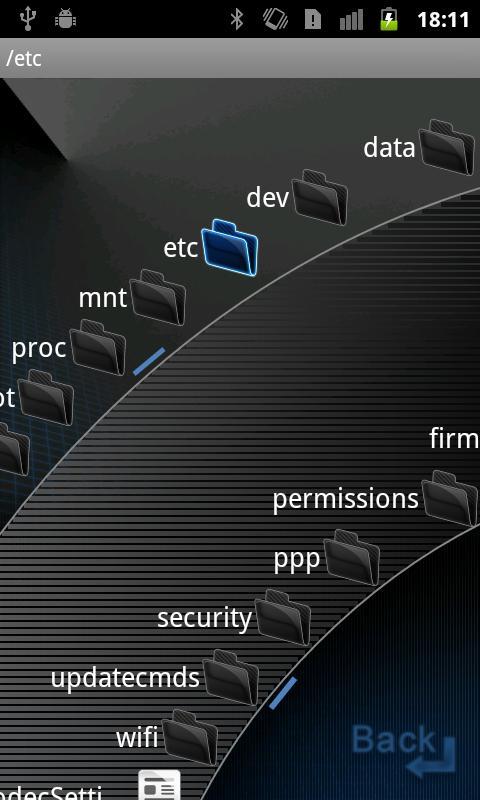
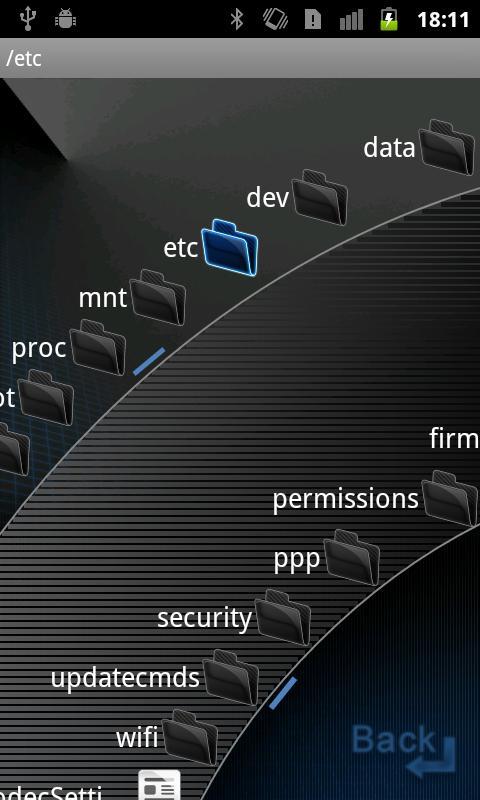
On top of the standard functions of a file explorer, it is equipped with a unique UI, "Arch Swipe Mode" "Arch Swing Mode" lets you scroll through files by swiping your thumb in a fan shape, reducing the burden on your operating finger. It also allows customized file operation such as navigation of files and folders via flicks and gestures.
The "ELECOM File Manager" offers a limited version with advertisements free of charge. For the additional charge of a license key (paid license) will deactivate these advertisements, and allow customization of flicks and gestures.
[ FEATURE ]
- 4 types of list displays, such as Arch Swipe Mode
It is equipped with "Arch Swipe Mode", which allows for more natural scrolling by swiping your thumb in a fan shape, and can be changed between right-handed and left-handed controls. What's more, you can display in list, icon or catalog form, and use each for different purposes corresponding to the application scene.
- CUI Mode(Terminal)
Terminal operation is avairable. Usable command is depends on the device.
It is useful for root user.
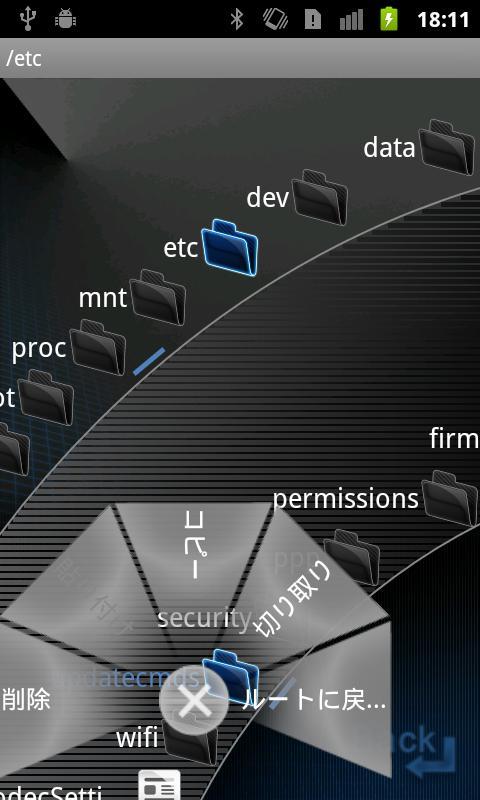
- File operation via flick
Allows file operation using flicks. You can perform operations on files and folders using 4 different directional flicks. Purchasing the license key allows you to assign 8 different directions in any operation you want.
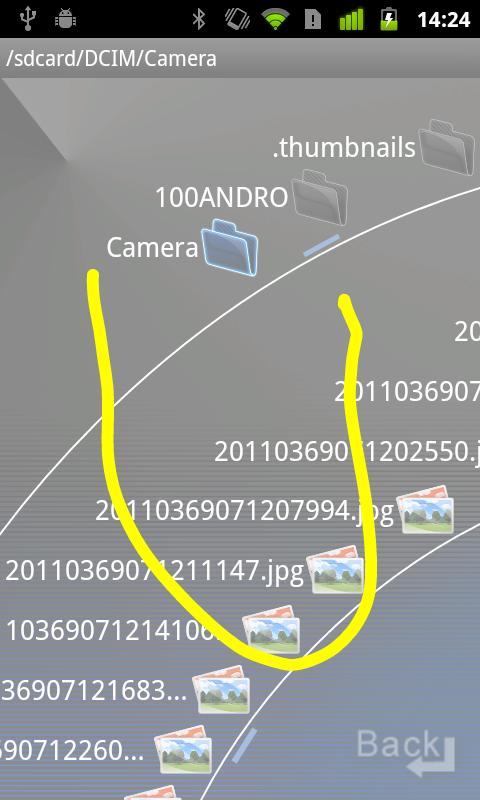
- Operation via gesture
Shaking the computing device will initiate gesture operations. Purchasing the license key allows you to assign gestures freely. Implementing non-specific scripts are also possible.
- Full-fledged file operation basic functionality
Copy/Cut/Paste or new folder creation, sorting by file name/size/date created, multitask operation, file search and property displays are the full-fledged basic functions built-in. Using shared functions allows each file to be sent to other applications.
- ZIP File Decompression
Can decompress ZIP files and expand the archive contents.
^ Executing the APK file and Installing the Application
Execute the APOK file from the Android App Installer allows you to install the app.
- Bookmark
Bookmarks can be added to each folder. You can jump to the desired folder directly.
- WebDAV Server(Paid option)
WebDAV Server is embbed. In LAN environment, PC or devices with WebDAV client can access the files and folders in your device. This function is required to purchase the paid lisence key.
File Transfer
It is useful for "File Transfer" application. If you want to move files from device to SD card, you can use this application to transfer files.
* Free version has the following limitation .
By purchasing license key, the following limitions are unlocked.
- Customize 8 direction flick operation
- Customize gesture operation
- WevDAV Server function
- Ads are displayed
[ Supported OS ]対応OS
Android 2.1/2.2/2.3/3.0/3.1/3.2/4.0/4.1/4.2/4.3/4.4
[ ELECOM Apps Web Site ]
http://app.elecom.co.jp/en/
[ Twitter ]
http://twitter.com/ELECOM_Apps
[ Facebook ]
http://www.facebook.com/ELECOM.Applications







 Download