

Easily set a complex disk encryption password different from the lockscreen one
Changes the Android disk encryption password
New: Experimental Lollipop support. Requires SuperSU
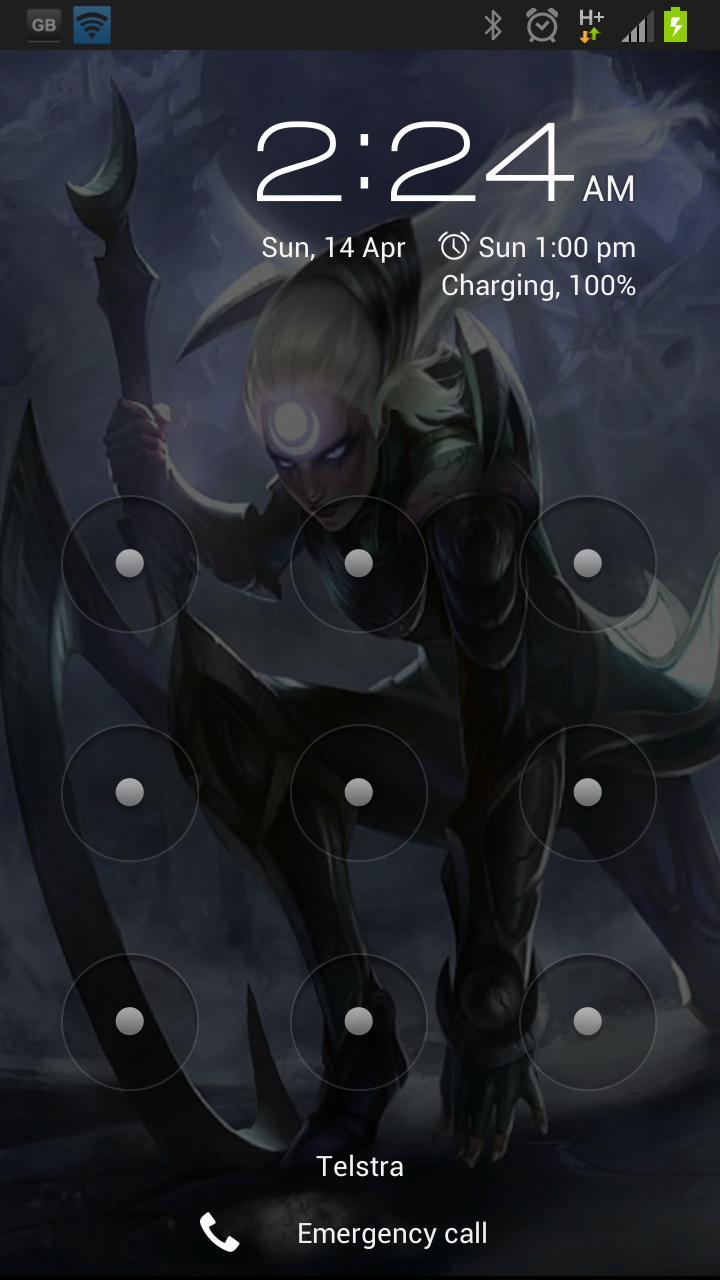
If you are using a pattern lock, enter the current password as
a sequence of dot numbers.
Dots are numbered left-to-right, top-to-bottom, starting with 1:
1 2 3
4 5 6
7 8 9
This tool REQUIRES root access to work. If you are not using disk encryption this tool will not be useful to you. In fact, it will not even start on your device.
*** WARNING ***
If you forget the new password after you change it, you will not be able to boot the device. You will have to perform a factory reset, DELETING all your data. Make sure you take a full backup before using this tool, and REMEMBER THE PASSWORD. You have been warned, use at your own risk!
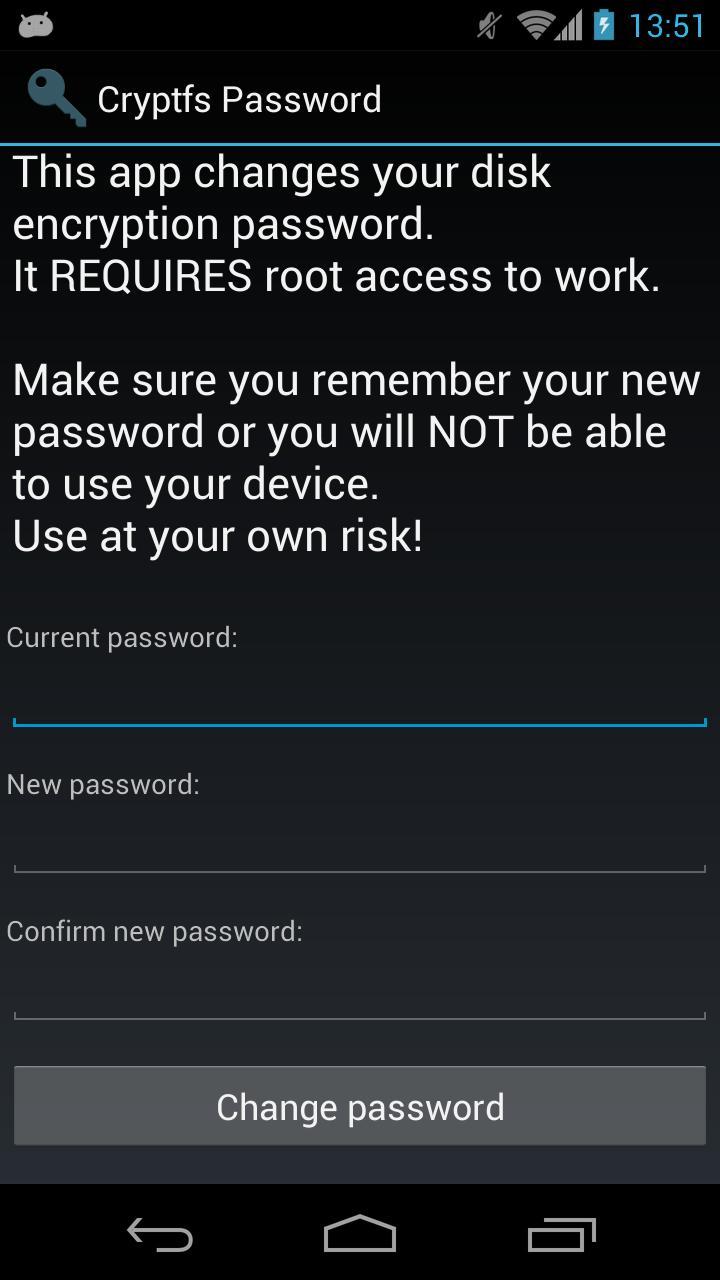
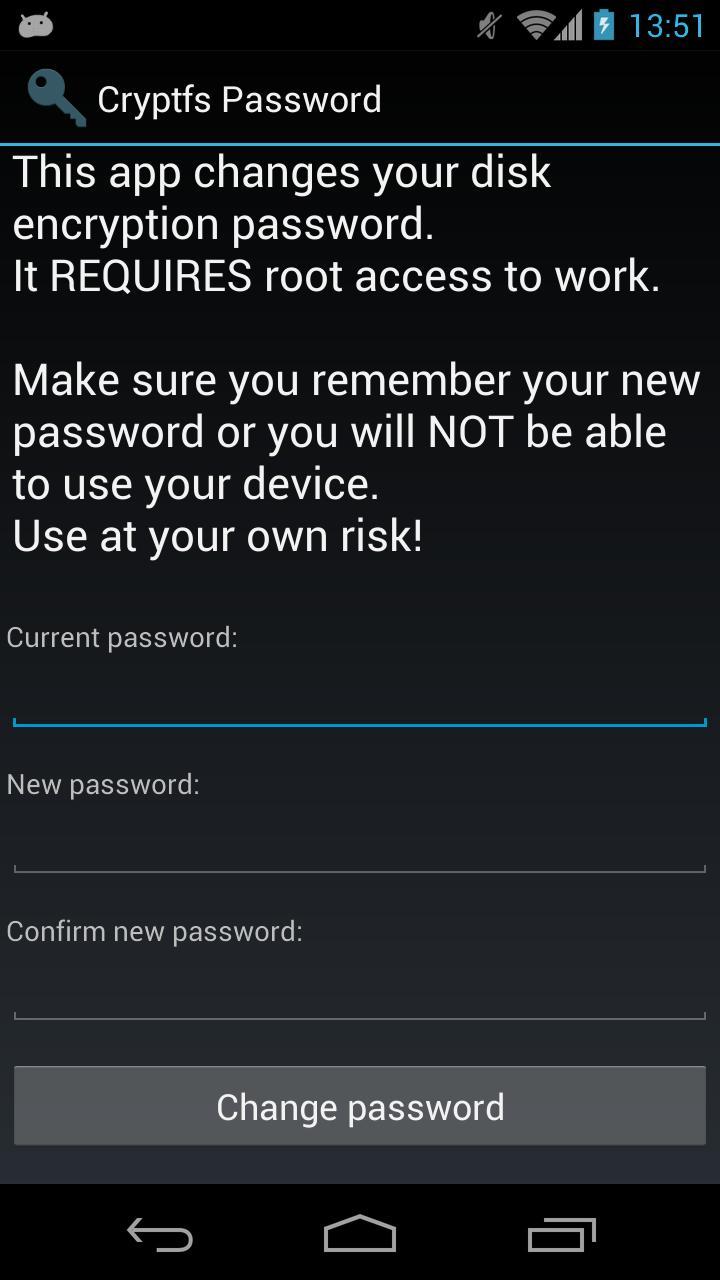
Android 3.0 (Honeycomb) introduced disk encryption and it has been available on all subsequent versions. It encrypts the data partition with a key protected by a user-selected password and requires entering the password in order to boot the device. However, Android uses the device unlock password or PIN as the device encryption password, and doesn't allow you to change them separately. This effectively forces you to use a simple password, since you have to enter it each time you unlock your device, usually dozens of times a day. This tool allows you to change the encryption password to a more secure one, without affecting the screen unlock password/PIN. To change the device encryption password simply:
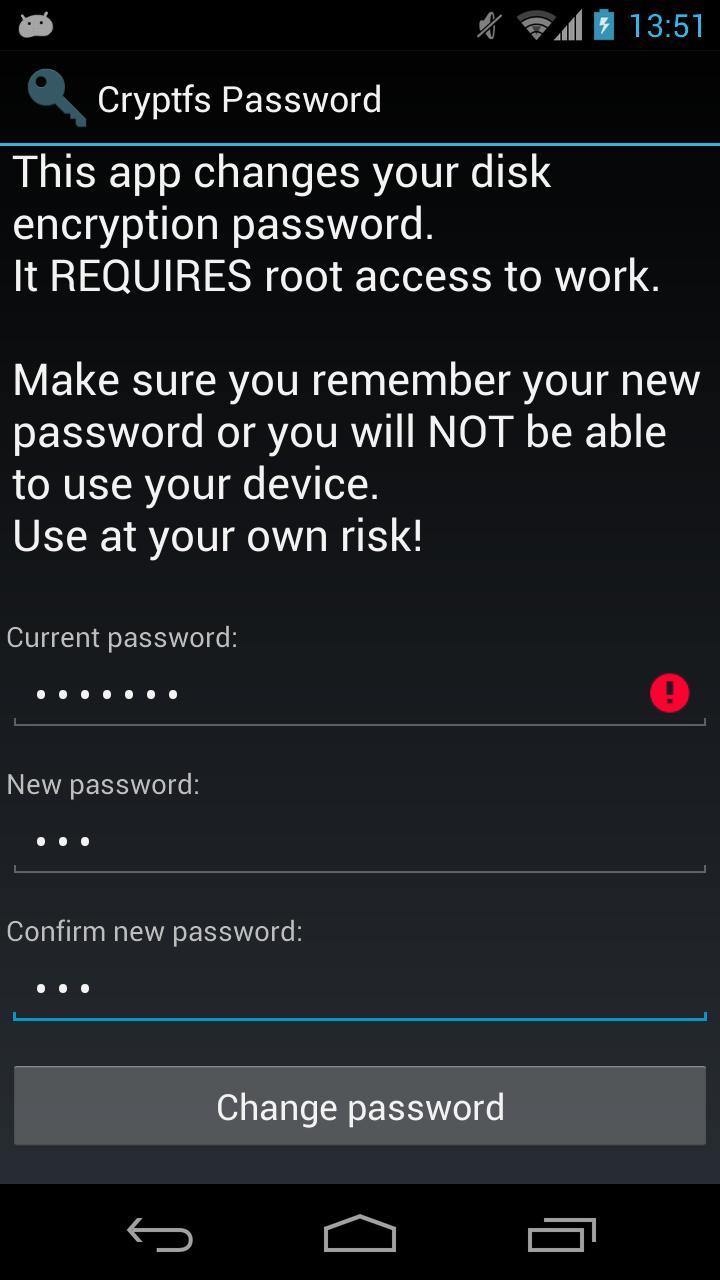
1. Enter the current password
(initially the same as the unlock password/PIN)
2. Enter and confirm the new password
3. Hit 'Change password'
The changes take effect immediately, but you will only be required to enter the new password the next time you boot your device. Make sure you choose a good password, not based on a dictionary word, since automated tools can brute force a simple password in minutes. Above all, make sure you REMEMBER the new password.
If you change the device unlock password/PIN, the encryption password will be automatically changed as well. You need to use this tool again to change it back, if required.
More details and some background information here:
http://nelenkov.blogspot.com/2012/08/changing-androids-disk-encryption.html
Not supported on Android L, but may not be required due to changes to disk encryption implementation.
More details about Android L:
http://nelenkov.blogspot.com/2014/10/revisiting-android-disk-encryption.html
This tool is open source. Code is available on Github under the Apache 2.0 license.
https://github.com/nelenkov/cryptfs-password-manager
Tested on Galaxy Nexus with
* stock Jelly Bean (4.1.1)
* CyanognenMod 9 (4.0.4)
NO WARRANTY. Use at your own risk.








 Download