

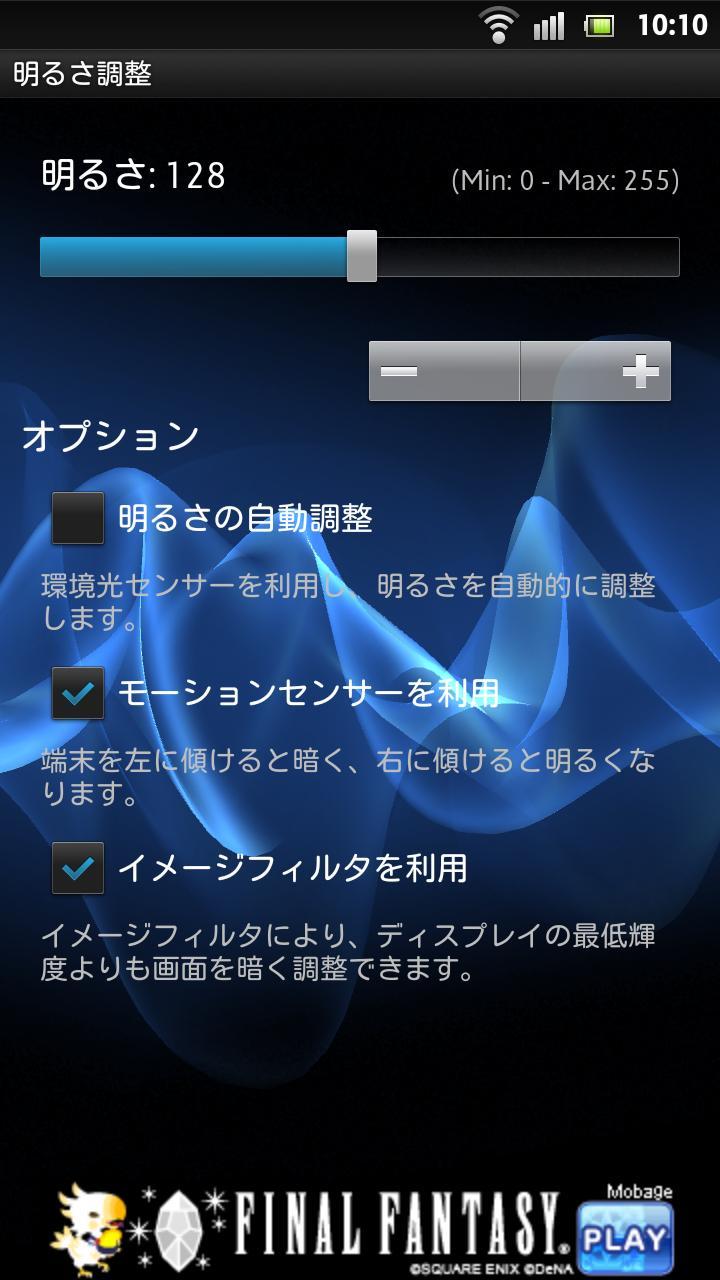
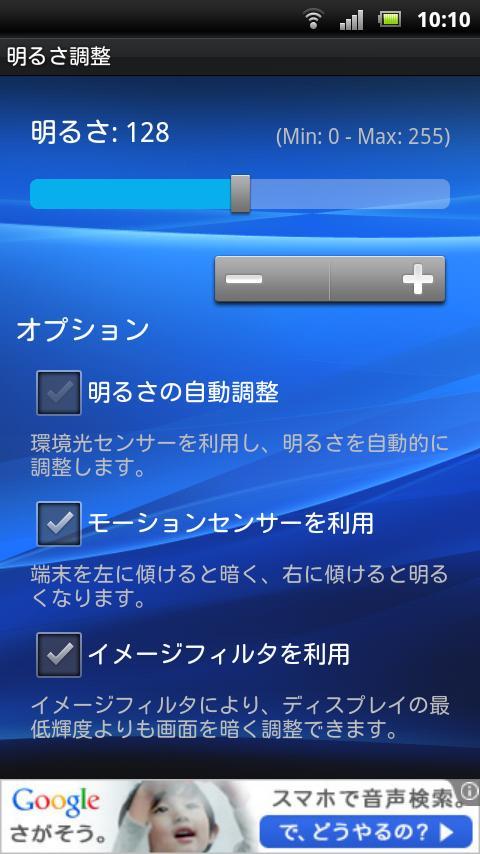
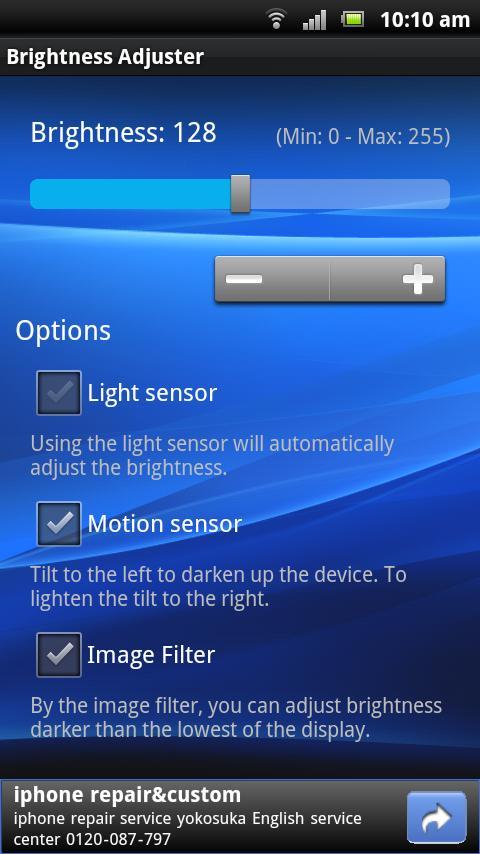
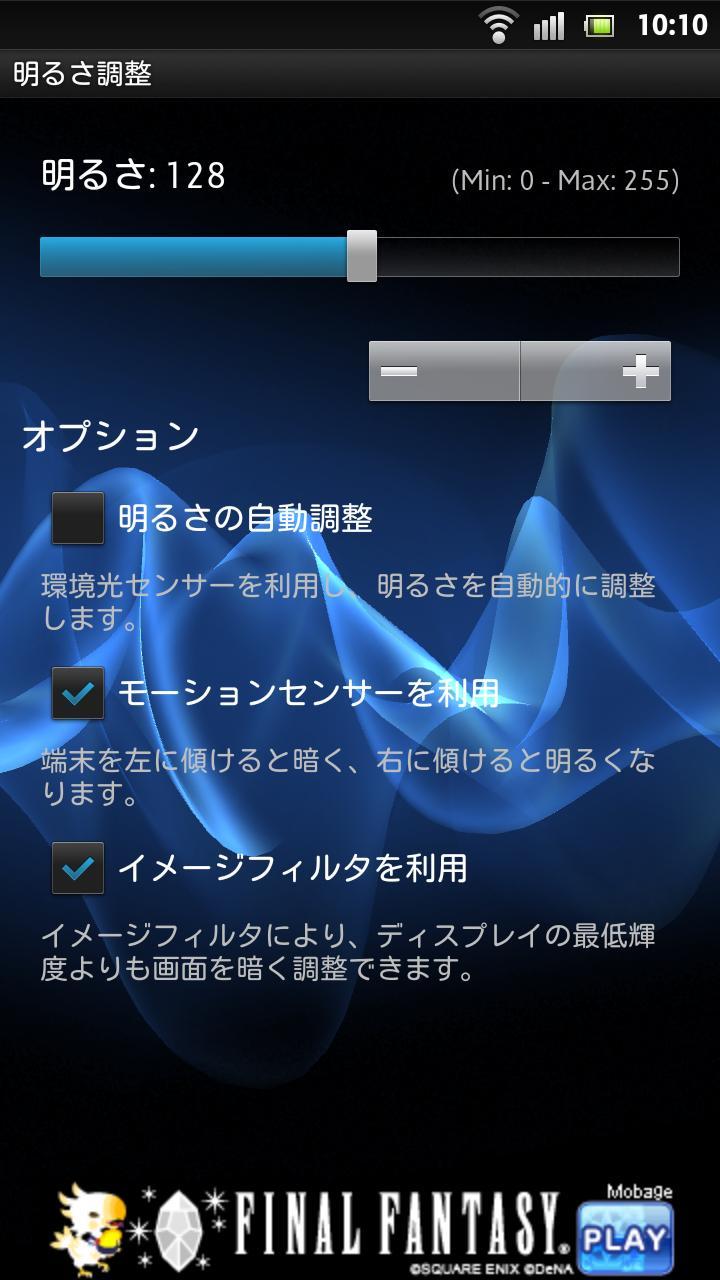
Was to adjust the brightness of the main display, it is a simple app.
Was to adjust the brightness of the main display, it is a simple app.
We are equipped with a filter function, you can dim the screen beyond the brightness of the display.
✓ Image filter function.
The effect of filter software, you can dim the screen beyond the minimum luminance of the display. Please use it if you feel bright and a display by the scene, for example, if you want to prevent prying eyes from the surroundings. With just a touch of a seek bar, which is also features that you can adjust the intensity of image effects filters and seamlessly adjust the brightness of the standard.
Due to limitations in the state of security in terms of Android OS, image filter is applied should be noted that you can not install app "unknown sources" that you downloaded from non-Google Play Store. After turning off the feature image filter once, please try the installation.
✓ Registration icon to the notification area.
You can register the app launch icon in the notification area. If you want to register, please select the [Menu] - [Notifications].
While applying image filters, is also intended to prevent the cancellation filter with Android OS, we recommend that you set should be noted that this function is turned on.
✓ Automatic brightness adjustment.
A device that supports a standard "switch enable/disable" In automatic adjustment brightness of illumination sensor, can be performed on this application to check the brightness after the change and setting on/off of automatic adjustment.
(With respect to the model that can not be disabled, switched on/off but this can not be done from the app, such as Xperia(TM) acro HD, supports automatic adjustment)
✓ Off function key illumination.
In the device part of the Android 2.2 or later, the on/off key lighting is possible. If you feel dazzling lighting key, please try appear in the [Menu] - [Key backlights].
Device that has this capability is limited in some models, depending on the situation the device support may change does not appear.
(It has been confirmed that there is an effect on Xperia(TM) arc, Xperia(TM) acro)
✓ Changing the display color temperature.
If you feel that the color temperature of the display is low (that yellowish), [Menu] - [Color temperature]. By applying a transmission filter blue, growing effect as if the color temperature of the display can be obtained.
✓ Adjust using the motion sensor.
Darken the display, you can adjust the bright and tilt tilt to the left and to the right device. Brightness adjustment is possible without hides by hand by this display.
✓ View wallpaper background.
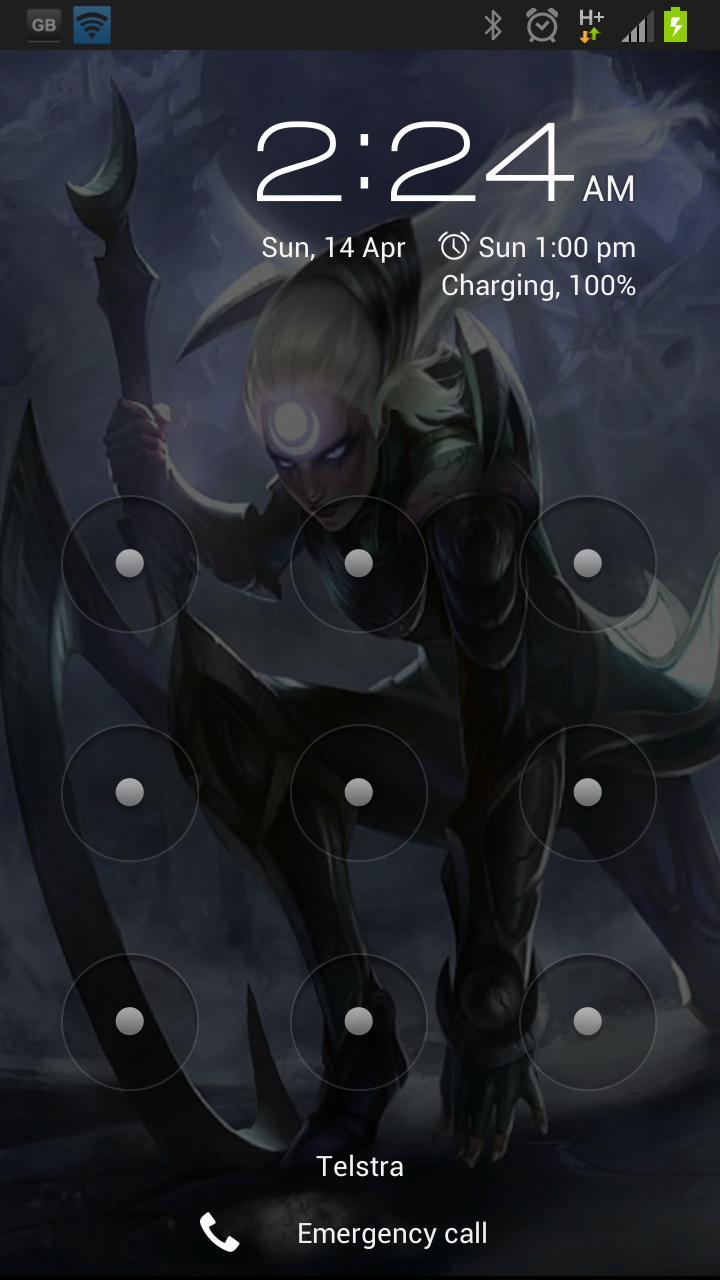
By the transmissive display the adjustment screen background wallpaper, are easy to grab the image after brightness adjustment. Do you want to change the text color by clicking on a string "Options" but you may see the characters difficult to read, if you are using, please use the change to a gray-scale image by touching the background wallpaper base white .
(Switching to a grayscale image, please use after activate the function at [Menu] - [Background change] in advance)
✓ Value display brightness.
So that the display brightness adjustment as a result, a number of API level that you want to set the system. It is easy to set the brightness of the next favorite for this purpose. It also automatically get the lower limit value different for each model.
By touching the numeric portion that is displayed, it is also possible to directly enter the numerical keypad again.
Acknowledgement:
The picture which Ozturk made is used for the icon of this application.
Copyright (C) 2012 K.Shimokura All Rights Reserved.



 Download