• Home
  • Games
    Action-adventure Simulation Business Role Playing Sports Competition Casual Intelligence Card Strategy Music Rhythm Text Puzzle Flying Shooting Love Development
  • Apps
    Business Office Newsletter Social Life Entertainment Online Shopping Practical Tools Travel Financial Management Educational Learning Information Reading Sports and Health
  • Articles

English 中文(简体) 中文(繁体) 한국어 日本語 Português Español Русский العربية Indonesia Deutsch Français ภาษาไทย
Home Apps Newsletter Social BluetoothTalkie
BluetoothTalkie

BluetoothTalkie

1
2
3
4
5
Download
  • Version 1.08
  • Category Newsletter Social
  • Package Name com.shashavs.bltalkie
  • Update Time August 29, 2025
  • Size 1.83MB
About this app

Bluetooth Walkie-Talkie

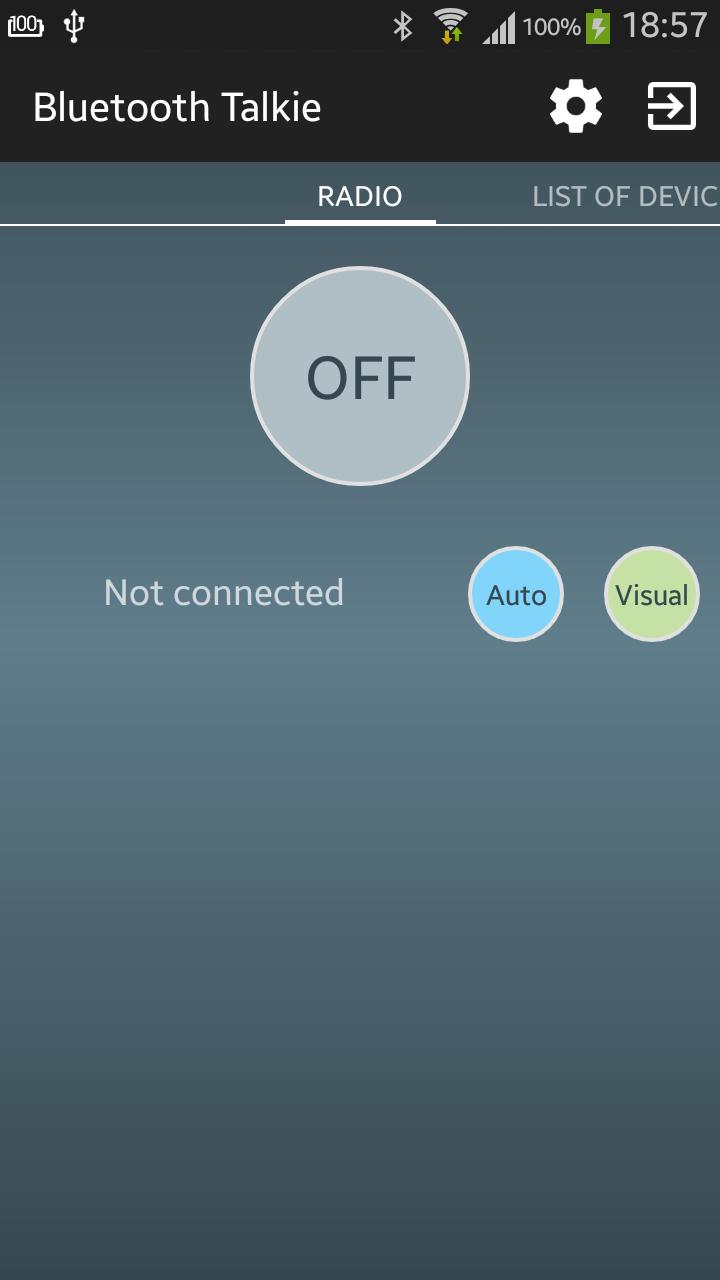
Bluetooth Talkie - is an application that simulates the operation of the portable devices Reception (The radio, Walkie-Talkie). Bluetooth Talkie works via bluetooth adapter on your device and allows you to negotiate a one-way communication mode.

_______________________

Features of the app:

- Quick search and connect the two devices;

- Simple and intuitive interface;

- The ability to automatically connect when the connection is lost;

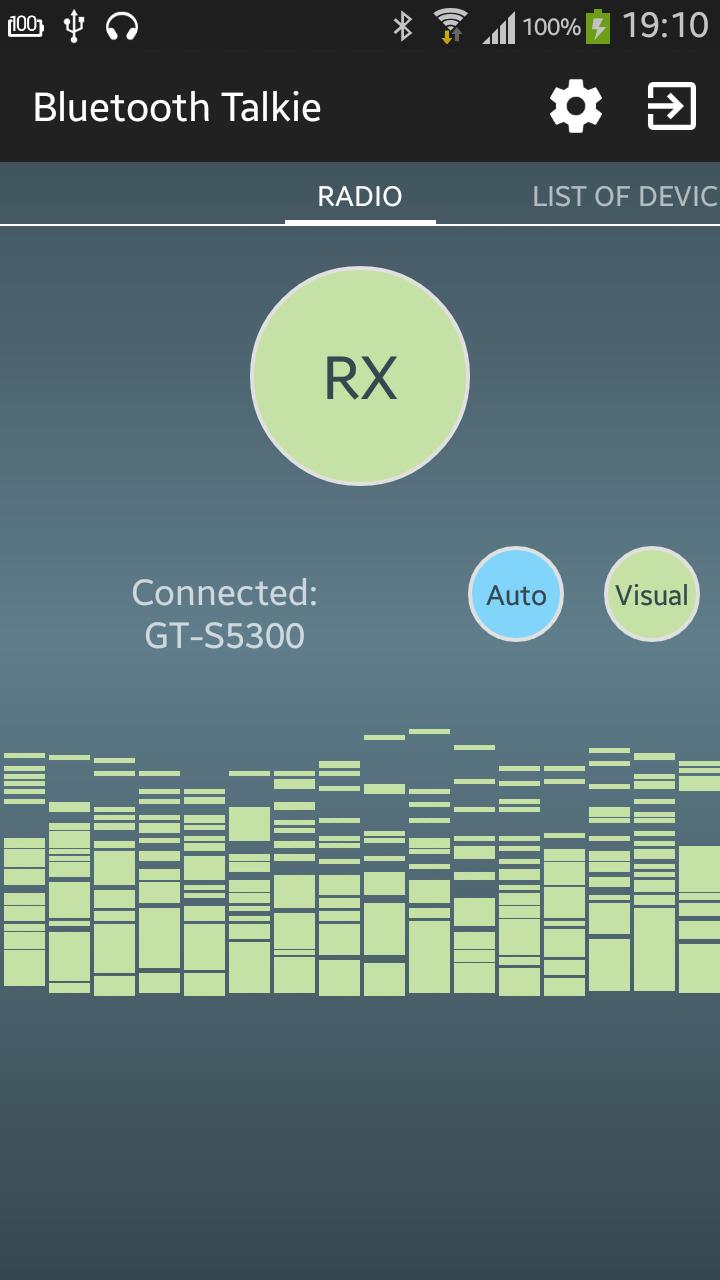
- The ability to visualize the input audio stream;

- The use of a headset to transmit messages;

- The ability to customize the use of sound and vibrations;

- The application has many ways to use;

____________________________

How to use the application:

Using BluetoothTalkie is easy!

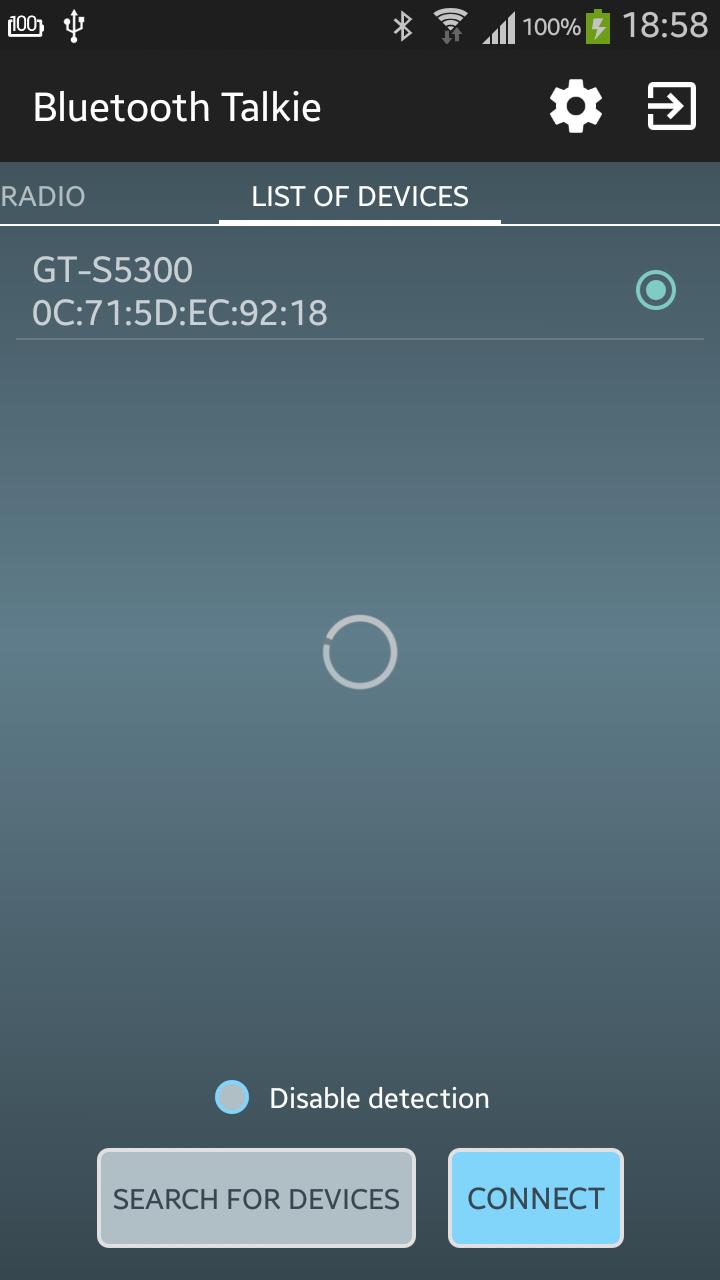
On two adjacent devices must be installed BluetoothTalkie and enabled adapter bluetooth. If your phones has not been connected via bluetooth, it is necessary to search devices. In the "list of devices" perform to search for devices. After scanning, displays a list of devices (name and mac-addr) with enabled bluetooth. If the desired device is not listed, try to include the detection and search again.

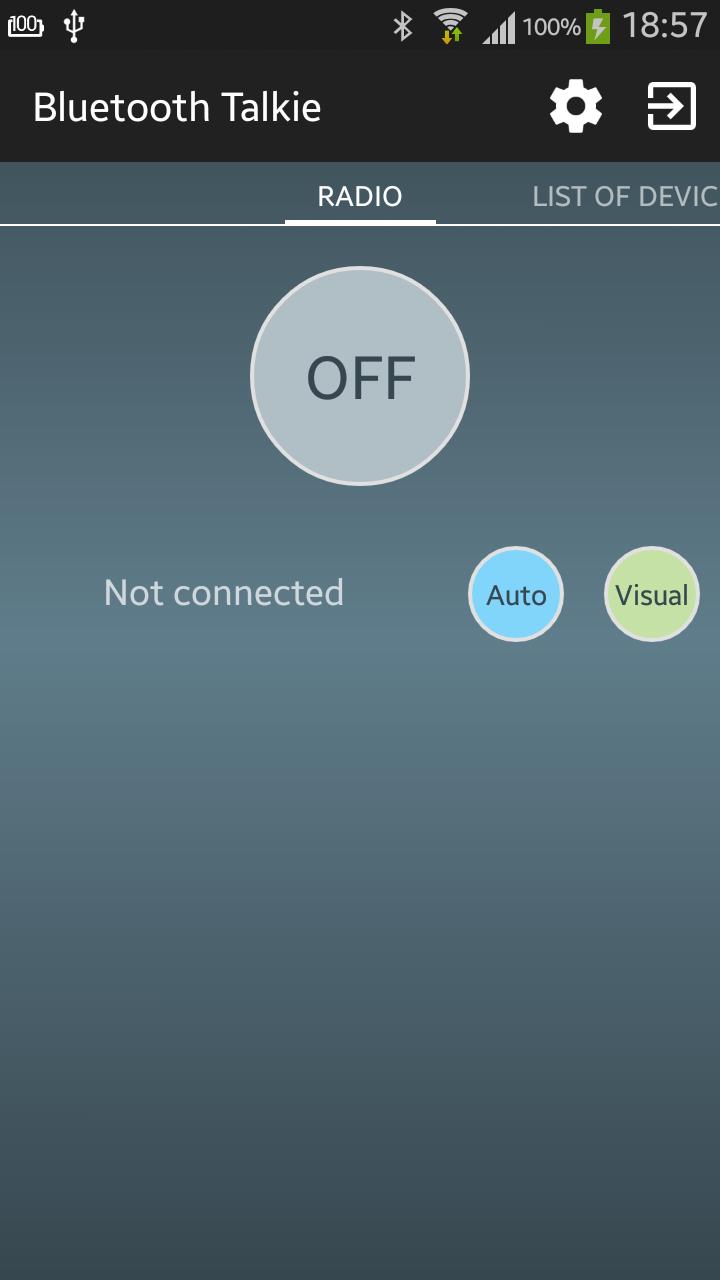
Next, select the device from the list of the interlocutor and click "connect". After connecting in the "radio" will be the name of the connected device. Now your device is in the "waiting" and you can talk. First the user selects "transfer" (TX) and says, the second user device automatically switches to "reception" (RX) - listening as long as the first user does not switch to "waiting".
Download(1.83MB)
Users also viewed
  • Canada Dating Online Interracial

    Canada Dating Online Interracial

    2.0.0 May 30, 2026
  • Nerd Out

    Nerd Out

    5.62.8 May 29, 2026
  • Gulf2Talk

    Gulf2Talk

    2.0.07 May 28, 2026
  • Moments Widget

    Moments Widget

    1.0.27 May 28, 2026
  • Dream Voiz

    Dream Voiz

    1.15 May 27, 2026
  • whatG

    whatG

    1.0.2 May 27, 2026
  • NEC uMobility

    NEC uMobility

    1.5.0.31 May 27, 2026
  • myZings

    myZings

    1.1 May 24, 2026
  • Death Note Pad

    Death Note Pad

    4.9 May 23, 2026
  • Kawaiify

    Kawaiify

    1 May 23, 2026
  • Free Dating Apps - Find love and dates online free

    Free Dating Apps - Find love and dates online free

    2 May 21, 2026
  • Meu Procon RJ

    Meu Procon RJ

    1.0.4 May 21, 2026
  • SMS Center - Send SMS from PC

    SMS Center - Send SMS from PC

    3.22 May 21, 2026
  • Christian Dating & Chat Rooms

    Christian Dating & Chat Rooms

    3.8 May 20, 2026
  • JITO World

    JITO World

    4.3 May 20, 2026
About Privacy Policy Terms of Service Cooking Policy

© Copyright 2017-2026 downzr.com