• Home
  • Games
    Action-adventure Simulation Business Role Playing Sports Competition Casual Intelligence Card Strategy Music Rhythm Text Puzzle Flying Shooting Love Development
  • Apps
    Business Office Newsletter Social Life Entertainment Online Shopping Practical Tools Travel Financial Management Educational Learning Information Reading Sports and Health
  • Articles

English 中文(简体) 中文(繁体) 한국어 日本語 Português Español Русский العربية Indonesia Deutsch Français ภาษาไทย
Home Apps Practical Tools Bluetooth GPS Status Tool
Bluetooth GPS Status Tool

Bluetooth GPS Status Tool

1
2
3
4
5
Download
  • Version 1.0.1
  • Category Practical Tools
  • Package Name com.namsung.xgps150
  • Update Time February 10, 2026
  • Size 1.2MB
About this app

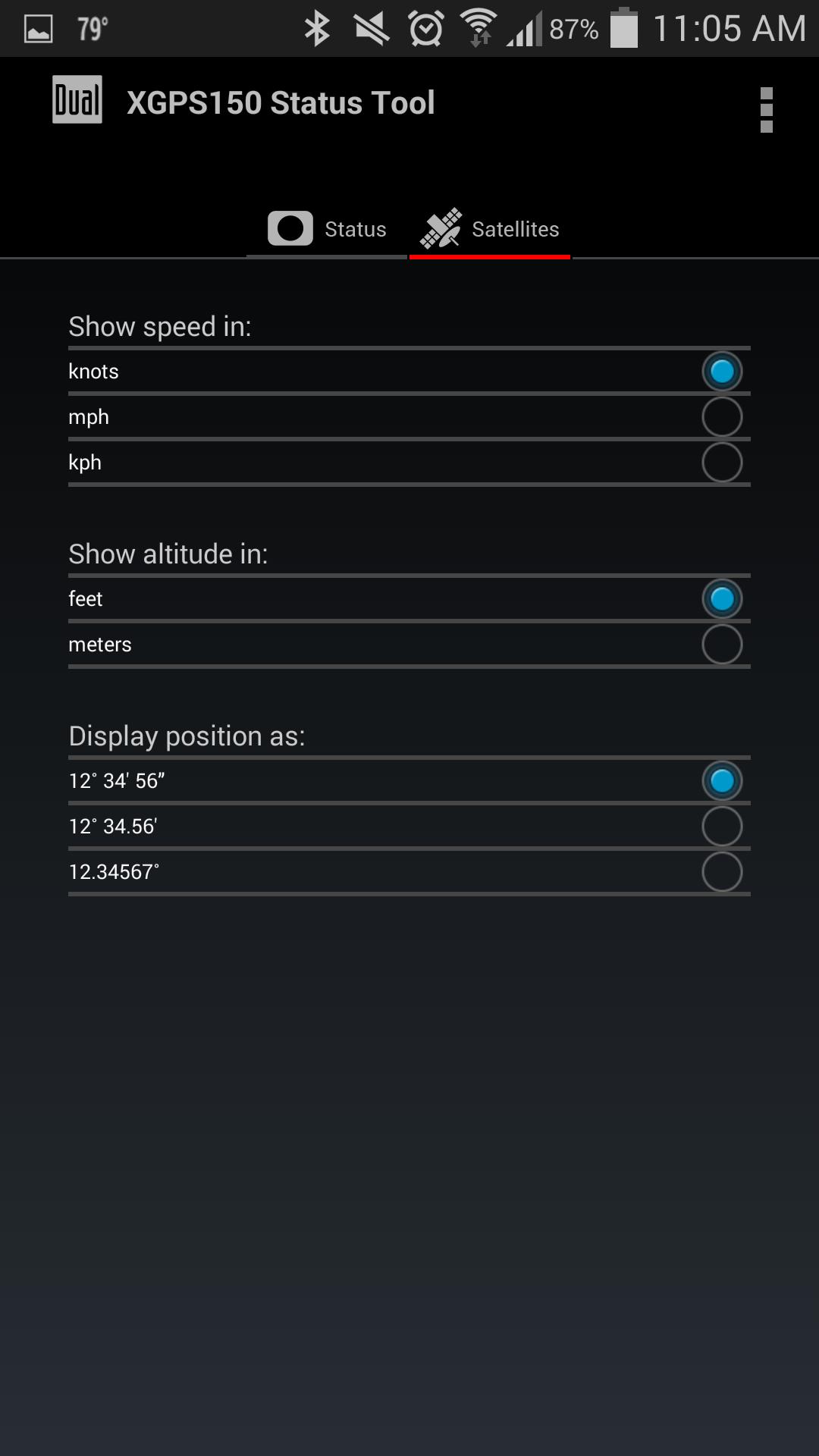
This application shows the device status of Dual XGPS150/XGPS150A/XGPS150E

The Dual Bluetooth GPS Status Tool is a simple utility application for use with the Universal Bluetooth GPS Receiver from Dual Electronics, models XGPS150 and XGPS150A. This app also works with the Axxera Universal Bluetooth GPS Receiver, model XGPS150E, sold in Europe.

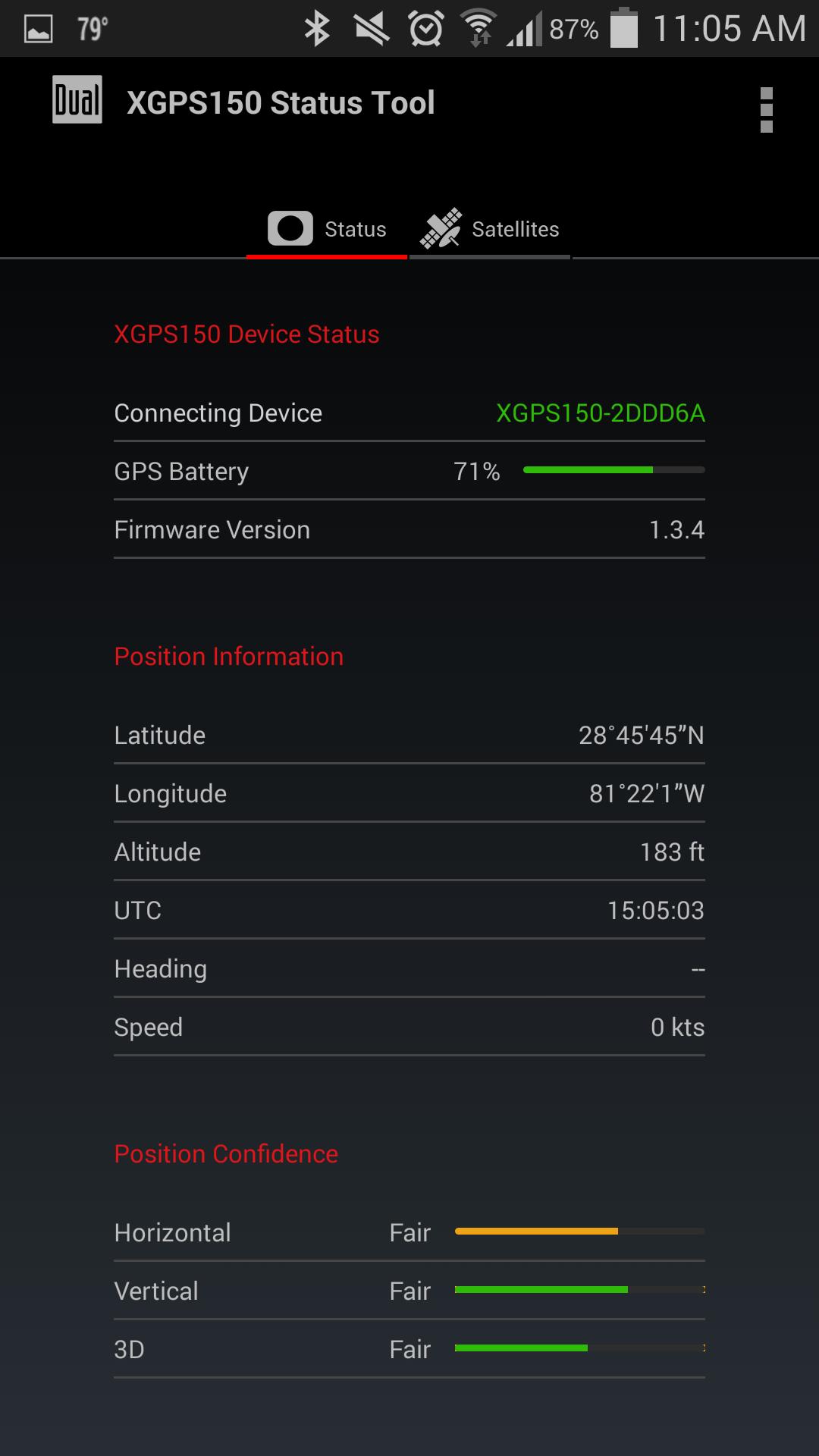
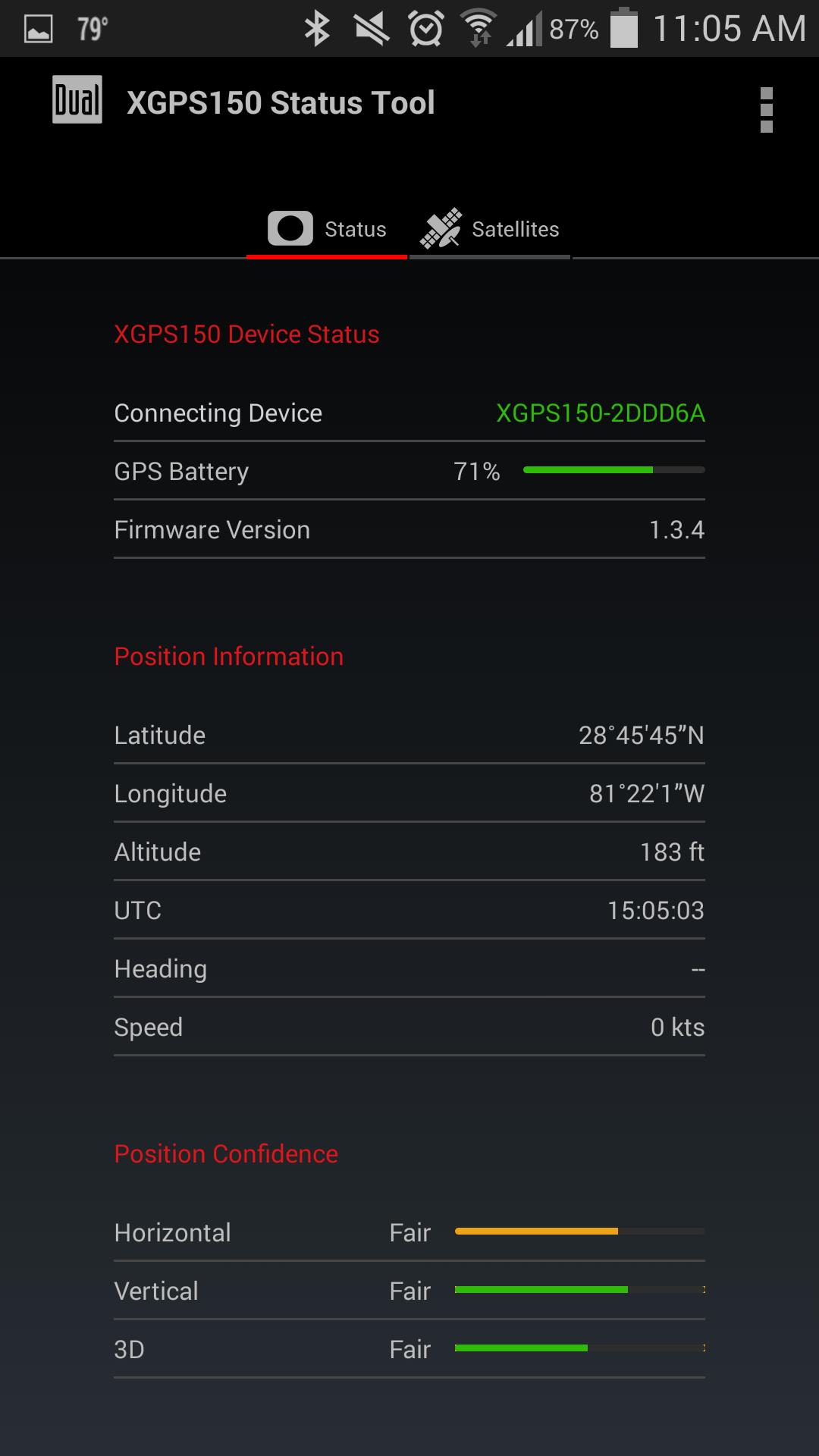
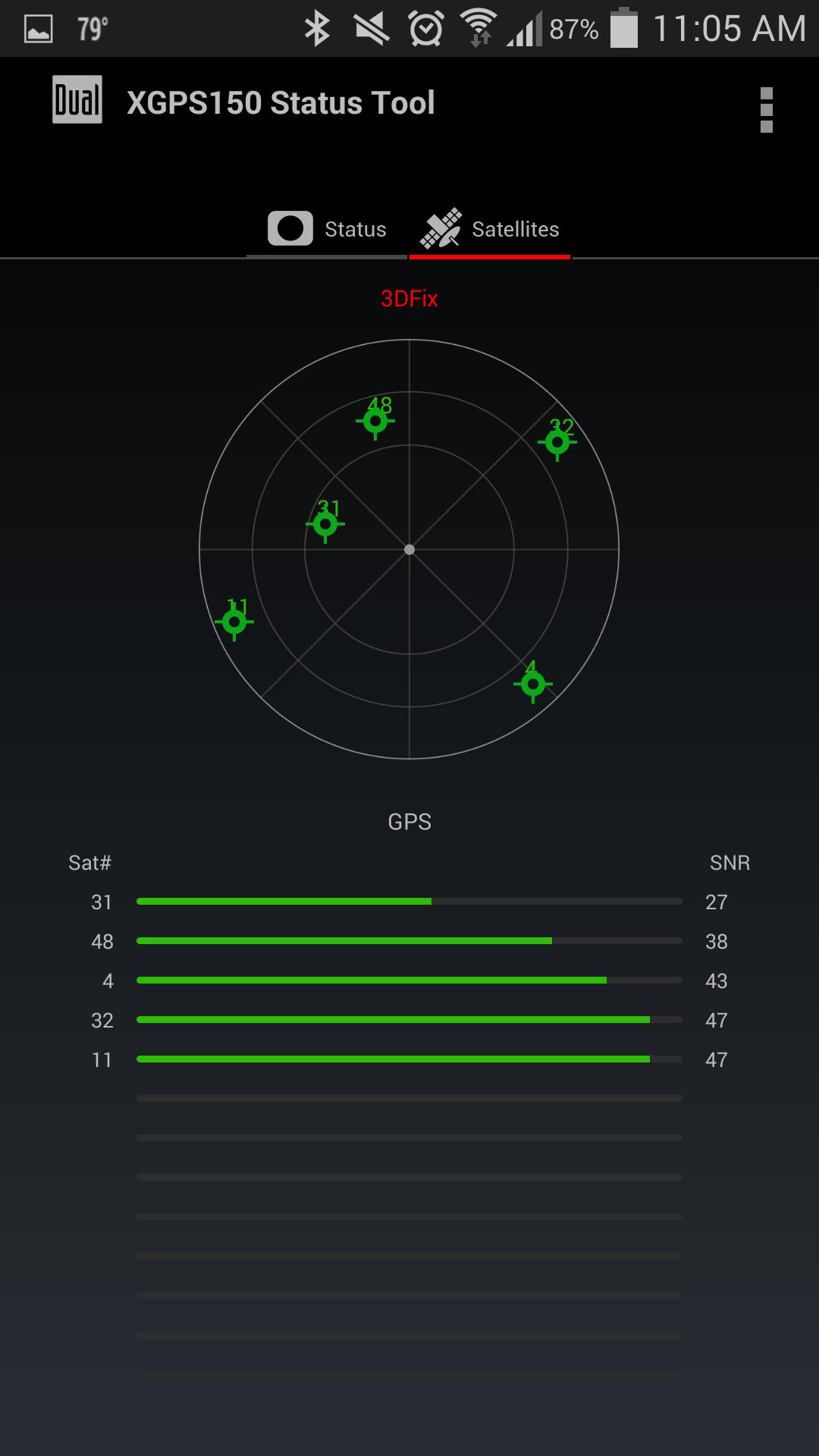
This app shows detailed information from the GPS Receiver including:

- The number of GPS satellites in view and their signal strength

- The current location, or an indication that the device is still waiting for satellite information

- The connection status of the GPS receiver

- The battery status of the GPS receiver

This app includes the GPS helper app function which is required for an external Bluetooth GPS receiver to connect to Android devices. A third-party GPS helper application is no longer required when using this app.

Please make sure this app is running in the background at all times. This will allow all apps to use GPS information from the GPS Receiver.

Android devices require “Allow mock location” to be enabled in order to receive GPS information from an external GPS device.

To enable this feature, please follow the steps below:

Android version 2.0 to 4.1:

1. Go to the Settings menu

2. Find "Developer Options" under the Settings menu

3. Find and check “Allow mock locations.”

Android version 4.2 and later:

1. Go to the Settings menu, and find "About phone/About device".

2. Find “Build number" under "About phone/About device".

3. Tap “Build number” seven (7) times. A “You are now a developer!” message will appear.

4. Go back to the Settings menu.

5. Find the “Developer options” setting under the Settings menu.

6. Find the “Allow mock locations” under the “Developer options”

7. Check “Allow mock locations”
What's New in the Latest Version 1.0.1

Last updated on Sep 7, 2016 Changes in 1.0.1
- minor visual changes
- minor text fixes
Download(1.2MB)
Users also viewed
  • Spoof Email

    Spoof Email

    2.0 February 11, 2026
  • ZaanseSchans LINElaucnhertheme

    ZaanseSchans LINElaucnhertheme

    4.1 February 10, 2026
  • Wild Horses Keyboard

    Wild Horses Keyboard

    1.0 February 10, 2026
  • House Plan Designs Ideas

    House Plan Designs Ideas

    2.0 February 10, 2026
  • NOAA Weather

    NOAA Weather

    7.33.3 February 10, 2026
  • M-Box Theme - ZERO launcher

    M-Box Theme - ZERO launcher

    2.0 February 9, 2026
  • Bamboo Tiger Trial

    Bamboo Tiger Trial

    2.5.0 February 8, 2026
  • Light Train Simulator - Train Games 2021

    Light Train Simulator - Train Games 2021

    1.7 February 8, 2026
  • Stripe Line

    Stripe Line

    1.1.2 February 8, 2026
  • HD Dragons Live Wallpaper

    HD Dragons Live Wallpaper

    3.4 February 8, 2026
  • My Remote for Movistar Chile

    My Remote for Movistar Chile

    2.0.3 February 7, 2026
  • PaintBucket theme preview

    PaintBucket theme preview

    1.0 February 7, 2026
  • Cute Pink Vera Inspired Theme

    Cute Pink Vera Inspired Theme

    1.0 February 7, 2026
  • Blue Fantasy

    Blue Fantasy

    5.2 Dark Beige February 7, 2026
  • Super Clock Wallpaper Free

    Super Clock Wallpaper Free

    2.0.3 February 7, 2026
About Privacy Policy Terms of Service Cooking Policy

© Copyright 2017-2026 downzr.com