• Home
  • Games
    Action-adventure Simulation Business Role Playing Sports Competition Casual Intelligence Card Strategy Music Rhythm Text Puzzle Flying Shooting Love Development
  • Apps
    Business Office Newsletter Social Life Entertainment Online Shopping Practical Tools Travel Financial Management Educational Learning Information Reading Sports and Health
  • Articles

English 中文(简体) 中文(繁体) 한국어 日本語 Português Español Русский العربية Indonesia Deutsch Français ภาษาไทย
Home Apps Business Office BLEUnlock (for Fitbit)
BLEUnlock (for Fitbit)

BLEUnlock (for Fitbit)

1
2
3
4
5
Download
  • Version 1.6
  • Category Business Office
  • Package Name com.druidapps.bleunlock
  • Update Time January 28, 2025
  • Size 1.87MB
About this app

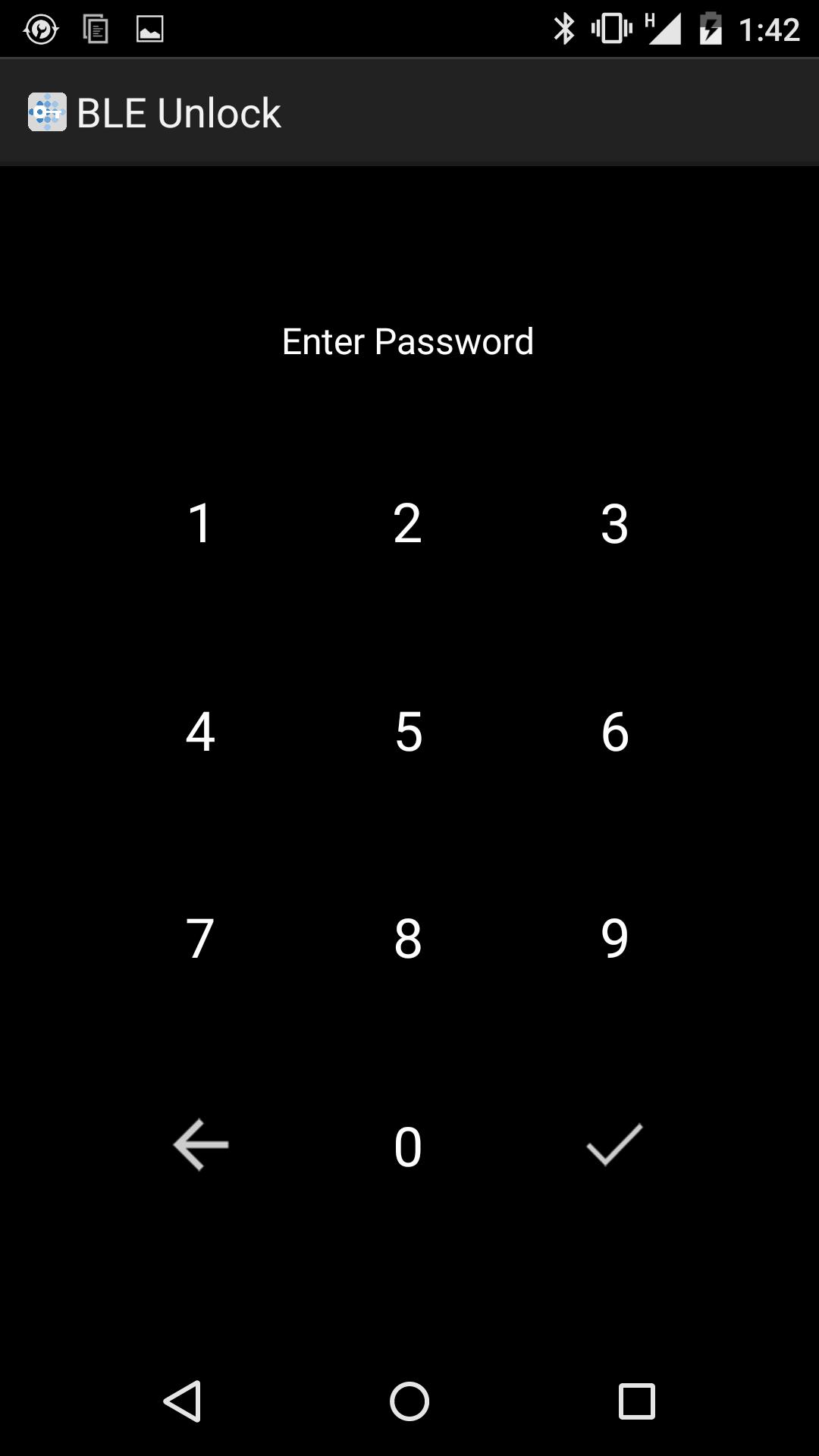
Unlock your smartphone/tablet using a BLE device. Perfect for Fitbit Flex!

DEMO Version

Unlock your smartphone/tablet when it is near your BLE (Bluetooth Low Energy) device such as Fitbit Flex. Automatically locks your phone/tablet when your BLE device is away.

How it works:

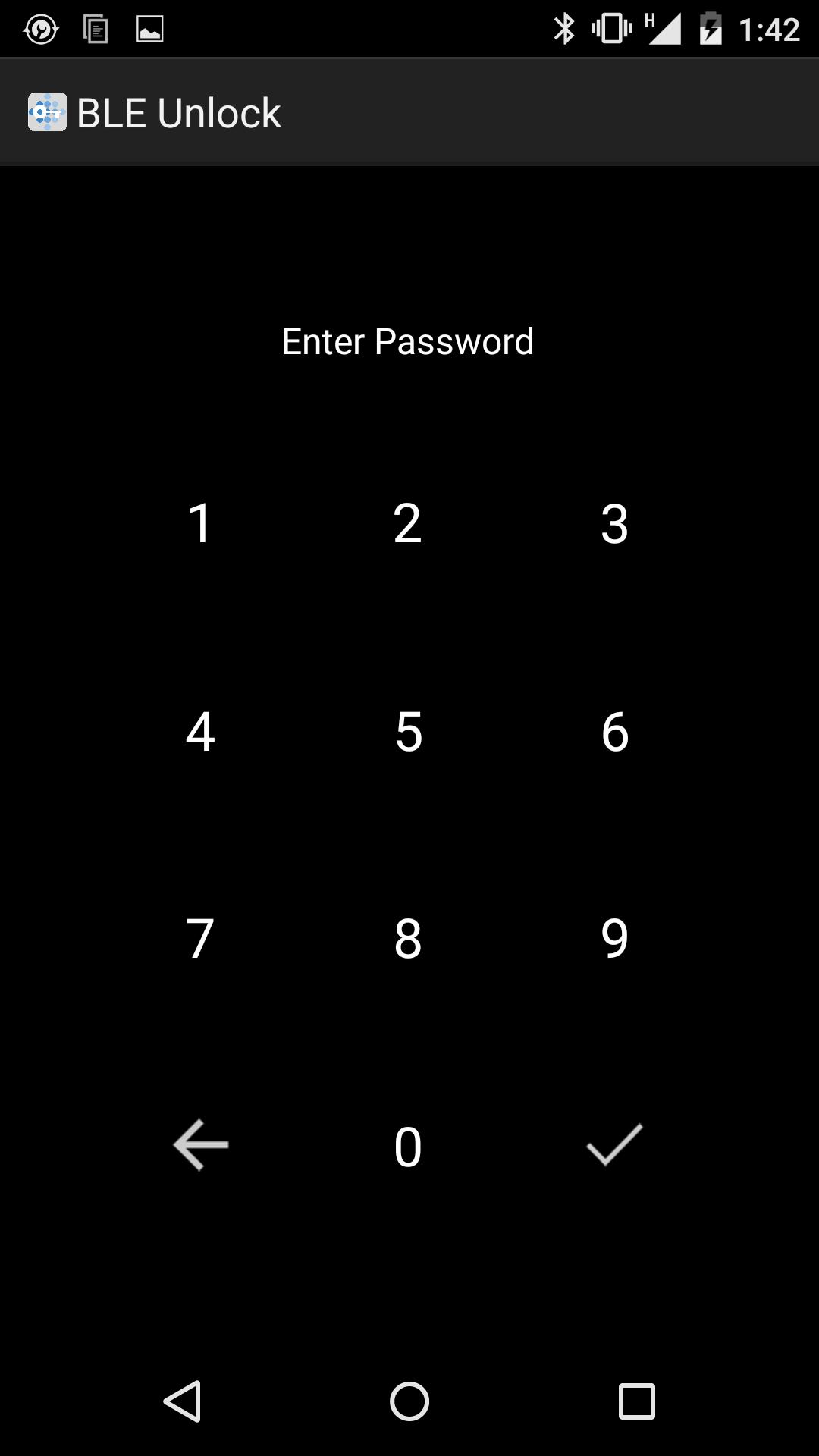
1. Make sure your BLE device is near your phone/tablet when setting up the application. When opening the settings for the 1st time, the default password is:0000. Please do not forget to change this to your preferred password.

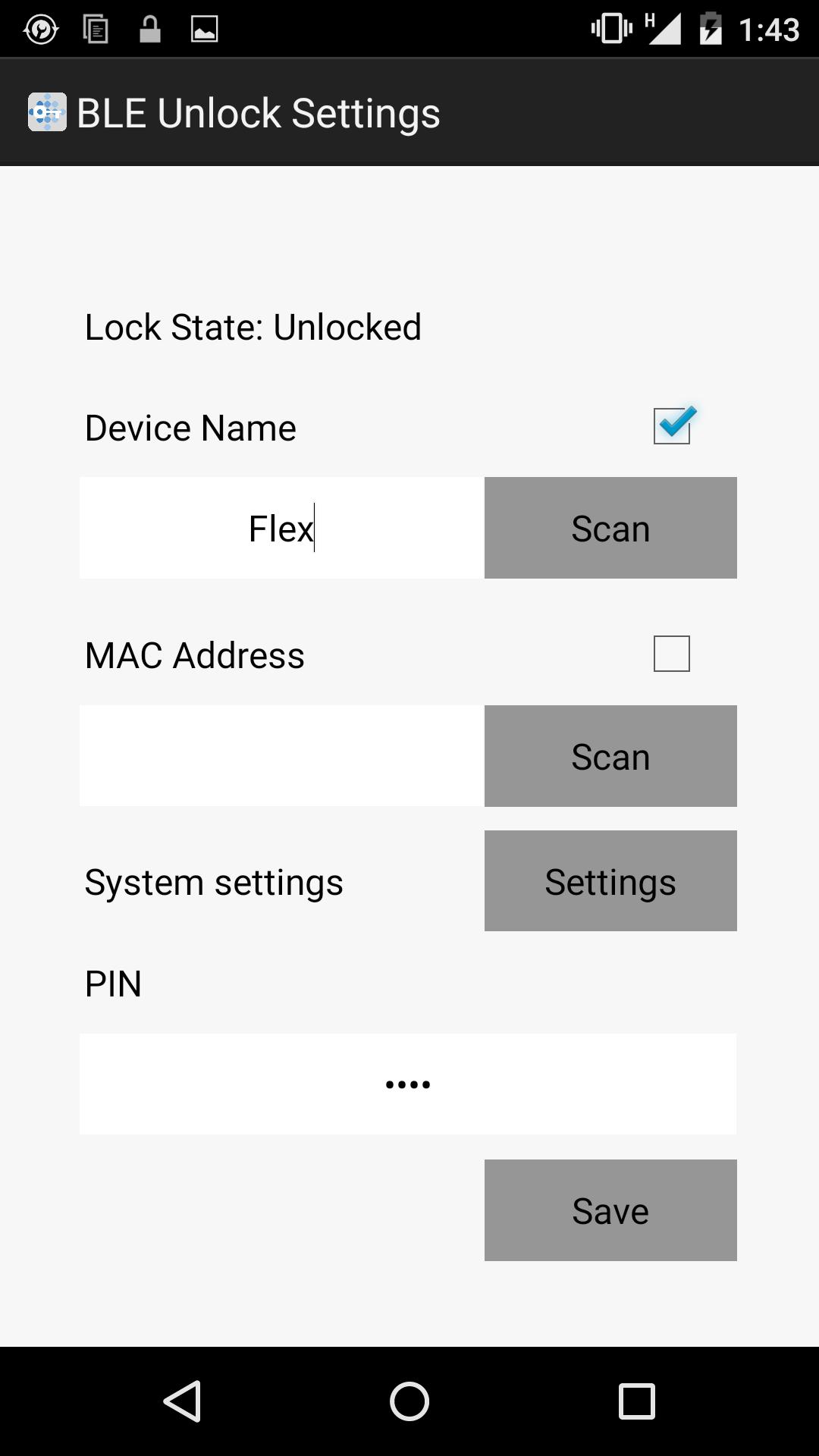
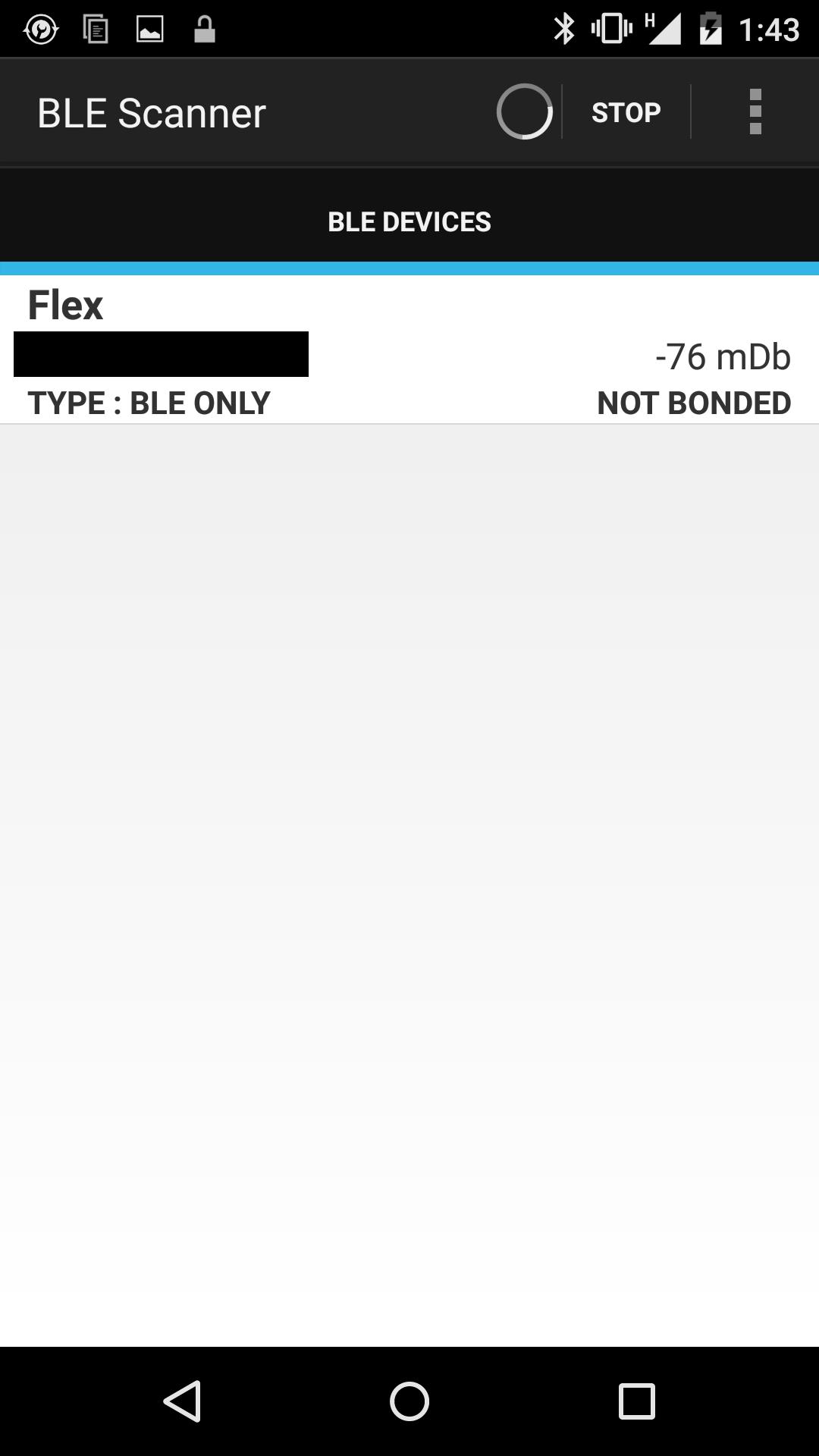
2. Use the device name (as seen by your device or any BLE scanner app in Play Store) for a simpler setup.

3. Use the device MAC address (as seen by any BLE scanner app in Play Store, link for preferred app is accessible from the app settings) for a more secure setup.

4. Set your device security settings to Swipe to turn off Android's default pin/password.

5. Set your pincode and Save. That simple!

How frequent does it perform a scan:

1. When the phone/tablet is active, it checks the BLE device every 60 seconds.

2. When the phone/tablet is in sleep mode, it checks the BLE device every 120 seconds.

3. Scan intervals are the minimum possible without affecting your battery life.

Demo Version:

- Use only the BLE device name. Warning: Any device nearby with matching name can unlock your phone/tablet. Useful only for testing the app.

Full Version:

- Use the BLE MAC address for more secure setup.

Have Feedback?

- The developer appreciates it if you can feedback anonymously at http://druidapps.weebly.com/feedback

Application is based on Tasker/Tasker App Factory. For more information you may check out Tasker at:

https://play.google.com/store/apps/details?id=net.dinglisch.android.taskerm&hl=en

What's New in the Latest Version 1.6

Last updated on Mar 6, 2016 version 1.6:
- fixed bug on BT when Fitbit app is closed.
Download(1.87MB)
Users also viewed
  • Face Recognition with OpenCV

    Face Recognition with OpenCV

    2.2 January 14, 2026
  • Followme-Social Trading

    Followme-Social Trading

    6.6.0 January 11, 2026
  • Paper3D (Cardboard)

    Paper3D (Cardboard)

    1.0 January 11, 2026
  • HTML/MHTML Viewer - Editor

    HTML/MHTML Viewer - Editor

    1.5.5 January 10, 2026
  • Natural Notes

    Natural Notes

    4.0 January 10, 2026
  • Echo Agent

    Echo Agent

    1.77 January 9, 2026
  • AlphaFile

    AlphaFile

    1.4.0 January 9, 2026
  • UID Lookup for Android

    UID Lookup for Android

    1.0 January 8, 2026
  • 8-Bit Paint

    8-Bit Paint

    2.1 January 8, 2026
  • Pinpoint Works

    Pinpoint Works

    4.1.14 January 6, 2026
  • Xenia Team

    Xenia Team

    10.5.1 January 6, 2026
  • Emoticons pack, People

    Emoticons pack, People

    1.0.1 January 6, 2026
  • Todo Cloud

    Todo Cloud

    10.4.25 January 5, 2026
  • Spell Checker Editor

    Spell Checker Editor

    1.23 January 4, 2026
  • Modern Pen

    Modern Pen

    1.72 January 4, 2026
About Privacy Policy Terms of Service Cooking Policy

© Copyright 2017-2026 downzr.com