• Home
  • Games
    Action-adventure Simulation Business Role Playing Sports Competition Casual Intelligence Card Strategy Music Rhythm Text Puzzle Flying Shooting Love Development
  • Apps
    Business Office Newsletter Social Life Entertainment Online Shopping Practical Tools Travel Financial Management Educational Learning Information Reading Sports and Health
  • Articles

English 中文(简体) 中文(繁体) 한국어 日本語 Português Español Русский العربية Indonesia Deutsch Français ภาษาไทย
Home Apps Sports and Health Billard Aiming Calculator Pro
Billard Aiming Calculator Pro

Billard Aiming Calculator Pro

1
2
3
4
5
Download
  • Version 1.2
  • Category Sports and Health
  • Package Name com.billard
  • Update Time October 18, 2026
  • Size 2.73MB
About this app

Would you like to improve your pool game? If so, this App will be for you!

Would you like to improve your pool game?

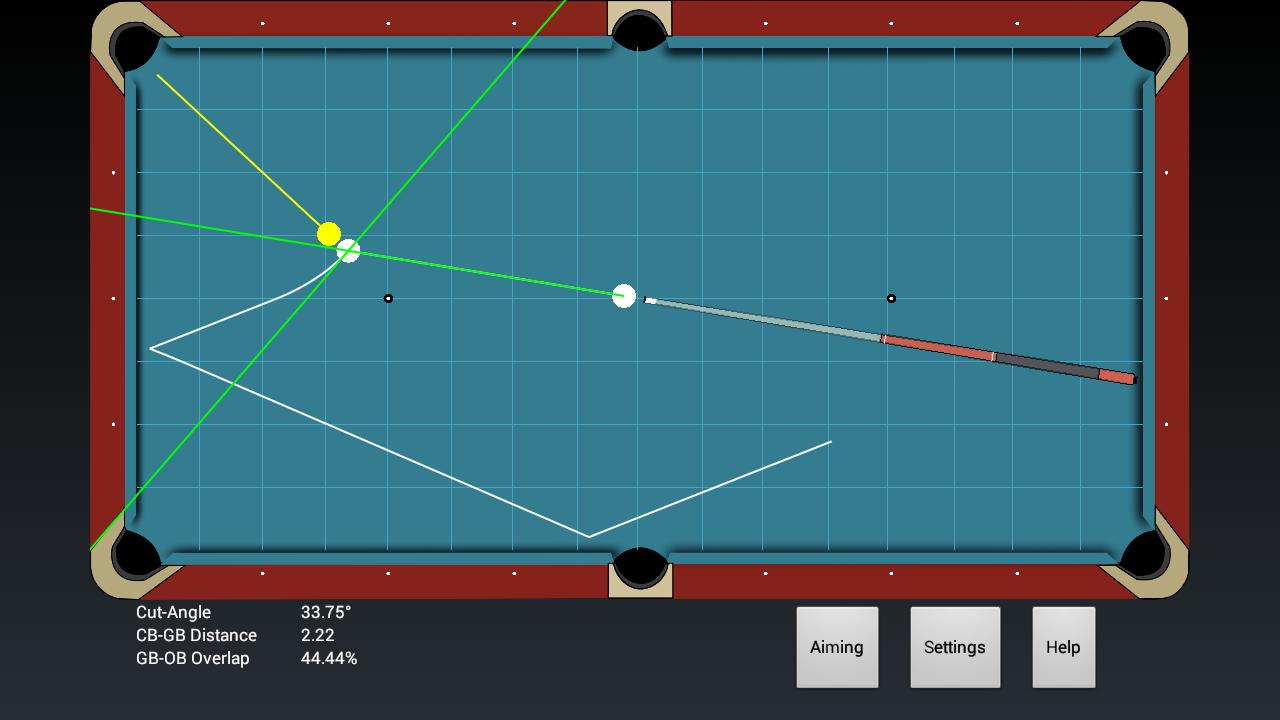
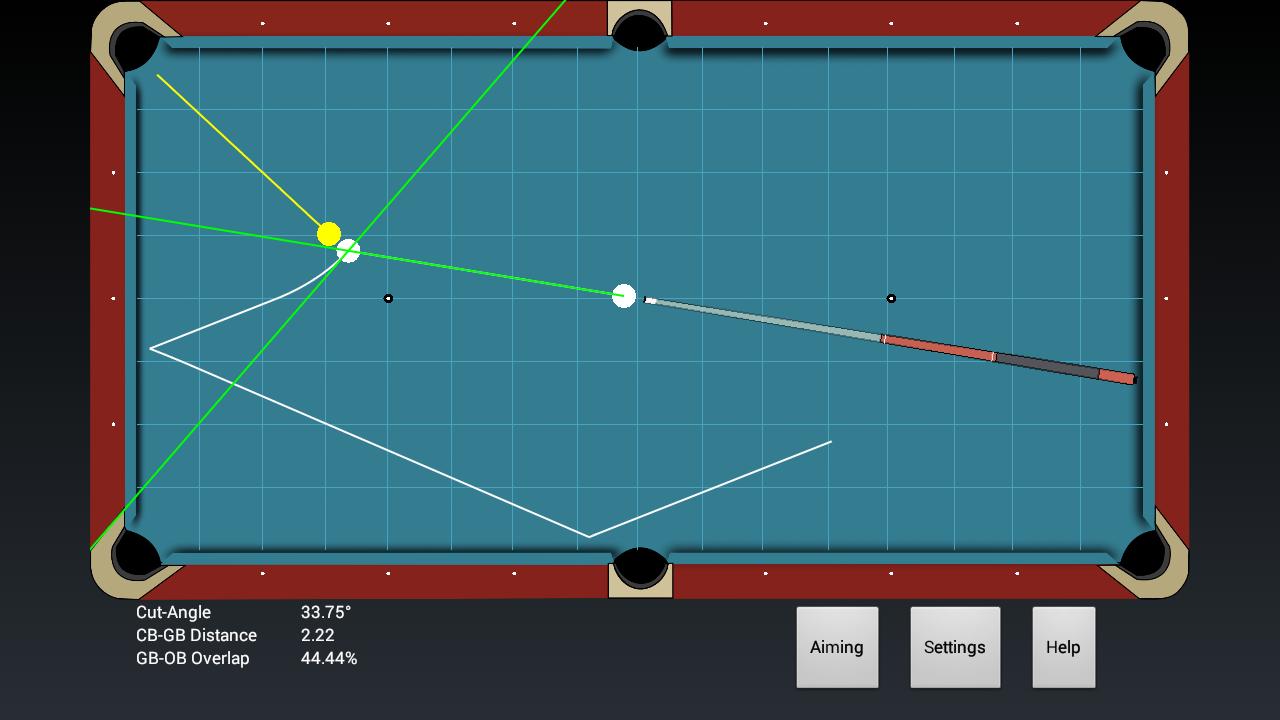
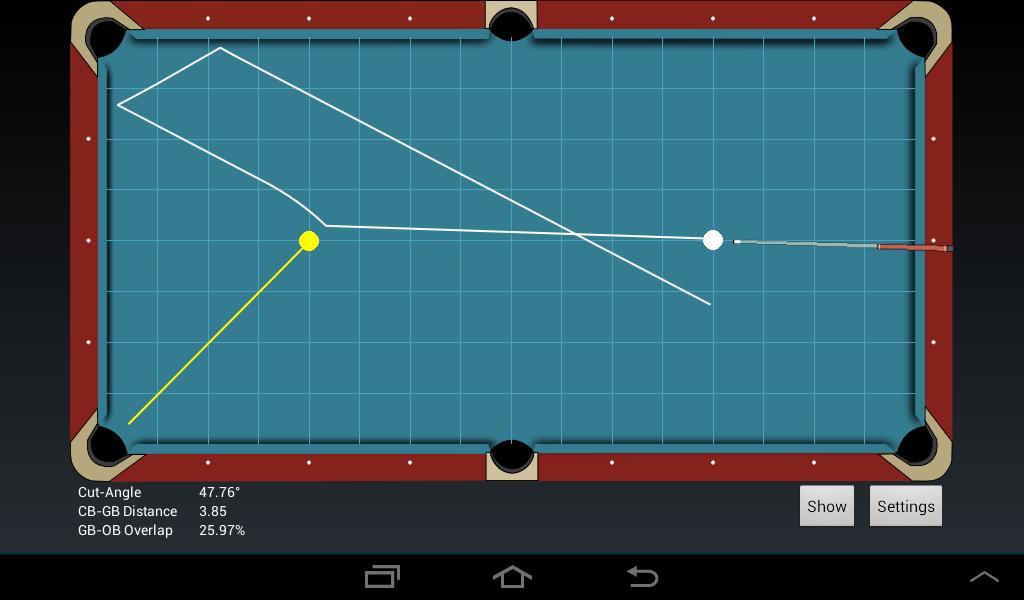
Would you like to see the track lines of the cue- and objectball?

Would you like to learn more about position play?

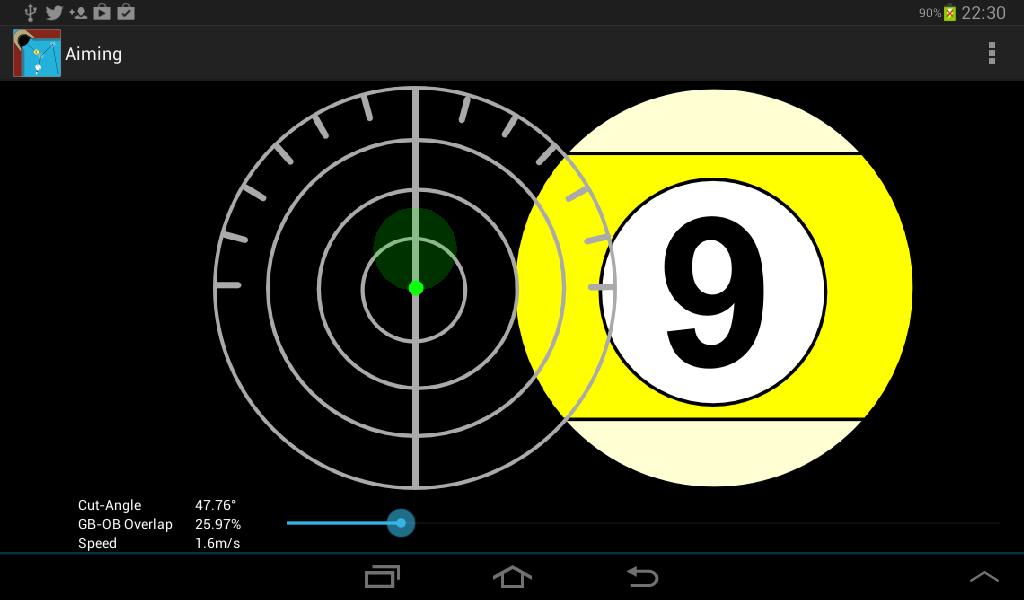
Would you like to understand the effect of sidespin, follow and draw shots?

If so, this powerful App will be for you!

Position the cue- and objectball on the table and wipe your finger in horizontal and vertical directions to rotate the cuestick around the cueball. The track lines are computed immediately. Set the speed of your stroke and position the cuetip on the cueball to get more control for the cueball. Would you like to find a good strategy for a drill? Just open the option panel and add more balls! Move the balls to the right position for planning your drill. The simulation takes care on all balls! Have a look at the computed cutangle and try the shot on a real table.

The missing manual

1. Move finger up and down on screen to move the cue around the cue-ball "SLOWLY"

2. Move finger left and right on the screen to move the cue around the cue-ball "FAST"

3. Tap and hold cue ball, or object ball(s) to reposition the ball, and use red-crosshair for precision in positioning

4. Push the Aiming button and tap and hold the green cue tip. Move it up for a follow shot and move it down for a draw shot. Left or right for sidespin.

5. Change the stroke speed with the slider below

6. Push the Settings button and change the number of balls, or set the tangent line to show mode...

Only tested on devices with resolution: 1024x600 and 1280x720
What's New in the Latest Version 1.2

Last updated on Sep 7, 2015 It's now easier to position the balls with the help of a bigger red-cross under the finger
Download(2.73MB)
Users also viewed
  • Clinical Lab ( IV Dose )

    Clinical Lab ( IV Dose )

    1.0 October 19, 2026
  • Bite!

    Bite!

    4.4.3 October 18, 2026
  • Euro

    Euro

    1.0 October 18, 2026
  • Infusions

    Infusions

    6.2 October 18, 2026
  • vv Naaldwijk

    vv Naaldwijk

    2.0.50 October 18, 2026
  • Tenno Sushi

    Tenno Sushi

    2.8.7 October 18, 2026
  • myMG

    myMG

    4.0.2 October 17, 2026
  • Hypno To Go

    Hypno To Go

    1.1 October 17, 2026
  • The Official SANFL App

    The Official SANFL App

    4.8.13 October 17, 2026
  • Beard Style Photo Editor

    Beard Style Photo Editor

    1.12 October 17, 2026
  • Peacock Photo Frames HD

    Peacock Photo Frames HD

    1.4 October 17, 2026
  • Safe Pregnancy and Birth

    Safe Pregnancy and Birth

    0.9.1 October 17, 2026
  • Dr Joy dental clinic UAE

    Dr Joy dental clinic UAE

    1.5 October 16, 2026
  • Mobile REMM

    Mobile REMM

    5.0.8 October 15, 2026
  • Wazifa for Beautiful Face

    Wazifa for Beautiful Face

    1.2 October 14, 2026
About Privacy Policy Terms of Service Cooking Policy

© Copyright 2017-2026 downzr.com